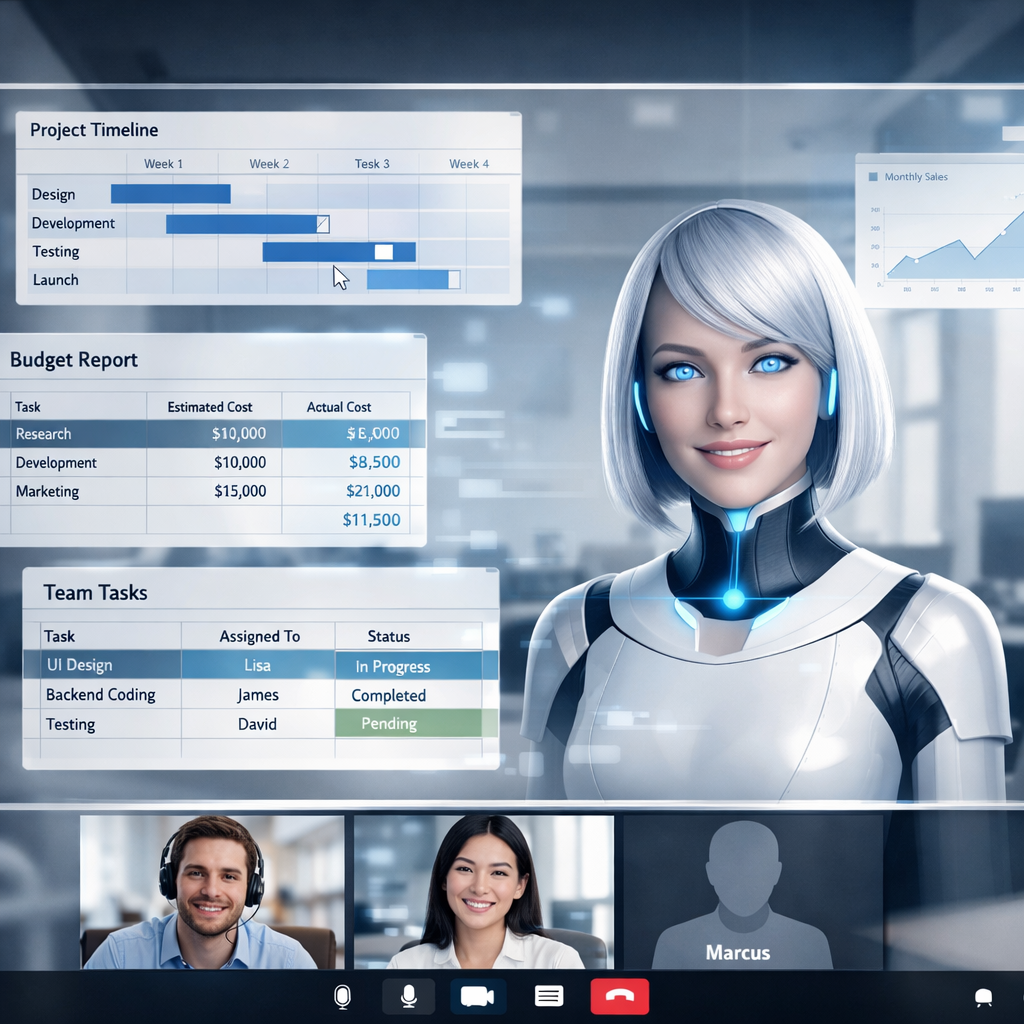
Anthropic has rolled out several new tools focused on boosting productivity at work: Claude Meetings, Claude Whiteboards, and Claude Sheets. These features aim to let teams turn conversations into plans, timelines, and actionable to-dos—all while they’re still talking.
Real-Time Action with Claude Meetings
Claude Meetings lets you bring the AI right into video calls as a live participant. As people speak, the AI drafts plans, outlines timelines with whiteboards, responds in chat, and pulls in info from connected work apps—like last year’s metrics—so meetings generate tangible output in real time. Once the call wraps, it produces meeting notes and action items accessible through claude.ai. To protect privacy, Claude clearly indicates it’s attending, requires admin approval before joining meetings with external guests, and exits automatically if someone outside the organization joins. The beta release is available now for Team and Enterprise plans via Google Meet, with additional platforms planned.
Brainstorming & Collaboration: Whiteboards and Sheets
Claude Whiteboards provides a canvas for teams to map out ideas together. As discussions unfold, the board shapes up in real-time, converting plans into visual workflows complete with deadlines and deliverables. When brainstorming concludes, the output can be transformed into documents or slide decks. It’s available on paid plans, across web, desktop, and mobile.
Meanwhile, Claude Sheets helps with collaborative spreadsheet work. Tasks like building campaign trackers or managing budgets are made easier: Claude creates the initial sheet layout with multiple tabs, formulas, dropdowns, formatting, and lets the team edit directly. Every change is visible, with the assistant annotating its edits to maintain clarity. This feature is also live in beta for paid plan users on all major platforms.
More Ways to Bring Data Into Your Workflow
Earlier, a tool now named Claude Data (formerly Claude Dashboards) moved out of beta and became generally available. It links Claude to data warehouses, CRMs, and other backend systems. Users can ask questions and receive dashboards, narrative data explanations, or even narrated video summaries. Additionally, interactive connectors enable full versions of tools like Adobe, Atlassian, HubSpot to open inside Claude—allowing teams to call on those tools without leaving their Claude workspace.
This feature rollout comes soon after a similar push by competitors to embed AI tools deeply into the workplace. The goal is increasingly to transform AI assistants into full-suite platforms that can rival Microsoft and Google’s dominance in enterprise tools.
Analytical Angle: These updates push Claude from being a reactive assistant to a proactive collaborator. Embedding Claude into ongoing discussions could shift how teams plan, collaborate, and execute—especially when deliverables often lag far behind decisions made in meetings. The risk will be maintaining relevance without becoming intrusive, ensuring privacy controls are airtight, and integrating seamlessly with tools teams already use. Keep an eye on how adoption scales, how users respond to interface friction, and whether these real-time features live up to promise or become just another background noise in virtual meetings.