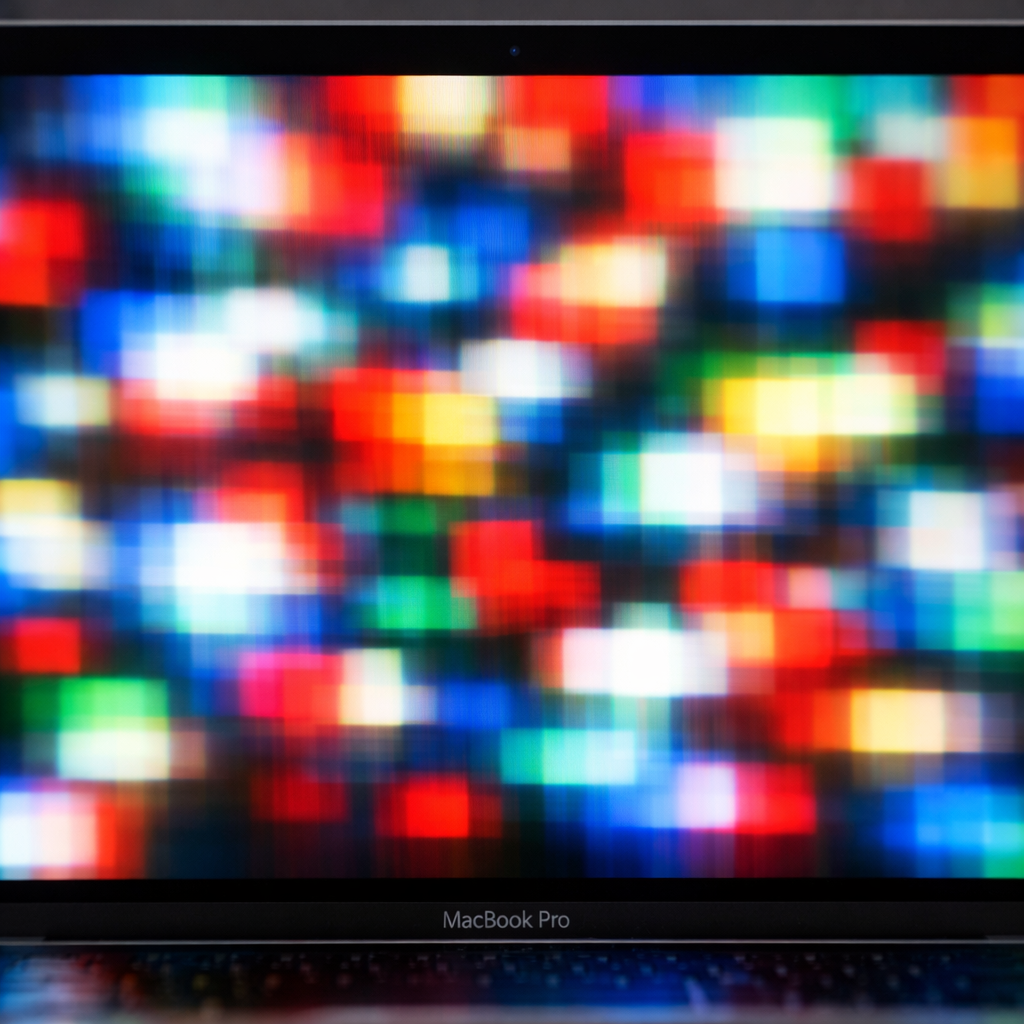
Recent owners of the new MacBook Pro with PROLED display are reporting dizziness, headaches, and eye strain. At the heart of the issue is pulse width modulation (PWM), a technique used to dim OLED panels by rapidly turning individual color cells on and off. Some users are sensitive to this flashing—even though it happens so fast it’s barely noticeable. The combination of low “on” time (related to brightness), rapid switching speed (frequency), and the size of the screen appears to worsen the effects.
Why Some are More Affected Than Others
PWM isn’t new—it’s found in phones, TVs, and other OLED devices. What sets the MacBook Pro’s PROLED panel apart is its large, high-visibility screen running PWM at 240 Hz with about 56% flicker amplitude. Lower frequencies like those in early PWM tech are known to trigger what’s called flicker vertigo—causing nausea or disorientation—while higher-frequency PWM tends to stress those with photosensitive epilepsy or photophobia. These conditions may not have obvious outward signs, but users may still experience symptoms. People with migraines, certain head injuries, or heightened sensitivity to light are more prone to being affected, especially after long screen sessions.
Current Limitations and Advice
Despite the growing concerns, there are presently no macOS options to disable PWM on the PROLED MacBook Pro—unlike newer iPhones and iPad minis (post-iPhone 17) which include a Display Pulse Smoothing toggle in Accessibility settings, switching to voltage dimming to reduce flicker. For users already experiencing discomfort or known sensitivity, the safest route may be to stick with previous MacBook Pro models that avoid PROLED or opt for displays free of noticeable PWM. Medical guidance is clear: if using the device causes alarming symptoms, stop and consult a healthcare provider.
The introduction of PROLED marks a shift in MacBook Pro display tech—bringing higher contrast, better HDR performance, and deeper blacks. But power comes with trade-offs: while display innovations aim to elevate visuals, they can introduce new physical side-effects for certain users. The broader OLED/PROLED trend favors vibrant color, dynamic range, and efficiency—yet, for some people, the unseen cost is visual comfort.
Understanding PWM’s effects isn’t theoretical—retailers and Apple Support locations note an uptick in returns and complaints related to eye strain and fatigue among users of the PROLED machines. Those issues may not be immediately obvious to everyone—long exposure, bright ambient light, or fatigue can heighten sensitivity—and yet, even subtle flickering across a large screen occupies more of your field of view than a typical phone display.
Final Thoughts
This isn’t just an aesthetic or technical concern—it’s a health and usability issue for a meaningful subset of users. When display flicker is unavoidable, options like taking more breaks, dialing up screen brightness, or using external displays with less PWM can help. Going forward, it’s crucial for Apple to offer built-in solutions—such as a toggle like Display Pulse Smoothing—for PROLED MacBook Pros, or reduce PWM amplitude or frequency. Whatever happens, this is more than a specs war—it’s a matter of user wellbeing.