Screens, the remote desktop tool for iPhone, iPad, Mac, and Vision Pro from Edovia, has just released version 5.10. The update brings two highly requested features: remote audio streaming from Macs and automatic desktop resizing under Apple’s High Performance Screen Sharing mode. More subtle enhancements include a new Metal-based renderer and interface tweaks. Here’s what you need to know.
Remote Audio & Dynamic Desktop Resizing
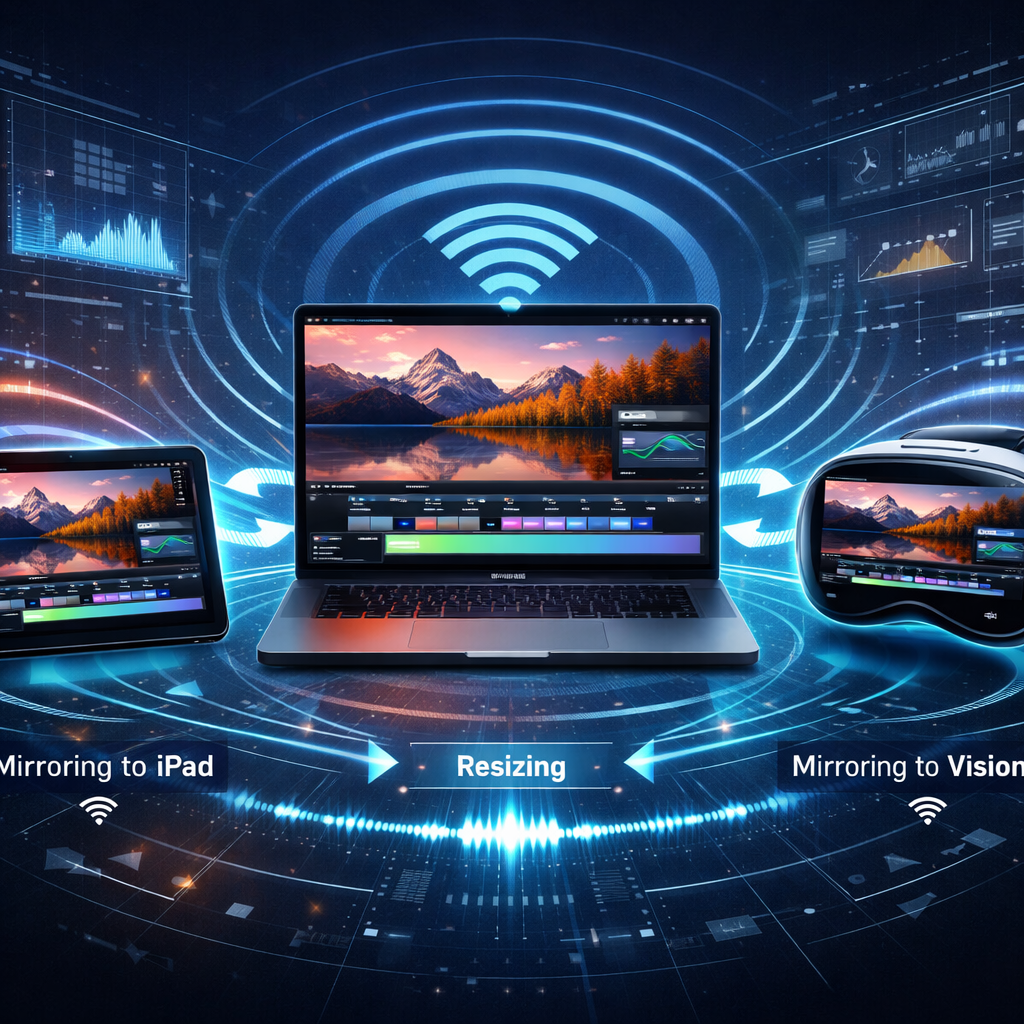
Until now, Screens users had to rely on external audio routing or complex workarounds to hear sound from their remote Mac. Version 5.10 changes that: compatible Macs can now stream their audio directly through Screens. Alongside this, the app introduces automatic desktop resizing—meaning when you rotate an iPhone or iPad, modify multitasking layouts, or adjust a connection window on Mac or Vision Pro, the remote desktop now dynamically adapts. There’s also a fixed-resolution mode if you prefer set dimensions. These features stem from Apple’s new High Performance Screen Sharing technology. When streaming video, HEVC (High Efficiency Video Coding) is used to smooth out motion, improve animation performance, and enhance image quality. To maintain functionality over varying network conditions, Screens can revert to standard screen updates while preserving resizing and display privacy when bandwidth or latency degrade.
Performance & Interface Refinements
Another key part of 5.10 is a renderer built on Apple’s Metal framework, intended to optimize display performance across connections including Windows, Linux, and even Raspberry Pi machines. Additionally, iPhone and iPad users gain improvements to the floating toolbar, and there’s a redesigned “Liquid Glass” connection carousel to ease switching between machines or sessions.
Screens 5.10 is now available from the App Store, free to download. In-app purchases unlock various subscription plans: $4.99/month, $29.99/year, or a one-time $199.99 lifetime license.
High Performance Screen Sharing: Requirements & Trade-Offs
The latest High Performance Screen Sharing mode requires a Mac with Apple silicon (M1 or later) running macOS 14 Sonoma or newer, with either Screen Sharing or Remote Management enabled. In exchange for the advanced streaming (HEVC), dynamic resizing, virtual displays, and display privacy, audio and video performance can suffer if network bandwidth or latency falters. With compatible machines and strong network conditions, users get smoother scrolls, better visuals, and a more seamless remote desktop experience. If you’re on an Intel Mac, HEVC streaming and remote audio won’t be available—but many other High Performance features still will.
The addition of remote Mac audio and automatic resizing brings Screens in line with what some competing remote desktop tools have offered for a while. But tying these into Apple’s High Performance Screen Sharing pulls users deeper into Apple’s modern stack for remote work. If you use Screens now, or have considered it, version 5.10 is a strong incentive to give it another look—with attention to your network setup and Mac’s hardware.