Apple’s HomePod mini 2 was advertised with a new feature allowing it to serve as the default speakers for Macs that meet certain requirements—but many users are discovering it doesn’t always deliver. Several owners report issues where the persistent speaker connection never appears, or works briefly but repeatedly reverts to the Mac’s internal speakers or monitor speakers. A growing number have already returned their units over these complications.
What Apple Promised vs What Users Are Getting
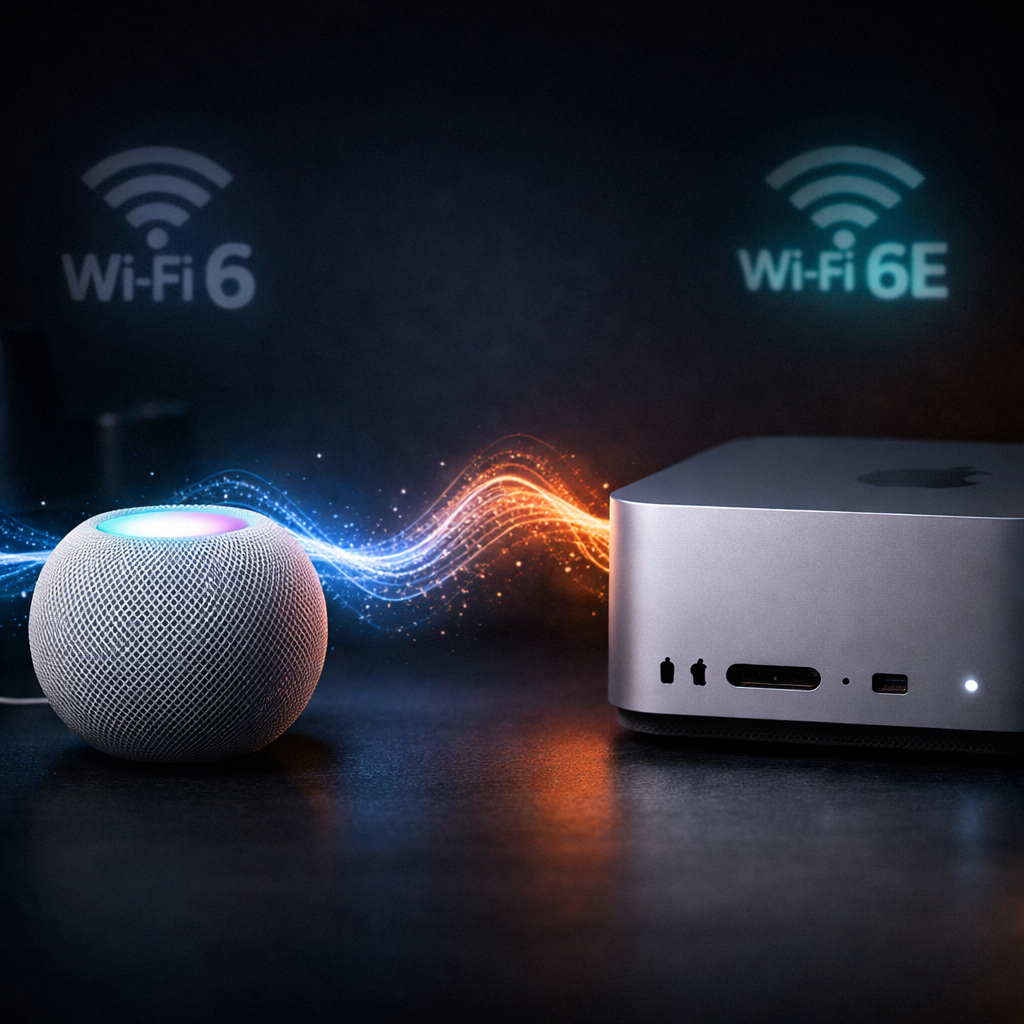
The HomePod mini 2 was launched with a feature that’s meant to grant Macs full-time access to it as the “default speaker”—compatible Macs must support Wi-Fi 6E or better, and run macOS 27.2. Under the terms, users can pair one or a stereo pair of HomePod mini 2 (or second-generation HomePods under the same software) via a “persistent link” that survives restarts or sleep and avoids typical AirPlay delays or dropouts.
In practice, many users don’t see the option to enable this persistent connection at all, even when their Mac meets Apple’s stated criteria. Others got the connection working initially, only to have the system default snap back to built-in speakers, after sleep, a restart – or even after something as simple as a Siri activation or notification sound.
User Reports and Early Troubleshooting Steps
A recent hands-on report from a reviewer with an M4 Mac mini that supports Wi-Fi 6E showed missing the persistent-output setting altogether. In that same setup, audio glitches, dropouts, and unexpected falling back to regular AirPlay occurred. In other cases, a HomePod pair was used primarily for Mac audio, but the system switched output back to Studio Display speakers within a minute, or after a notification, despite starting off behaving correctly.
Another owner with a Mac Studio saw errors and heard audio from built-in speakers after waking from sleep. Multiple forum posts echo these experiences. At least two people report returning their HomePod mini 2 units. One user pushing the issue to Apple Store support was told theirs wasn’t an isolated case; staff reportedly acknowledged no fix yet, suggesting this may be an early software problem.
Some troubleshooting points are emerging: in one case, a user on a UniFi home network found that using the 5 GHz band instead of 6 GHz restored the persistent connection mode. Still, it remains unclear whether different routers, network setups, or other factors are contributing to the failures.
What this means: Apple’s aim to make HomePod mini 2 a seamless Mac speaker solution remains unfulfilled for many early users. While the technology ambition is clear—eliminating latency and dropout associated with traditional AirPlay—the rollout is proving bumpy. Those considering a purchase whose main goal is Mac audio playback should hold off until the bugs are addressed.