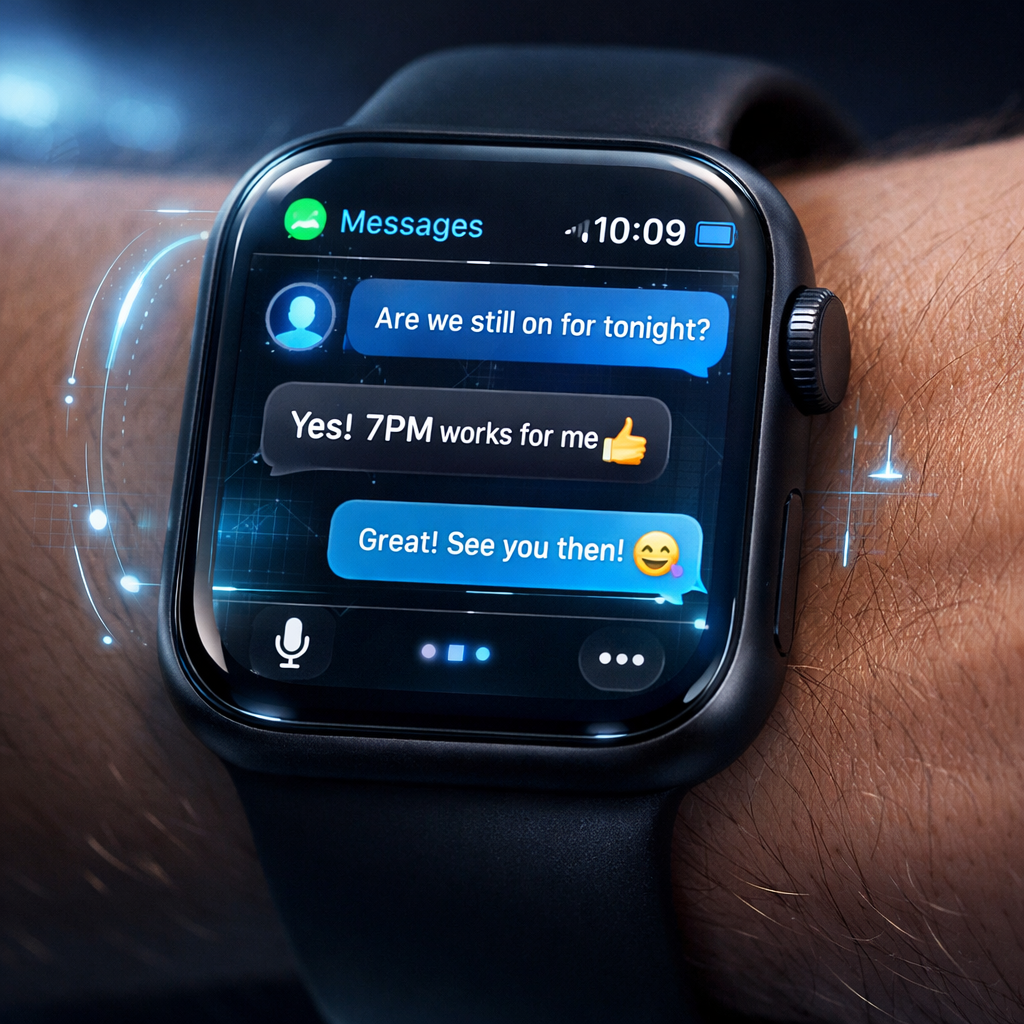
In this week’s Overtime podcast episode, hosts dissect several new features in Apple’s upcoming software updates — including Apple Watch’s much-debated “Siri Recap” and “Live Rewind” tools — while also examining iOS 27.3’s evolving feature set. The episode revisits feedback from listeners on the missing 120Hz screen refresh in the iPad mini and touchscreen in newer MacBook Pros, before diving deep into the latest developer beta’s additions.
What’s New in iOS 27.3 Beta
Version 27.3 is shaping up to be the biggest iOS 27 update yet. Safari gains two major design options: an adaptive dark mode for websites that don’t officially support dark themes, and vertical tabs that can be toggled through settings — tabs now run down the left side of the screen rather than across the top. These tweaks aim to improve readability and navigation.
The Health app also receives its long-awaited redesign. It reintroduces the “Insights” and “Longevity” tabs, including a “Health Age” score that compares biometrics like sleep, VO₂ max, heart rate variability, and resting heart rate with chronological age. These features require an Apple Watch and, in some cases, fitness assessments performed using the iPhone’s camera.
Other refinements include changes to StandBy mode — more customizable clocks and face-swiping functionality, especially for the iPhone Duo — and new Siri AI actions across multiple apps. The beta also introduces language support expansions, improved keyboard layouts for Duo’s outer display, and several new perks for Fitness+ and Apple Music users.
WatchOS 27.3: Audio Intelligence, Recaps & Rewind
Among the most controversial additions in watchOS 27.3 are Siri Recap and Live Rewind, part of Apple’s new Audio Intelligence suite for compatible hardware like the Apple Watch Series 12 or Ultra 4, paired with an Apple Intelligence-capable iPhone 16 or newer. Live Rewind allows a user to double-press the Digital Crown to view a 15-second transcript of recent conversation, while Siri Recap works in the background throughout the day to generate high-level summaries of what was said. Neither captures full transcripts unless explicitly saved.
The features are opt-in. Siri Recap can be scheduled by time, location, or both, and turned off manually via Control Center. Users under 13 are excluded, and the feature requires parental approval in child accounts under 18.
Privacy Safeguards & Concerns
Apple has laid out multiple privacy measures to mitigate risks. Audio isn’t recorded or stored; raw audio stays in a protected buffer inside the S11 chip’s Secure Exclave and is deleted immediately after processing. Summaries from Siri Recap auto-delete after seven days unless actively saved. Live Rewind snippets vanish roughly 30 seconds after the watch’s display dims unless saved or sent to the Siri app. Saved data is end-to-end encrypted when synced via iCloud — Apple claims it cannot access the encryption keys. The system also avoids attributing spoken words to specific people, and filters are applied to sensitive content.
Still, users and the podcast hosts note unpredictability in what gets saved and what doesn’t — sometimes very personal details like addresses or conversations with family show up in recaps without clear cues that recording was active. These concerns tap into a broader debate about ambient listening and consent.
WatchOS 27.3 and iOS 27.3 are expected to roll out broadly in December. Until then, Apple’s beta testers are getting a close look at what might be among the company’s most invasive-looking features yet — though with substantial privacy guardrails.
What this means: Siri Recap and Live Rewind represent a turning point in wearable tech — tools aimed at helping memory and presence, but ones that blur the line between assistance and surveillance. As these features reach more users, the real test will be in how clear Apple is about when they’re listening, how reliably summaries reflect real conversations, and whether people feel secure keeping them on. Industries and regulators alike will be watching.