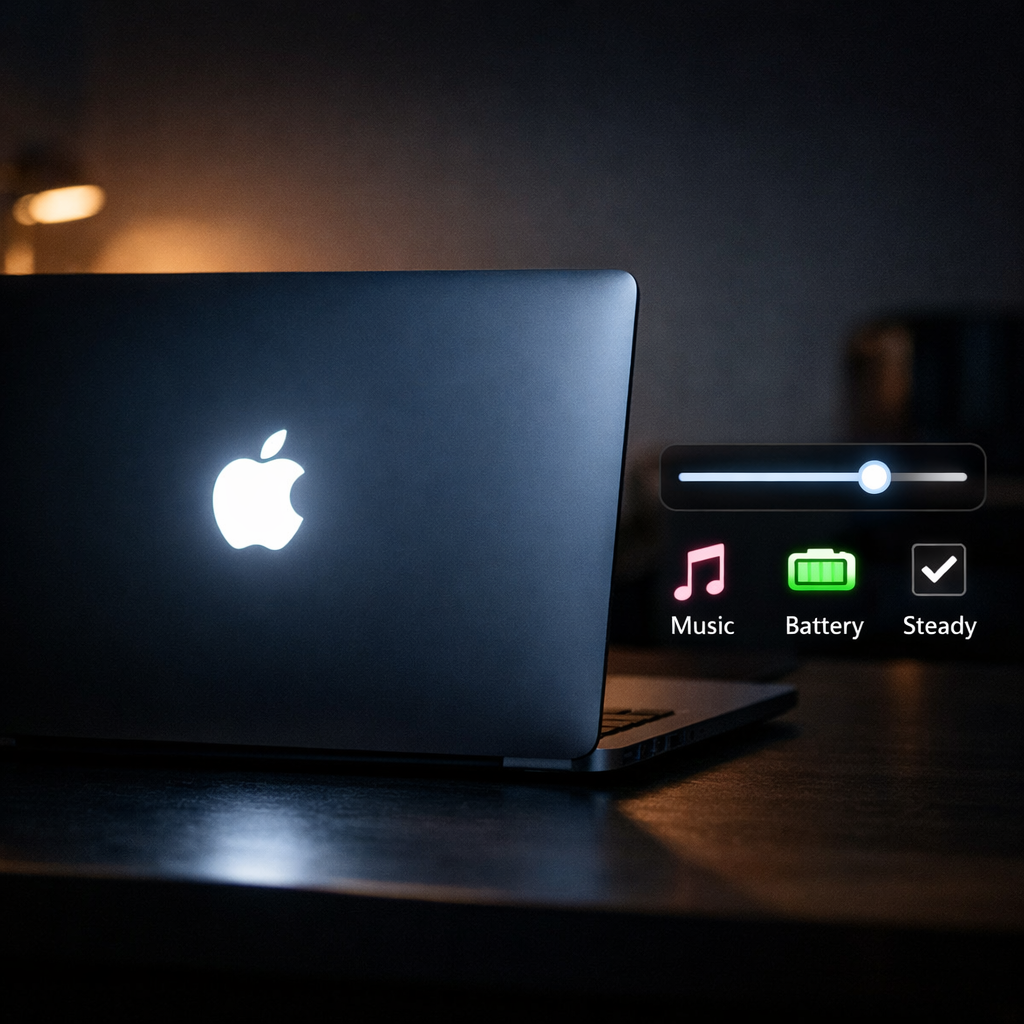
MacBook Pro users no longer have to wrestle with Terminal commands to control the glowing Apple logo—Backglow has arrived. This new app provides an intuitive way to adjust or disable the illuminated logo that sits above the MacBook Pro’s lid.
What Backglow Does
The app offers several modes: you can keep the Apple logo steady, have it “breathe” (slow fade in and out), link it to your music, dim it based on battery level, or simply keep the logo off. You’re in control of how bright it glows—or if it glows at all.
Backglow includes a free demo that lets you try out basic functionality. There’s also a “Pro” upgrade, priced at a one-time $9 fee, unlocking all features.
Why It Matters
The lit Apple logo has been a nostalgic design element for many, but lately it’s drawn criticism for being unnecessarily bright or distracting in dark environments. Turning it off used to require tweaking system settings through Terminal commands—an approach that isn’t ideal for many users. Backglow replaces that with a graphical interface and a curated set of modes.
This comes at a time when Macs have shifted toward thinner, more power-efficient designs and OLED or mini-LED displays, where controlling ambient light sources becomes more important. As Apple’s hardware evolves, so do user expectations around customization, especially in personal workflows and creative environments.
Background: For years, MacBook Pros featured a glowing Apple logo on the back that simply turned on or off depending on screen activity. Apple moved away from that design with newer displays that don’t allow light through the lid, prompting demand for software ways to replicate or control lighting effects wherever possible. Backglow adds that control back—on machines that still support the logo back-lighting.
What to Watch For
Keep an eye on hardware compatibility—some newer MacBook Pro models may not include the physical lit logo at all, which would render Backglow’s lighting control moot. Also, since the app depends on hardware internal light sensors or drivers, functionality may vary between models or macOS versions. Watch for updates from the developer to broaden support.
All told, Backglow is a tool that fills a niche many users didn’t even know they were waiting for. If you’ve been annoyed by that glowing logo in a dark room—or just appreciate more polish—this app gives you the control you deserve. Just don’t expect miracles where the hardware doesn’t permit it.