WordPress patches a serious security flaw in version 7.1.4 (and matching releases in older supported branches), but sites installing the update are still at risk during the process. A researcher at Picus Security found that when applying the fix for CVE-2026-119977 — which affects versions 4.7 through 7.1.3 — WordPress unpacks new version files into a temporary folder using the site’s old (unpatched) code. During that brief moment, attackers who can predict or identify the temporary folder name and reach the installer could execute code on the server.
How the Vulnerability Works
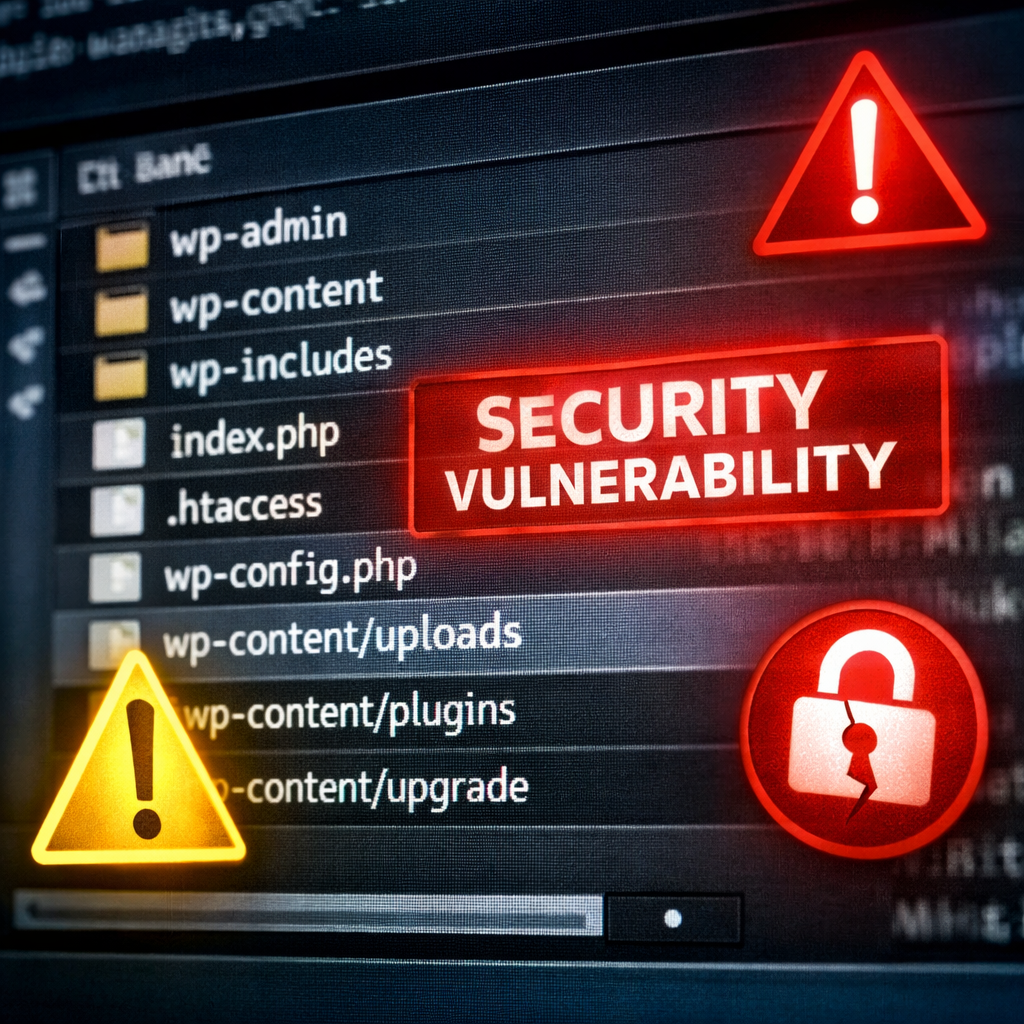
The flaw comes into play especially during “complete package” updates, which include the full installer files and create a temporary directory under wp-content/upgrade. On sites still using code from before version 7.1.4, that folder’s name is deterministic — often based on the downloaded file name — making it guessable. An attacker who accesses the installer before it’s deleted can write a bogus wp-config.php file into the temporary folder. Once WordPress copies files into the live site using the patched updater, that fake configuration file can overwrite the real one.
WordPress has fixed this behavior in version 7.1.4 and in back-ported updates for all supported branches. The fix randomizes the temporary folder name and ensures the installer file cannot overwrite wp-config.php after the fix is active. However, during the update event itself — before the patched code is in place — sites remain exposed.
Who’s Most At Risk
Sites running versions from 4.7 up to 7.1.3 are vulnerable. Sites on version 4.6 and earlier are also exposed — but there’s no patch forthcoming for those; they’re out of support. The flaw goes as far back as WordPress 2.7 from 2008, where absence of back-ports leaves them permanently just as vulnerable.
Automatic updates are safer because they use the same mechanism as manual ones — including the risk window. Partial packages (for example, updates within the same major branch) might not include installer files, but complete packages always do. On major version leaps — such as from 7.0.x to 7.1.4 — WordPress provides complete packages, reopening the exposure for a moment.
How to Protect Your Site Before Updating
To prevent exploitation during an update, block public access to wp-content/upgrade. This folder is where WordPress places its temporary unpacked code, and the researcher recommends configuring either Nginx or Apache to deny direct web access. On Nginx, add a deny rule, and on Apache use a
An alternative approach is manual updating off the web root. That means downloading the fixed release outside of the publicly served folders, moving core files into place carefully (excluding wp-config.php and wp-content), and updating the database via WordPress’s upgrade script. Avoid WP-CLI’s “wp core update” for this case — it uses the same updater and risky temporary folder.
After updating to 7.1.4 (or the appropriate fixed version for your branch), future updates will employ randomized folder names and block overwriting wp-config.php via temporary directories. But sites running entirely unsupported versions remain exposed with no official fixes.
Signs You May Have Been Targeted
Watch for unexpected PHP files in wp-content/upgrade, administrator accounts you don’t recognize, plugins you never installed, or strange requests to files under upgrade. Attack attempts against the flaw reportedly began within nine minutes of the patch’s release. Some attackers are actively scanning for sites undergoing updates, hoping to strike during the narrow window of exposure.
On the vulnerability scoring, Wordfence rates CVE-2026-119977 at 8.1 out of 10 (CVSS), reflecting high severity. The U.S. Cybersecurity and Infrastructure Security Agency has added it to its catalog of known exploited vulnerabilities.
This week’s patch release underscores WordPress’s efforts to strengthen security and address exploitation. But even well-intentioned fixes can leave windows of risk when legacy behavior still triggers predictable patterns. For administrators, the takeaway is to not only apply updates quickly but to prepare ahead by locking down upgrade locations, validating server configurations, and staying off unsupported versions. Monitor for unusual activity during updates and enforce protections so fixes don’t become liabilities.
This matters for every site operator: cyber adversaries exploit predictable routines. When a fix inadvertently creates a vulnerability window, it shifts urgency from implementation to thoughtful execution. Going forward, watch how WordPress handles future update-mechanisms and whether other CMS platforms exhibit similar exposure during patch-deployments.