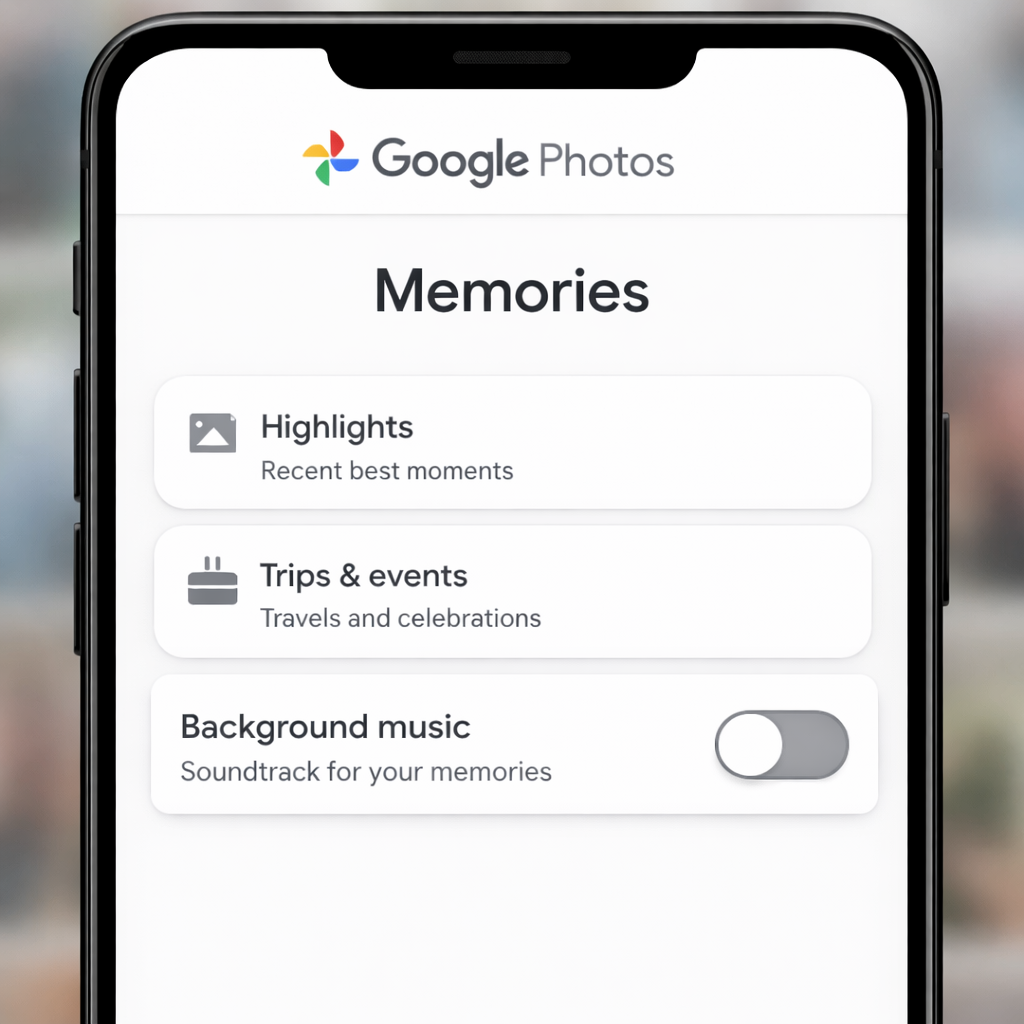
Google Photos is gaining more control for users: you can now completely disable background music in Memories. What used to be an automatic soundtrack to your photo highlights can now be silenced via a new global setting.
What’s New in Google Photos Memories
A new toggle has been added under Photos settings > Preferences > Memories that lets you turn off the background music that Google adds by default. If the toggle is flipped off, no extra tracks will accompany your Memories—but any videos with their own sound will still play with their original audio intact.
This setting isn’t just for casual refreshes; it applies everywhere Memories appear, including the year-end recaps. So whether browsing through recent highlights or looking back at yearly overviews, the soundtrack is now optional.
Rolling Out & What to Expect
The feature is rolling out across all platforms, though not all users may see it yet. Android users on version 7.99 might still be waiting for its arrival. Alongside the toggle, Google also updated the library of background music tracks—so if you choose to keep music on, expect some new options to pop up.
This change reflects Google’s shift toward personalization, letting users tailor their digital photo experiences. Background music in Memories has been a common source of annoyance for some people—it could overpower your own video sounds or taste mismatches could dampen what should be a meaningful trip down memory lane.
Why it matters: this gives users a clearer path to control what they experience when reliving their memories. Seeing an unskippable soundtrack is annoying; giving people the option to mute it is satisfying. For power users, parents showing off family photos, or anyone who values clean, unobtrusive memories, this is a big win. What to watch: whether Google allows per-memory control in the future (so you can mute some but keep others) or adds more customization (dynamic track selection, volume tweaks, etc.).