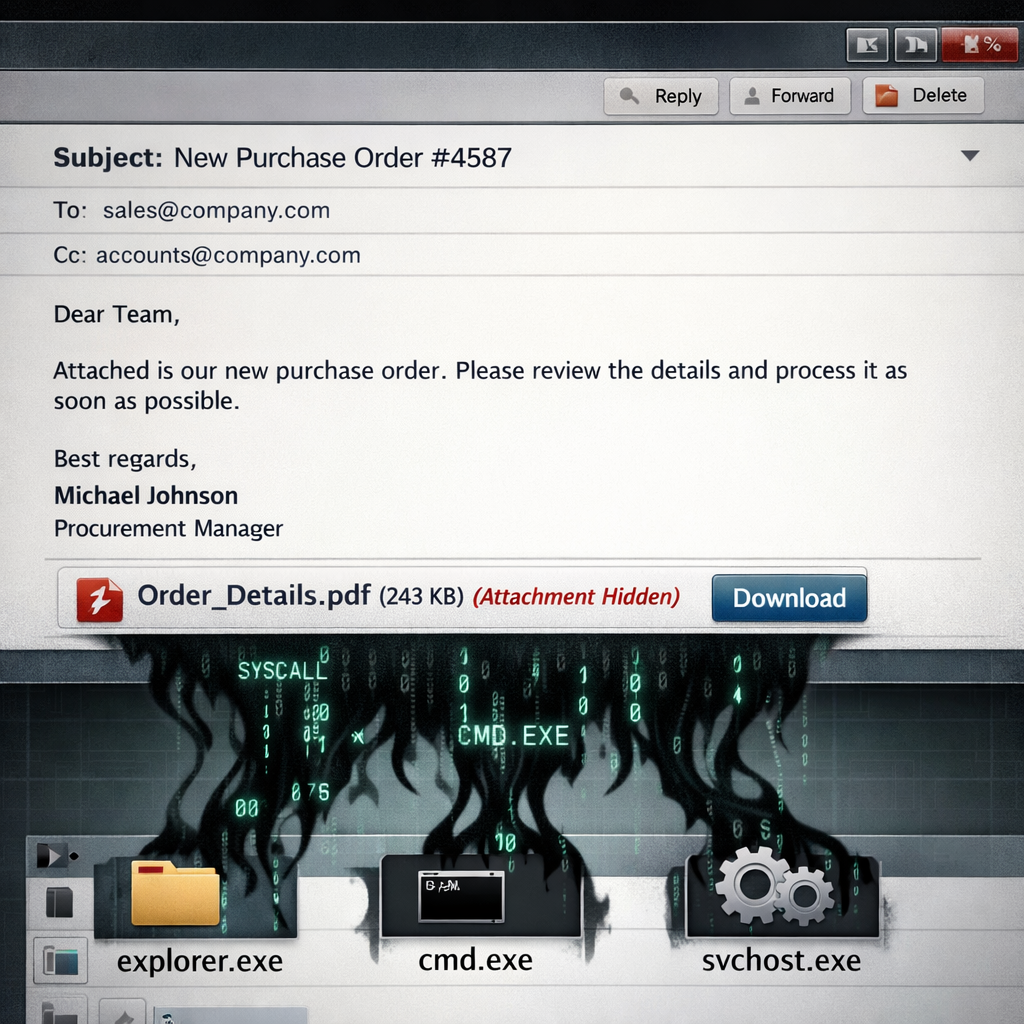
A fresh wave of attacks is using business-style emails, like bogus orders and price quotes, to sneak in XLoader malware. The malicious payload isn’t obvious—instead of a document or invoice, victims receive an archive file that contains a script initiating a multi-stage infection process. It ultimately executes XLoader—an info-stealer from the FormBook malware family—inside legitimate Windows programs. Saved passwords, browser cookies, and other login credentials are siphoned off and sent to attacker-controlled servers.
How the Malware Chain Operates
The campaign begins with emails crafted to look like part of ongoing business correspondence. For example, one wave used Greek-language messages asking recipients to confirm a purchase order (“order 001828”), with subject lines prefixed by “RE:” to imply existing conversations. These messages are indiscriminately sent—no specific targets. Attachments purporting to be order files are actually compressed archives (RAR or ZIP) containing only an obfuscated JScript file. When opened, Windows Script Host executes it.
From there, the script removes Windows’ internet source marker (the Zone.Identifier attribute), drops a LuaJIT interpreter and a Lua script (without an extension) into the Documents folder, and launches them invisibly. The malicious Lua script attempts to blind security tools by hiding important scanning functions in memory and overwriting system routines in “ntdll” to disrupt Windows’ event tracing. These tactics, while sophisticated, were not fully successful in tests so far.
Memory-Based Evasion & Credential Theft
Rather than writing more malicious files to disk, the loader decodes and loads its core payload entirely in memory. It carries no import table—making detection by signature harder—and dynamically finds the Windows APIs it needs. Partway through the process it decrypts the XLoader core using RC4, then proceeds to hide inside a clean 32-bit Windows system process. Among the programs chosen for this are cleanmgr.exe, clip.exe, getmac.exe, mshta.exe, ftp.exe, and find.exe.
Once embedded, XLoader can harvest credentials from Windows Vault, cookies, saved browser logins, and more. Its settings include up to 64 potential command-and-control hosts, though only a subset are used—many are decoys. This campaign’s structure aligns with previously observed upgrades to XLoader’s obfuscation and network behavior.
Defense Measures and Indicators
Defenders are advised to treat emails with archives containing script files—especially when framed as business orders or quotes—with suspicion. Blocking scripts (like .js files) inside ZIP or RAR attachments at the gateway helps. Also watch for unexpected LuaJIT binaries or oddly named files in the Documents folder. The malware may also establish persistence via a scheduled task named “EHFTUOMQDRXVTJSF” every 10 minutes, conditioned on a marker file’s presence.
Other signs include alterations of ntdll functions, shared memory mappings between processes, and thread context changes where a clean host process begins executing the injected XLoader code. If infection is found, a full password reset for email and browser accounts may be needed. This issue ties into older threats too, like SharePoint-based XLoader phishing and Office vulnerabilities still being exploited.
Indicators of Compromise (IoCs)
Security teams can rely on several SHA-256 hashes for compromised EML, RAR, and dropped LuaJIT or loader files. Filename examples include “Παραγγελία 00182`8.rar/Παραγγελί 623768193.rar/Naročilo_180SW_2828-501.JS,” among others. Dropped executables and loader files show up in user Documents under names like “EHFTUOMQDRXVTJSF.exe” and “FSJTVXRDQMOUTFHE”, sometimes paired with VBS launchers and .mui marker files. A set of configured endpoint URLs is also available, many of which resemble benign domain names but lead to malicious C2-servers.
Why this matters: XLoader shipped as malware-as-a-service means it’s accessible even to less-skilled attackers, spreading broadly and cheaply. Because it hides entirely in memory after minimal disk artifacts, traditional file-based defenses are less reliable against it.
How to stay safe: scrutinize email attachments—especially archives with .js—even if they look business-related; train staff; patch old Office vulnerabilities; reset credentials if compromised.
Analysis: This campaign is part of a growing trend where attackers exploit trust in normal business communications to bypass human gates and email security. The memory-only tactics, encrypted droppers, and hiding inside benign processes reflect an evolution from old spray-and-pray phishing to more surgical, resilient attacks. Security teams should adapt detection strategies—not just on files, but behaviors, process injections, and memory-resident threats.