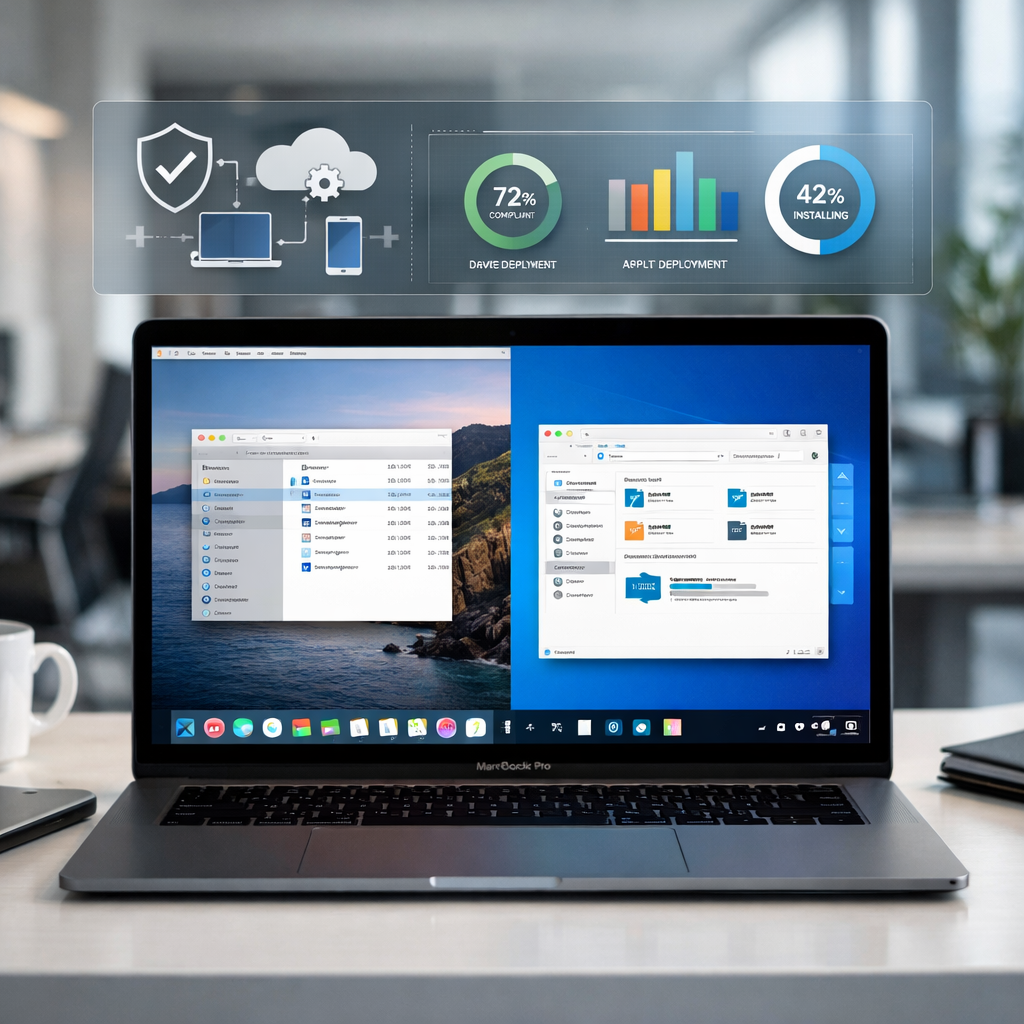
Parallels has introduced its new Parallels Desktop for Mac Enterprise Edition, a virtualization solution built to simplify how organizations deliver Windows apps to Mac users. Rather than requiring full-blown Windows virtual machines or dedicated hardware, this edition lets IT teams deploy supported Windows applications through mobile device management (MDM) tools, while Parallels handles the underlying environment behind the scenes. Currently, application support under this model remains limited, and pricing is available upon request.
What the Enterprise Edition Offers
This Enterprise Edition targets large-scale, managed environments—especially organizations that already use tools like Jamf, Microsoft Intune, or other MDM platforms. In these settings, administrators can push Windows applications to Macs using familiar deployment workflows, without exposing end users to virtual machine setup. Parallels takes care of the heavy lifting: creating and managing the Windows environment, installing needed applications, and enforcing policies.
For businesses that need control and consistency, Parallels includes features like “Golden Images” for virtual machines—standardized system snapshots that can be deployed en masse. IT managers also gain visibility through a centralized management portal that enables policy enforcement, remote VM monitoring, and licensing control. Additionally, administrators can lock down virtual machines so they can only be used on authorized devices within the organization.
Technical & Compatibility Snapshot
Enterprise Edition supports both Intel-based and Apple Silicon Macs. However, there’s a major shift incoming: Parallels 27 (future version) will only be compatible with Apple Silicon systems, following Apple’s own macOS evolution. The current version (26) fully supports Intel Macs, and Apple has indicated macOS 27 will officially drop Intel support.
Organizations leveraging Enterprise Edition can expect features tied to security, identity, and compliance. These include encryption for corporate virtual machines, single sign-on (SSO) integration, and granular control over features like clipboard synchronization and device access. Parallels also provides options for distributing Golden Images through providers like Microsoft Azure Storage, and administrative tools via both GUI and command line.
While this “app delivery without full VM exposure” model resembles how CrossOver operates—running Windows apps directly on macOS without spinning up an entire Windows desktop—Parallels is playing a different game. CrossOver focuses largely on translating Windows APIs to run individual apps on macOS. The Enterprise Edition, by contrast, still employs virtualization under the hood but hides it from the user, offering app delivery through managed deployment.
One limitation to note: supported apps under this new model remain few. IT teams seeking to deploy a broad range of Windows software may hit compatibility walls, especially with graphics-intensive or legacy applications. Additionally, pricing isn’t published—interested enterprises must contact Parallels directly.
Background: Parallels Desktop has long allowed Mac users to run Windows, Linux, or other operating systems in virtual machines. Traditional models required users to launch a full desktop environment or reboot; with Enterprise Edition, the goal is to reduce that friction by surfacing only the needed Windows application(s) while keeping Macs in their native mode.
Why it matters: As more organizations move toward hybrid work and Mac fleets grow, facilitating seamless access to Windows-only tools becomes critical. Enterprise IT teams are always balancing user experience, security, and device consistency. Parallels’ approach tries to hit all three.
What to Watch For:The breadth of supported applications will be the real test. Also, how well Parallels handles performance on Apple Silicon vs Intel, especially since Intel Macs will soon be phased out in support. And crucially, whether enterprises get sufficient control, monitoring, and compliance tools to meet regulatory and security demands while keeping the experience invisible for end users.