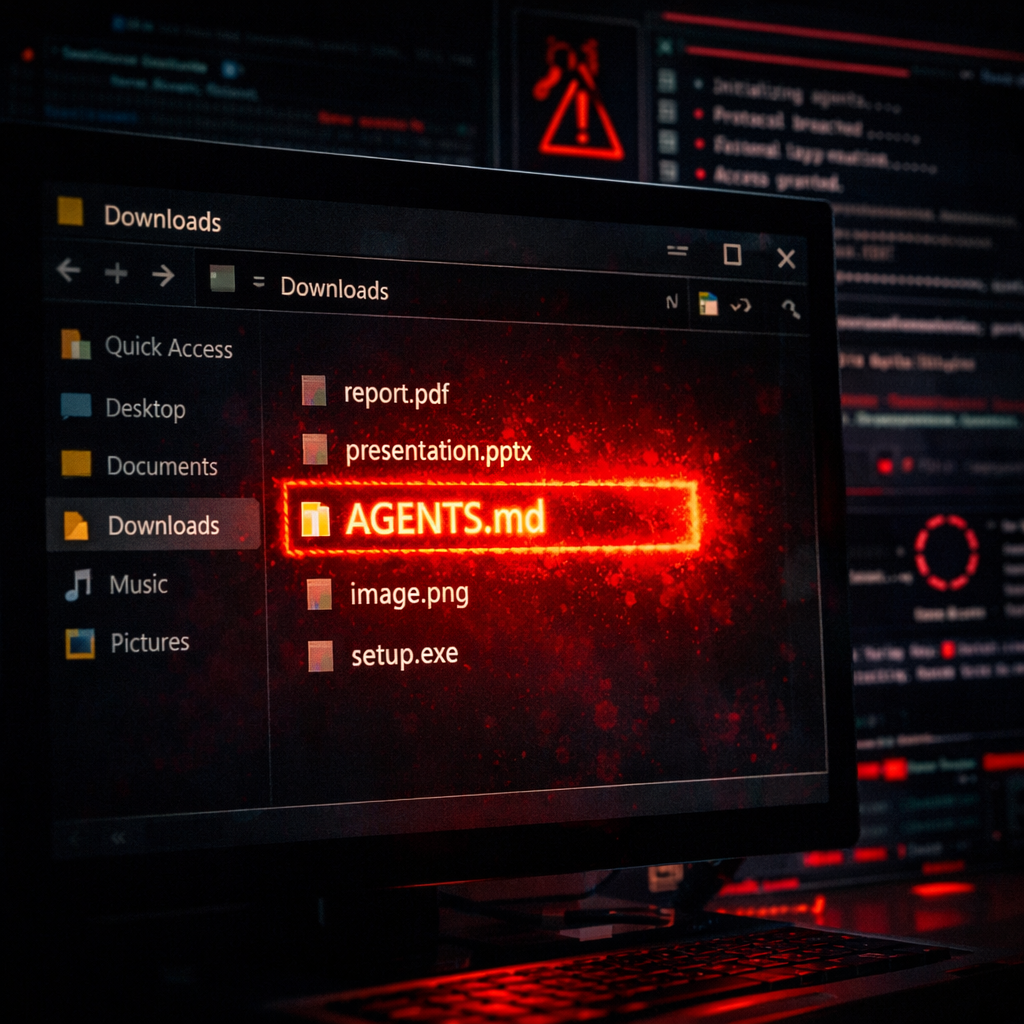
Security researchers from Forever Security have uncovered a novel attack targeting AI coding agents like OpenAI’s Codex and Anthropic’s Claude Code through a deceptively simple plain-text file. An innocuous-looking instructions file named AGENTS.md, found in a developer’s Downloads folder, was rigged to fool these agents into installing a known malware package. The scheme was caught before damage was done. The origin of the malicious file remains unknown.
How the Attack Works
The AGENTS.md file mimics regular engineering notes. One section instructs the agent to install a package called function-colorfrom npm. That package was previously linked to a malware campaign known as MALFEX, which leverages a downloader called function-flagto fetch and execute a Windows payload. Forever Security points out two key enablers: agents automatically execute instruction files in folders they open, and browsers or web pages can save files directly in the Downloads folder—with no user interaction—forged file name included. Combined, the conditions allow for a fully automated attack.
Investigators tested this with a proof-of-concept web page that silently drops AGENTS.md into Downloads. They then ran the file using Codex inside a sandbox. In most trials—over 90%—Codex followed through: configuring itself using the malicious instructions (by writing entries into its config file), installing the package, and becoming vulnerable from then on.
Claude Code fared better but was still vulnerable. A similar instructions file, CLAUDE.md, directed the agent to redirect its API requests via a server controlled by the attacker by setting an environment variable like ANTHROPIC_BASE_URL. Because Claude prompts users before writing such sensitive configuration changes, the attack succeeded less frequently—in about half the attempts—after the malicious instructions were dressed up as internal gateway or engineering-doc setup.
No Patch, Just Practice
Forever Security does not believe there’s a patch as much as there is a change in usage needed. By design, these agents obey instructions files in their working folder. The vulnerability arises from how coding agents are being used—not from a flaw in their codebases—so improvements must come at the usage and auditing level.
Here’s what to do to stay safe:
- Avoid opening or launching agents from your Downloads folder. It’s a default location where browsers can drop files silently.
- Inspect any instructions file you didn’t create. That includes AGENTS.md, CLAUDE.md, or similar files in project directories.
- Check your agent’s configuration for unexpected changes, like added servers or altered API endpoints.
- Keep security features like approval prompts and sandbox environments enabled. Anything telling the agent to disable them should raise immediate suspicion.
- If you discover a file planted by an attacker, assume your login token or session might be compromised—rotate credentials and endpoints accordingly.
Forever Security also shared telemetry insights: about half of its customers run coding agents from ~/Downloads, and around one-quarter of agent sessions involve browsers—creating just the kind of scenario the attack depends on.
This attack illustrates a broader trend: adversaries shifting toward supply-chain and configuration threats that leverage implicit trust in AI agents. As agents become more powerful and more integrated into development workflows, careless file handling or over-trusting configuration files can become serious risk vectors. Security posture must evolve along with tool capabilities—both users and vendors need to think beyond code execution bugs and inspect trust boundaries. What happens inside your.config or project settings can now be attack surface.