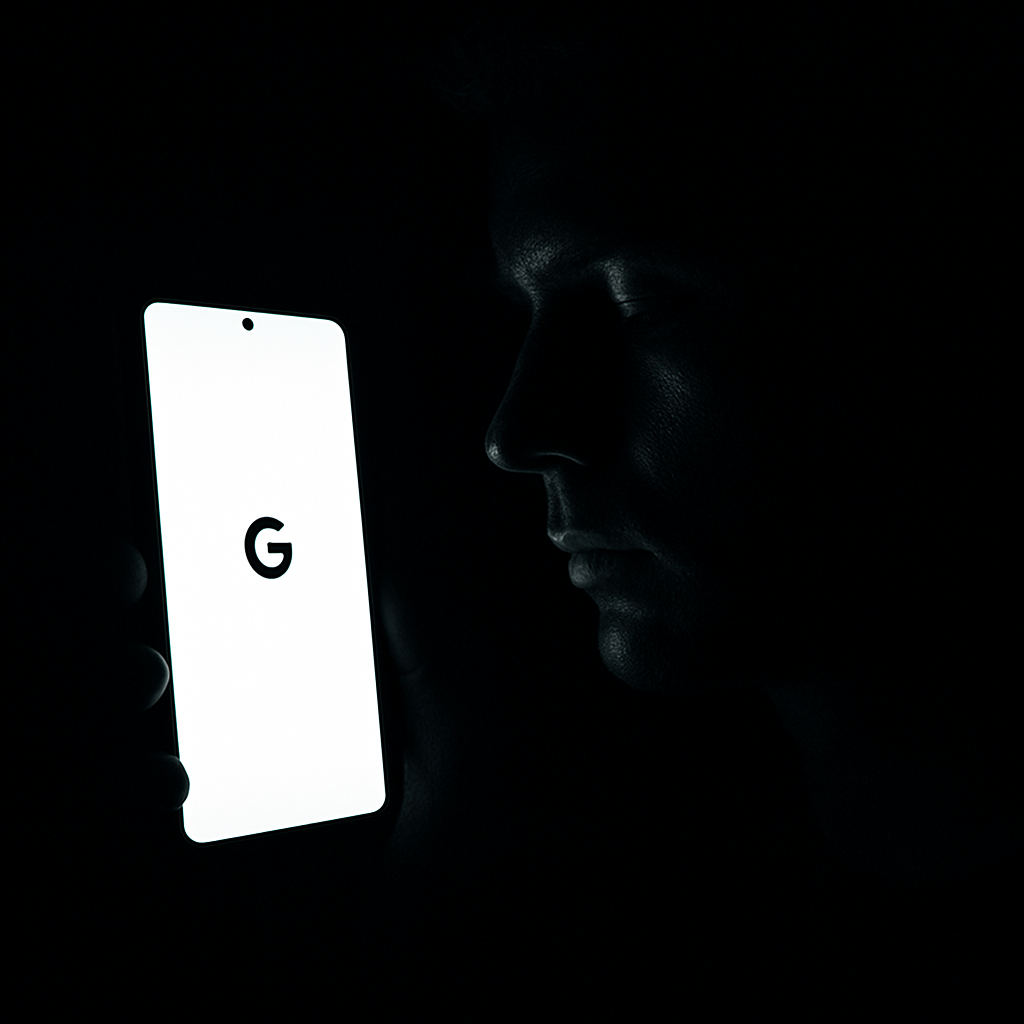
Pixel phones have long relied on Face Unlock for biometric security, letting you open banking apps or password managers with your face — but it tends to fail when the lights go out. Google seems to be testing a way around this in Android 17 QPR3 Beta 2: rather than using infrared or a flash, Face Unlock may now simply crank up the screen brightness to illuminate your face.
What’s New?
The upcoming option shows up as “Brighten screen in low light.” When enabled, it automatically boosts screen brightness in dim conditions so that Face Unlock has enough light to recognize you. The Android code reveals settings for modes to tune this feature — categories like “Reliable” (higher brightness for better accuracy) and “Comfort” (lower brightness, less glare) are included.
More fine-grained controls are built in. The feature may activate during Bedtime Mode, while driving, or under Do Not Disturb. There’s also a mode for “Complete darkness,” allowing the screen to go extremely bright when nothing can be seen. If turned off, it may only brighten if part of your face is already visible — a middle ground between full illumination and none.
Pitfalls and Practicality
This fix isn’t perfect. Turning the screen into a flashlight in dark rooms could be jarring or uncomfortable, especially if you’re trying to be discreet or protect your eyes. Accessibility settings like extra dim, color inversion, or animations may temporarily behave differently when the feature is active — which could be annoying or confusing depending on your needs.
Right now, it’s still in beta, and there’s no word on exactly when it’ll arrive for all users. Android 17 QPR3 Beta 2 lays the groundwork, but Google hasn’t said when this “Brighten screen” mode will roll out in a public release.
Once this lands broadly, it could make Face Unlock in low light more reliable — or more annoying. If the tradeoff is strained eyes or blasts of glare just for convenience, some users may prefer fingerprints or passcodes. But it’s an intriguing sign of how software tweaks can bridge hardware limitations, at least until all devices get better depth sensors or low-light front-facing cameras built in. Watch for how Google balances brightness with comfort, and how much control it gives end users over these settings.