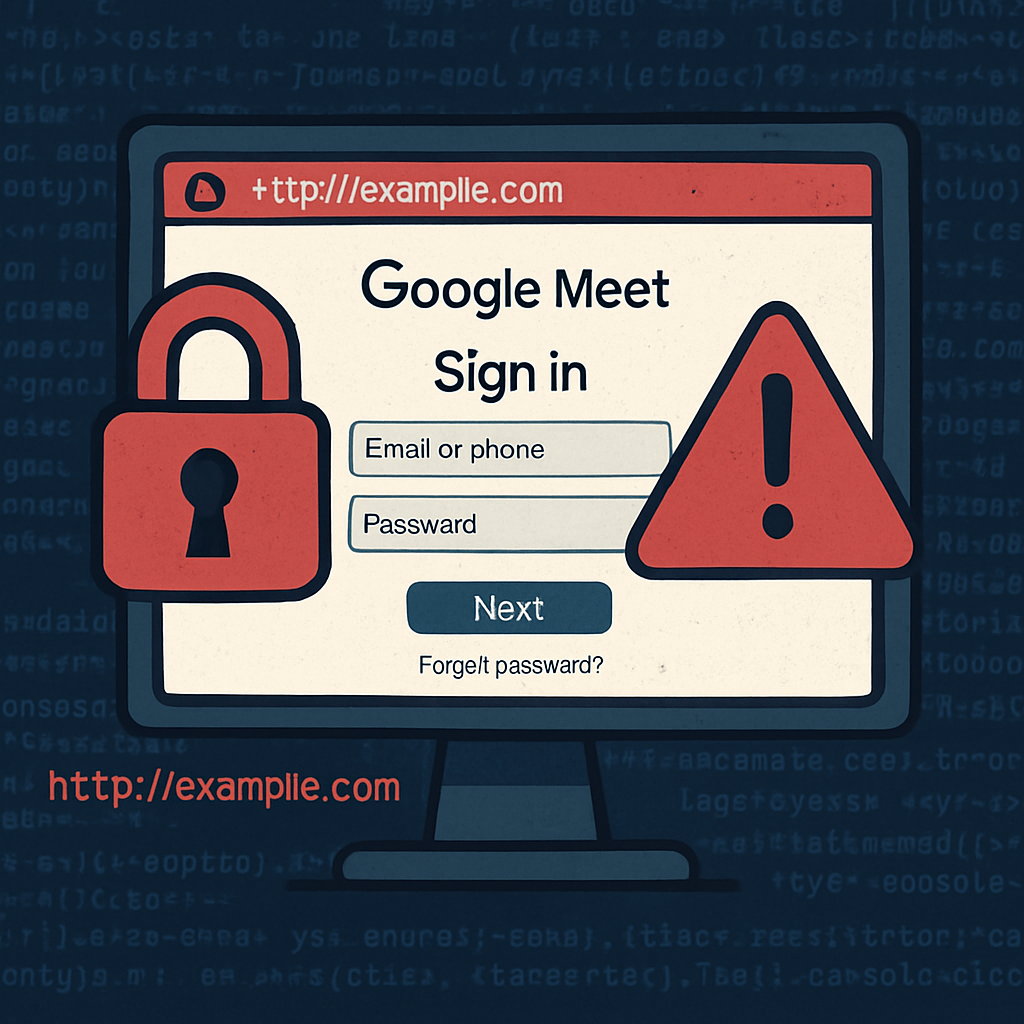
Researchers have uncovered a phishing scheme involving imposter Google Meet pages designed to steal Google account passwords and two-factor authentication (2FA) codes. Two lookalike domains are posing as legitimate meeting links, while an exposed installation page leaks database setup details. The campaign was revealed on October 19, 2026, and published October 20.
How the Deception Operates
Attackers registered domains that mimic Google Meet’s official name—specifically, meet-google[.]cyou and qooglo[.]com. These pages adopt familiar branding and meeting-verbiage to trick users into entering login credentials. The threat go further than a basic fake sign-in: the sites are built to harvest not just passwords, but also 2FA verification codes.
In addition, an installation route at /install on one of the domains is misconfigured. It exposes the site’s database configuration—complete with a prefilled database password. Although the password itself was not shared publicly, the leak reveals backend infrastructure vulnerable to abuse.
Why the Risk Is Bigger Than It Looks
Even without full details on how victims are lured to the phishing page—or whether stolen credentials definitely resulted in account takeovers—these lookalike sites pose serious danger. A leaked password alone can compromise email, stored documents, contacts or connected apps. Coupled with intercepted verification codes, attackers might bypass protection measures if acted on quickly.
To defend against this kind of fraud, users are advised to avoid entering login or 2FA information through unexpected links. Instead, navigate to “meet.google.com” directly, or use known, official calendar invites. Stronger verification tools like security keys or Google prompts help guard against phishing attempts. Passkeys are another option to improve resistance to impersonation attacks.
Indicator Paths and Detection
Defenders examining networks or logs should be aware of several paths tied to this campaign, including /meet, /assets/js/demo.js, /api/demo/sessions (plus token variants), and /install. The domains mentioned—meet-google[.]cyou and qooglo[.]com—are now listed as indicators of compromise (IoCs).
Victims who may have entered credentials should reset their Google account password using Google’s official account settings. It’s important to audit recent login activity and remove any unfamiliar devices. If the same password was reused on other sites, change it there too.
What this teaches us is that phishing campaigns continue to evolve, tapping into familiar UI patterns like meeting services to exploit trust. The exposed installation misconfigurations show that sometimes the technical flaws can be just as revealing—and risky—as the social engineering. Organizations and users alike need to check domain names carefully, lock down backend exposure, and favor verification methods that are phishing-resistant. Monitoring security logs for the reported domains and file paths could help catch attacks early. As this case shows, even small slips—like a visible /install page—can open a wide door to attackers.