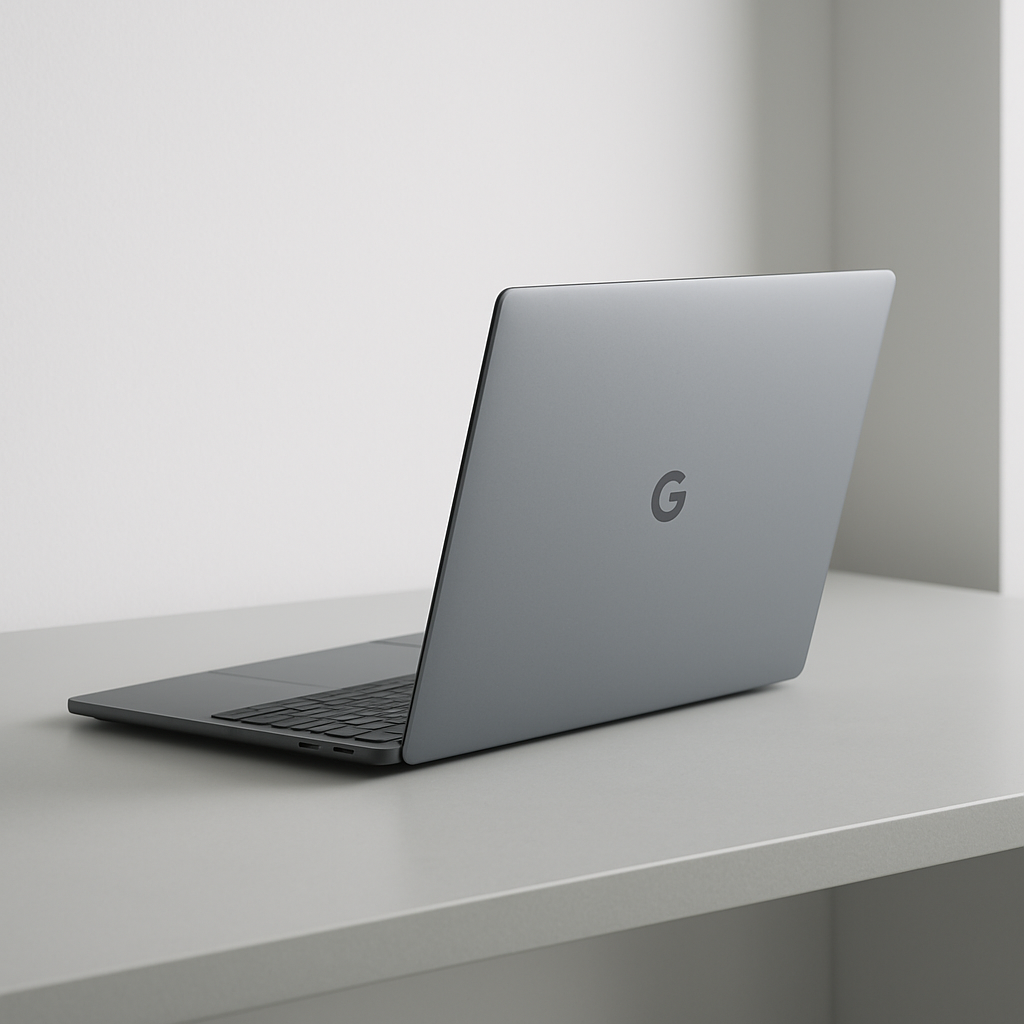
Googlebook has arrived, and it brings the underpinnings of Android to laptops with polished hardware and slick design—but for many users, it won’t sidestep ChromeOS’s limitations. If ChromeOS never met your needs, this new platform likely won’t either.
For years, Chromebooks carved a space by being affordable, secure, and simple computer options. In markets where Windows machines were pricey and maintenance-heavy, Chromebooks offered a compelling trade-off: limited but reliable power, very good battery life, fewer viruses, and a streamlined user experience. That formula worked—but times have changed.
What Googlebook Gets Right
Under its hood, Googlebook swaps out ChromeOS’s foundation for Android, aiming to lean into a more modern base for future development. For users who like the idea of apps and features built around mobile ecosystems, Android brings theoretical advantages in flexibility. The new platform also promises faster performance and a more polished feel compared to its predecessor.
What It Still Glosses Over
At the level that matters day to day, though, many of the old ChromeOS gaps remain. A major frustration is the app situation—many essential and niche applications are dramatically scaled down compared to how they run on Windows or macOS. Users who depend on desktop-class tools will frequently hit walls; even Google’s own recent introduces—features combining voice, shorthand notes, and local AI processing—haven’t been brought to Googlebook, despite launching elsewhere.
Googlebook also leans into being appealing for “Android users.” But at launch, much of that promise is still hypothetical. Features touted for Android integration are missing for many users, and ChromeOS already provided many of the cross-platform conveniences Googlebook claims are new.
A big part of the issue is that Googlebook doesn’t feel like a clean break. It offers incremental improvement in speed and design, but often reintroduces the same roadblocks—limited app support, compromises in functionality—that left users hoping for a real upgrade.
Bottom line: if a Chromebook didn’t align with your workflow, budget, or expectations, Googlebook isn’t likely to do the trick instead. Not yet. It brings a more refined Android base and some performance upgrades, but many of the problems that frustrated users remain intact—and in some cases, new ones show up.
Moving forward, what to watch: whether Googlebook developers deliver on full desktop-class apps, not just web or mobile ports; if integration with Android catches up in practice (not just promise); and finally, whether the market responds with competitive alternatives at similar price points that outshine ChromeOS and Googlebook’s hybrid ambitions.