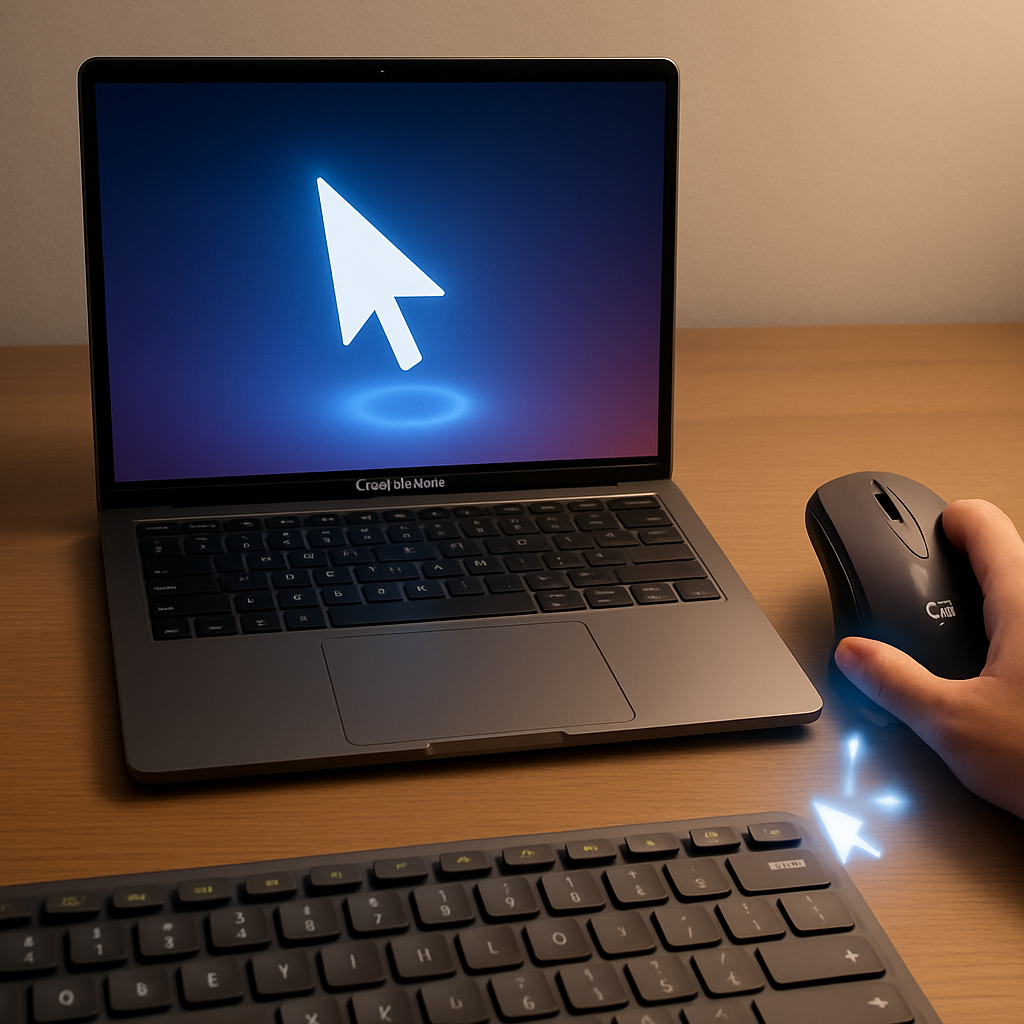
Logitech has expanded its Logi Options+ platform to Googlebook, letting users customize keyboards and wireless mice natively on the device. The app—previously available only on Windows and macOS—now enables Googlebook owners to tweak button or key functions, update firmware, and generally manage their Logi peripherals directly from Googlebook itself.
At launch, Logitech warns that functionality is somewhat limited. Still, a number of devices are supported, including the MX Master 4 mouse, MX Keys S keyboard, Logitech Lift, Pebble Keys 2, among others.
Magic Pointer and Other Features
In addition to basic peripheral control, Logitech’s move enables Magic Pointer support on Googlebook. This feature enhances navigation and search functions using supported Logitech devices paired via Logi Options+. With Magic Pointer activated, users can access capabilities like “Circle to search,” customized mouse and keyboard buttons, and enhanced pointing and scrolling behaviors.
The app is now live and available for download via the Google Play Store.
Why This Matters
Googlebook—a new Android-based computing platform—offers an ecosystem that blends Chrome OS simplicity with Android’s app environment, aiming to appeal to those who want something between a tablet and a traditional laptop. Logitech’s integration of Options+ and Magic Pointer represents broader device ecosystem support and feature enrichment—important as Googlebook builds momentum among users seeking versatile hardware/software hybrids.
What to watch: Whether Logitech will roll out full feature parity with macOS/Windows—such as finer DPI adjustment, key remap depth, or broader device support. Also worth monitoring how well Magic Pointer performs in real-world use on Googlebook, especially given its Android underpinnings and how Android handles input APIs.
This integration signals that mature peripherals makers are taking Googlebook seriously. For users who already own Logitech gear, this is a big step forward—and a nudge for those considering Googlebook as an alternative to a Chromebook or Windows laptop.