YouTube is upgrading its Studio app with a suite of new AI-powered tools aimed at helping creators refine content, grow audiences, and streamline publishing. These additions were unveiled at the platform’s Made on YouTube event on September 23, 2026. They include enhancements to Ask Studio, feedback on video drafts, dynamic thumbnail creation, and deeper analytics.
Draft Feedback, Research Feeds, and Expanded Q&A
First, creators now have access to a draft-feedback tool that uses AI to review unpublished videos, suggesting improvements in pacing, structure, and storytelling. This is meant to help creators polish content before it goes live rather than learning through trial-and-error. Alongside this, a new research feed in the Studio app will highlight trending content on YouTube, showing what works well and providing inspiration for creators to put their unique spin on popular ideas.
Another key update is the expansion of Ask Studio — YouTube’s AI Q&A feature — to both iOS and Android. This allows mobile users to ask questions and get AI-generated insights directly within the Studio app, broadening access and making the experience more seamless for creators managing channels on the go.
Thumbnail, Title Tools, A/B Testing, and Predictive Adjustments
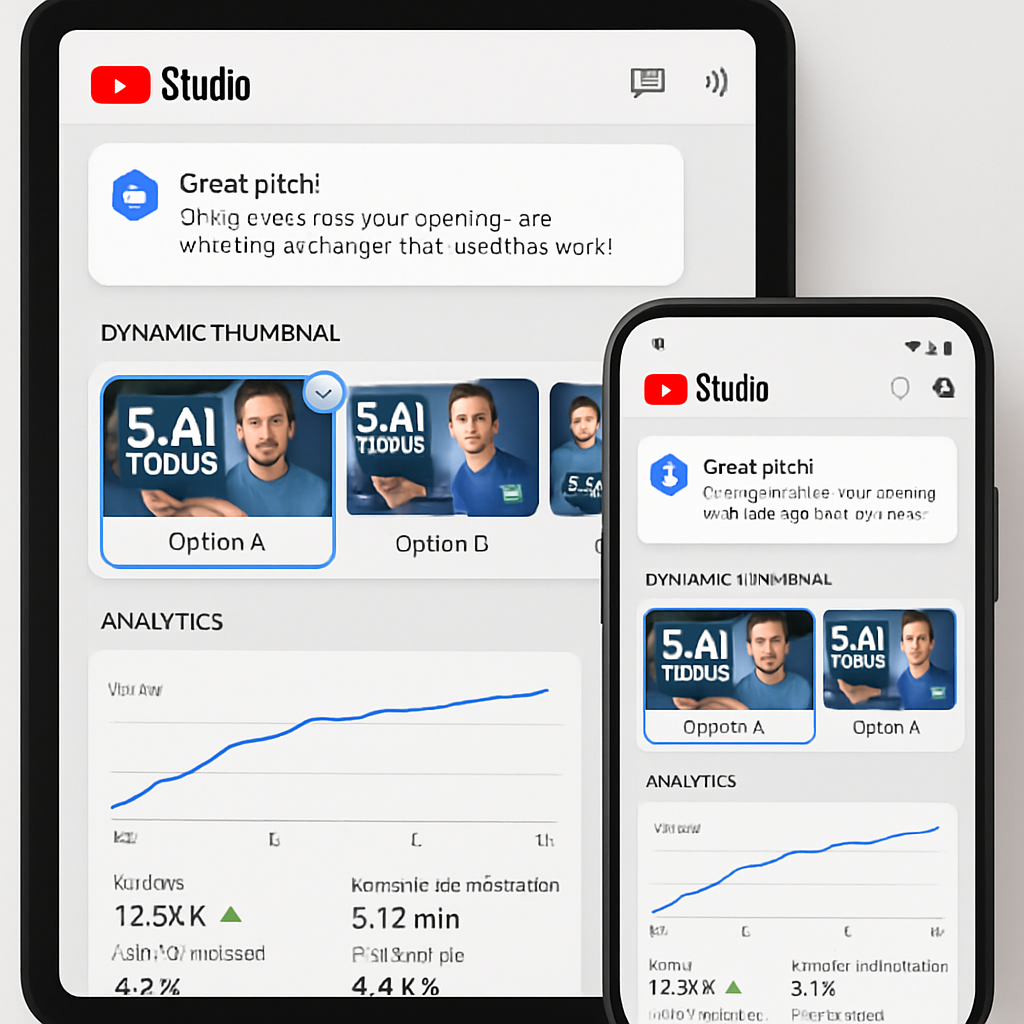
Thumbnail and title creation is getting smarter. The Studio app now offers tools that generate titles and thumbnails based on a video’s actual content, matched to the creator’s style. A dynamic thumbnail feature enables uploading three versions of a thumbnail and showing each to a slice of the audience to see which performs best.
YouTube also reports that creators have already run over 40 million A/B tests on titles and thumbnails using the platform’s existing tools. Coming later this year, Studio will allow creators to experiment with up to three video cuts to test which opening hook keeps viewers engaged the most. In addition, the app will begin monitoring thumbnail performance after publication and automatically swap out poorly performing thumbnails without creator input.
On the analytics front, the Studio app’s insights are evolving from raw numbers to more explanatory feedback. Instead of just showing view counts and watch time, YouTube aims to provide context: reasons why certain videos perform well or underperform, and tailored tips for making content more engaging in the future.
Beyond the Studio app itself, new features include conversational editing tools for Shorts, as well as updates to the YouTube Create app, further broadening the offerings available for creators working across formats.