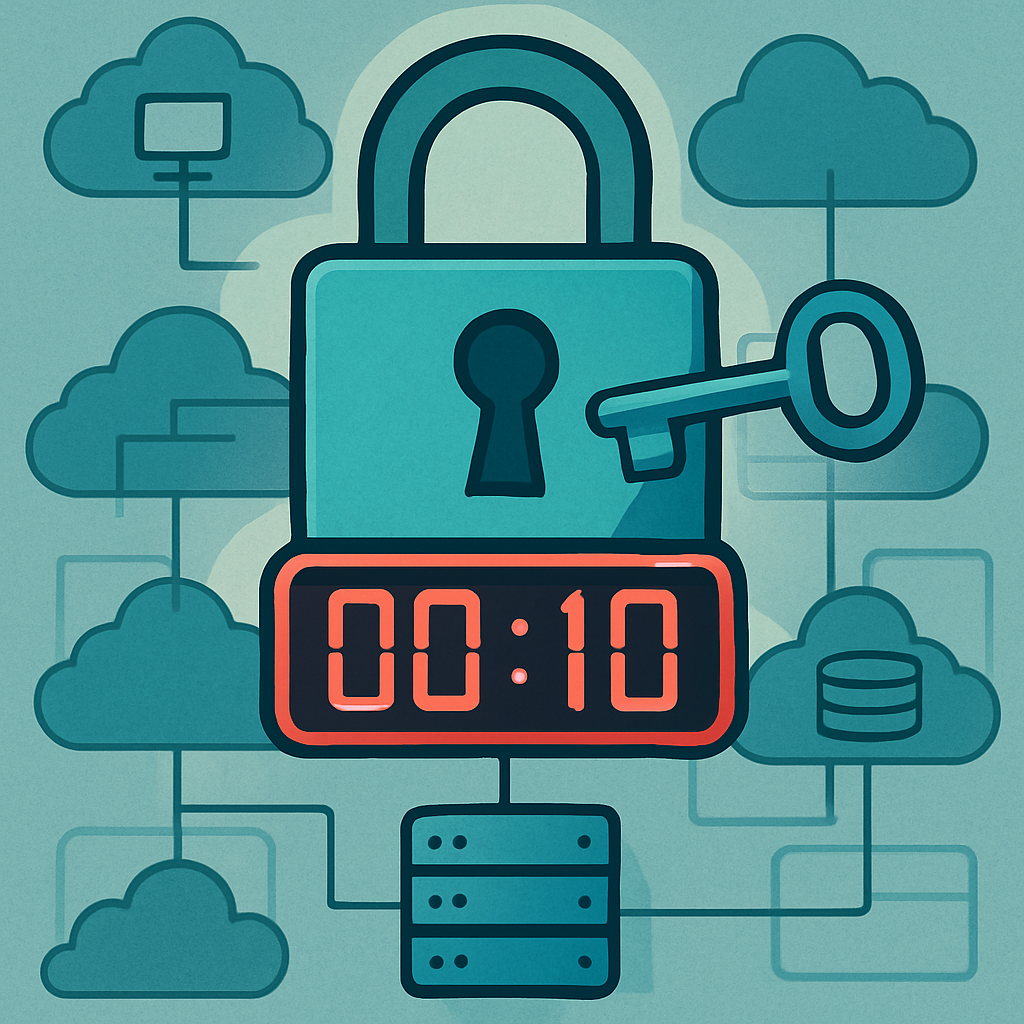
Amazon Web Services has sharpened its threat response: when an IAM (Identity and Access Management) access key leaks publicly via GitHub, AWS can now quarantine the key in just about 10 seconds. This happens after GitHub detects the credential and reports it through its secret-scanning system. The swift action helps minimize the damage that leaked credentials could otherwise cause.
How the Automation Works
A controlled test conducted on December 19, 2025 by Unit 42 (Palo Alto Networks) provides a detailed look at AWS’s automated containment process. In the experiment, AWS was notified when an IAM access key was pushed to a public GitHub repository. Exactly 10 seconds after GitHub’s push, which surfaced recognized credential patterns, AWS automatically attached its managed policy named AWSCompromisedKeyQuarantineV3 to the IAM user tied to those keys. This action blocks high-risk operations while the exposed key remains active.
CloudTrail logs from the test confirm that at 18:50:05 UTC, a malformed credential was published. By 18:50:15, AWS had attached the quarantine policy. GitHub’s alert email hit a mailbox just one second later. AWS Health issued a risk notification at 18:50:17; an email to the account owner arrived at 18:50:26; and by 18:50:59 a support case was automatically opened.
Policy Versions & Threats Addressed
The quarantine policy isn’t new. AWS introduced the first version in August 2020, followed by a revised version in April 2021, and the current V3 in August 2024. With each iteration, the policy has expanded its scope—blocking dangerous actions across core services like IAM, EC2, S3, Lambda, ECS, ECR, SageMaker, and Bedrock. The limitations imposed by the policy now cover dozens of actions carefully curated to address modern threats like cryptomining, data exfiltration, and abuse of generative-AI infrastructure.
Although the policy denies many critical actions explicitly, it does not disable the exposed key entirely. That distinction is important, as it reduces disruption for legitimate operations not covered by the deny list. Still, security teams are advised to treat any instance of the quarantine policy being attached as a confirmed exposure incident. They should follow up by rotating or deactivating the compromised key and carefully reviewing any related activity.
What Security Teams Should Do
Attackers often leverage long-lived IAM keys to gain access without interactive logins—so the faster a response, the better. AWS health notifications and support-cases now immediately follow automated quarantine. However, machine-readable evidence of these actions may be limited. For example, CloudTrail logs show the policy attachment, but not all internal events (like AWS’s automated trigger) are flagged clearly, so visibility may be uneven.
Teams should monitor for CloudTrail AttachUserPolicy events when the policy ARN includes AWSCompromisedKeyQuarantine or its newer versions. They should correlate those events with preceding activity, such as GitHub push notifications or any relevant API usage, and manage exposed cases through centralized systems to avoid mess or oversight. Tools like secrets-management platforms, least-privilege access, and just-in-time provisioning are beneficial complements.
By automatically quarantining leaked IAM keys in seconds, AWS is elevated its incident response in the face of rising cloud exposure risks—especially as credential leaks remain one of the most common initial access vectors. Administrators should verify that their AWS environment is configured to receive GitHub secret scanning alerts, that key rotation and credential hygiene are in place, and that internal monitoring captures these events clearly.
What this means: Automated policy enforcement now marks a big shift, pushing cloud security from reactive to proactive. As credential leaks on platforms like GitHub continue, these kinds of rapid quarantine features will become baseline expectations, not luxuries. Keep an eye on how cloud providers refine their containment policies—and ensure your visibility and auditing tools can keep up.