A newly uncovered malware campaign dubbed TASK#STOMP uses a PowerShell backdoor to silently harvest business assets—documents, Wi-Fi passwords, clipboard entries—even taking screenshots, all while maintaining hidden, persistent control via redundant command-and-control (C2) infrastructure. This threat bypasses many detection tools by blending into normal Windows activities.
How TASK#STOMP Infects and Persists
The attack begins when a Visual Basic Script (VBScript) named something like “95c9050t66.vbs,” randomly generated to evade straightforward detection, is placed on the victim’s desktop. That script is launched via the standard “wscript.exe” utility. It remains unclear how the malware is delivered, though phishing or social engineering are likely vectors.
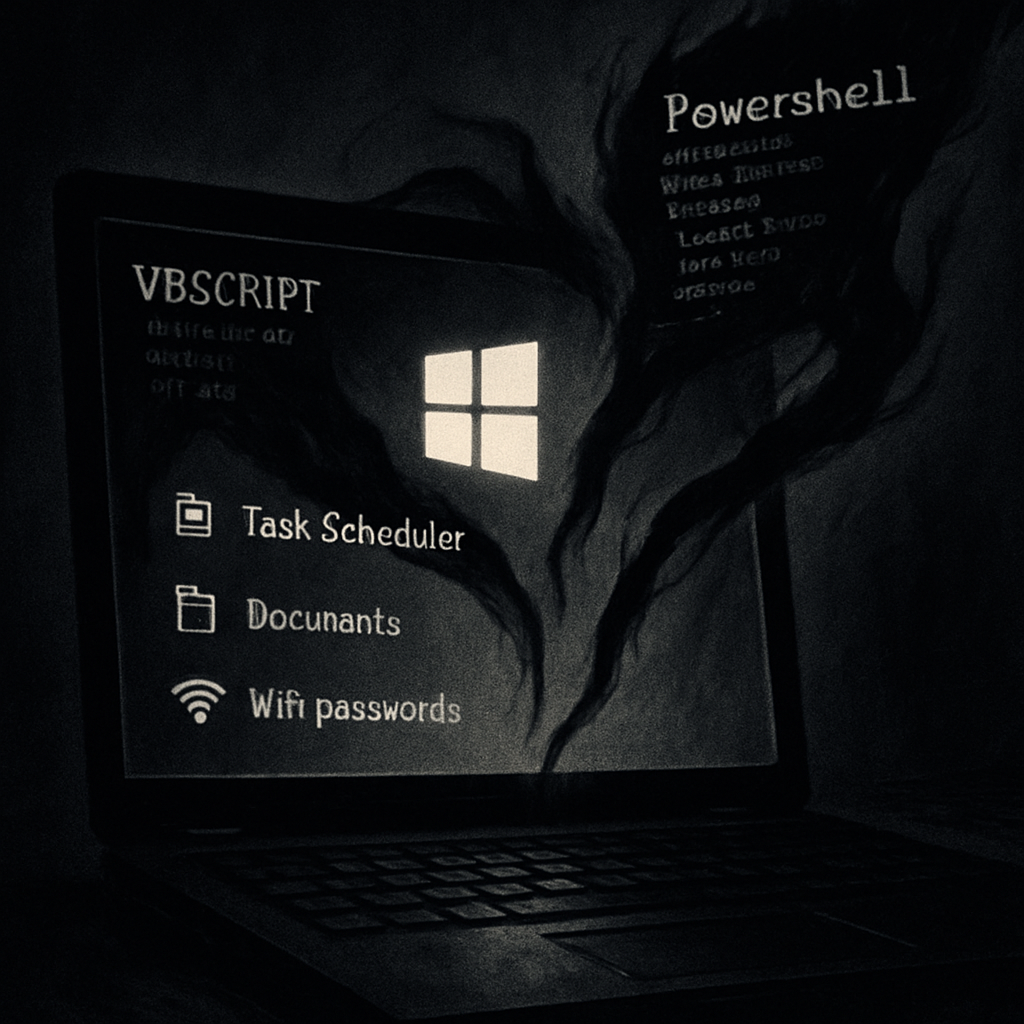
Once executed, the VBScript sets up persistent footholds in two key locations: scheduled tasks and the Windows Startup folder. It registers tasks under benign-sounding labels—Local Credential Manager, Network Audio Service, Windows Display Manager, Device Credential Handler—to mimic legitimate system processes. Meanwhile, a backup script called “msdiag.vbs” is configured to launch at user login via the startup folder. The VBScript also ensures any duplicate instances of the malware are terminated so only one active session remains. Malicious files’ timestamps are altered (“timestomping”) and hidden run modes are used to evade forensic scrutiny.
Backdoor Functionality and C2 Redundancy
The core of TASK#STOMP uses two key PowerShell components. First, “sys_loader.ps1” decodes a data file (“diag_pack.dat”) and handles document harvesting, metadata collection, Wi-Fi credentials recovery, clipboard monitoring, screenshot capture, and remote command execution. The second, “win_conn.ps1,” decodes “win_conn_cfg.dat” to establish a backup C2 channel that also supports remote operations. If one component is terminated or fails, the other restarts it—creating mutual redundancy. Communication for both modules occurs via two domains noted as “corecloudfileshare[.]xyz” and “attachmentsharingdrive[.]xyz.”
Before finishing its infection routine, the threat actor triggers user-visible behavior: a batch file yields a two-second delay and attempts to clean evidence, and Google Chrome is opened to a URL on “irantenders[.]com”—a site that provides searchable listings of government tenders in Iran. The reason behind this redirection is not yet understood.
Why Detection Is Challenging
TASK#STOMP is built to hide in plain sight. By abusing built-in Windows tools—VBScript, Task Scheduler, Windows Startup folder, PowerShell—and avoiding obvious executable payloads, it creates noise matching legitimate activity. Scheduled tasks named after trusted services, timestamp alterations, and hidden execution all help flatten its profile. For defenders, distinguishing malicious actions from administrative operations becomes difficult without deeper inspection.
What stands out is the operation’s layered persistence mechanisms, the dual C2 modules watching each other, and the wide data capture scope—from Wi-Fi passwords and clipboard contents to documents and screenshots—all indicating this is aimed at long-term espionage or data exfiltration, not just quick theft.
In terms of mitigation, system administrators should focus on detecting new scheduled tasks with service-like names, monitoring suspicious PowerShell execution, alerting on outbound network sessions to unusual domains, and inspecting VBScript activity originating from user folders like Desktop. Disabling or restricting Windows Script Host where possible, and enforcing least privileged access, can reduce attack surface.
Analytical view: TASK#STOMP exemplifies a trend where adversaries rely on native OS components and obscure scripting to fly under detection. This campaign reminds defenders that security tools must monitor behavior—file system changes, process creation, network communication—rather than simply signature-based flags. Organizations, particularly those with sensitive data, must anticipate threats that don’t arrive as obvious malware files but nestle deep in trusted utilities. What’s next: identifying how the initial drop happens (email? drive-by?) and whether domain infrastructure relates to other networks or periods of activity. Vigilance now could prevent far-wider damage later.