Mac users tired of dragging apps into the Trash — only to leave behind preferences, caches, and support files — now have a polished solution: AppZapper 3000. After years of dormancy, the beloved uninstaller has returned, reimagined for macOS 26 Tahoe and beyond. What was once a nostalgic tool has evolved into an engaging, playful way to clean up apps more completely.
From Obsolete to Interactive Clean-Up
Originally released when Mac users first sought thorough removal of applications without a full system overhaul, AppZapper has always pride itself on finding all the leftover bits traditional uninstalls miss. Its core value came into focus back in the pre-macOS 26 era, when Launchpad offered a simple “tap-X to delete” feature, but only for App Store apps — and not deep enough to purge extra files. That made AppZapper essential for users seeking complete removal.
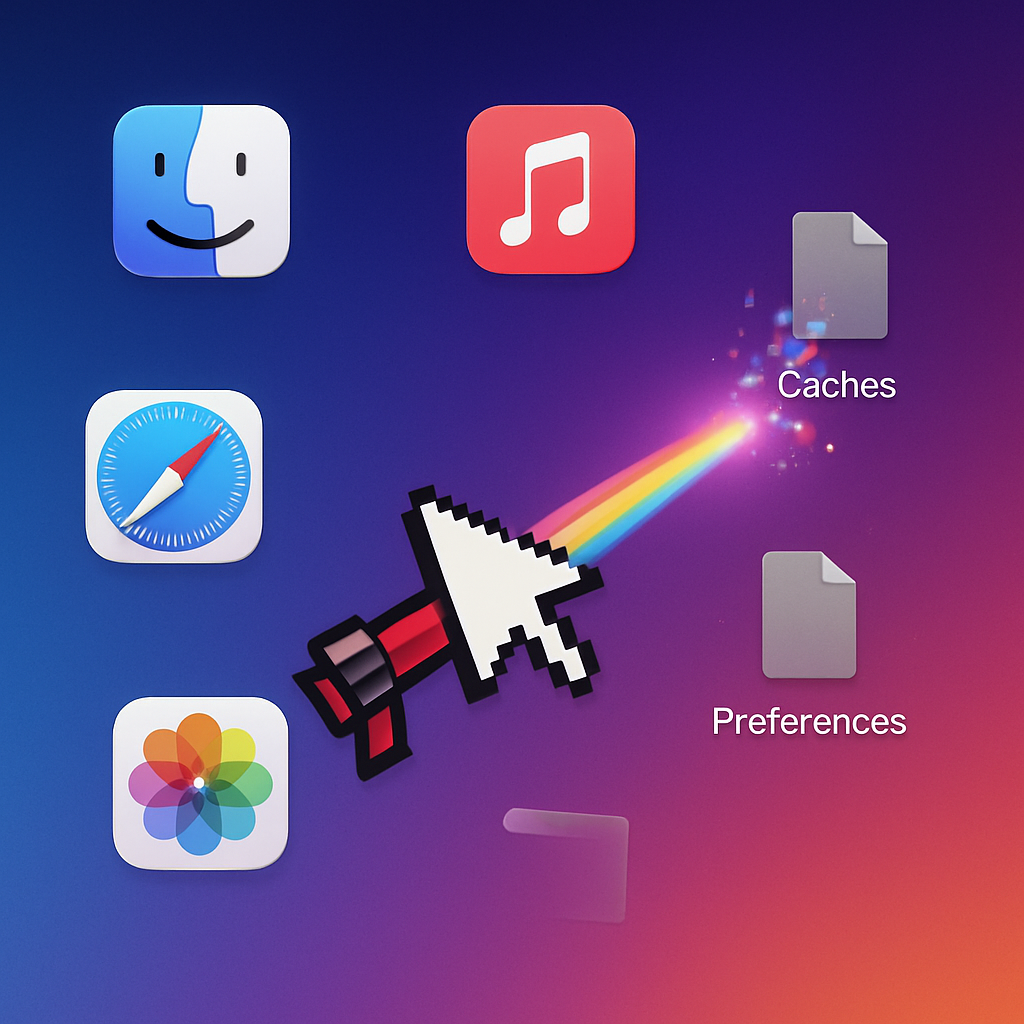
This September, with macOS 26 Tahoe having scrapped Launchpad’s uninstall shortcut and no fix in macOS 27 Golden Gate, AppZapper 3000 arrives just in time. Beyond restoring full uninstall capability, it arms users with interactive features, modern UI cues, and the same satisfying zap effect that made it memorable. The app still displays a “zapper” sound effect, and the cursor transforms into a virtual blaster to “target” and eradicate unwanted app residue.
Licensing, Trial Limits & Pricing
Anyone can try AppZapper 3000 free of charge, though the trial is limited: only three “zaps” before a license is required. After that limit, users must purchase a license priced at $18 to unlock unlimited zapping. The update doesn’t just tinker with visuals — it improves functionality to track down the scattered remnants apps leave in Library folders and support directories.
The release also re-enables intuitive controls like dragging, previewing app remnants, and detailed info on what’s being removed — features that some modern cleaners omit. It aims to be more than just delete-button aesthetics, going deep into the file system to remove hidden files and dependencies safely.
Why This Matters Now
The timing couldn’t be better. With Apple removing Launchpad’s uninstall triggers, millions of users are left with fewer built-in tools for fully purging unwanted apps. Off-store apps, utilities, and niche software especially tend to leave debris across multiple folders, which accumulate over months and degrade system performance. AppZapper fills that gap.
Moreover, it isn’t simply nostalgic. AppZapper 3000 proves there’s still a market for finely tuned uninstaller tools, amid a broader trend where macOS system management is shifting toward modular third-party utilities. As Apple lean more on its walled garden, independent apps that provide finer control are gaining renewed importance.
Analytical Angle:
AppZapper 3000 stepping back into the limelight highlights two larger shifts in the macOS landscape. First, the removal of easy uninstall mechanics in built-in tools, like Launchpad’s “Option-X” feature, creates space for third-party alternatives to shine. Second, there’s growing appetite for tools that combine utility with engaging user interaction — not just silent cleanup, but cleanup you can see and enjoy. Moving forward, expect more legacy utilities to return with modern designs, and watch how Apple responds: will it reinvent its own uninstaller features, or leave that space to developers like AppZapper?