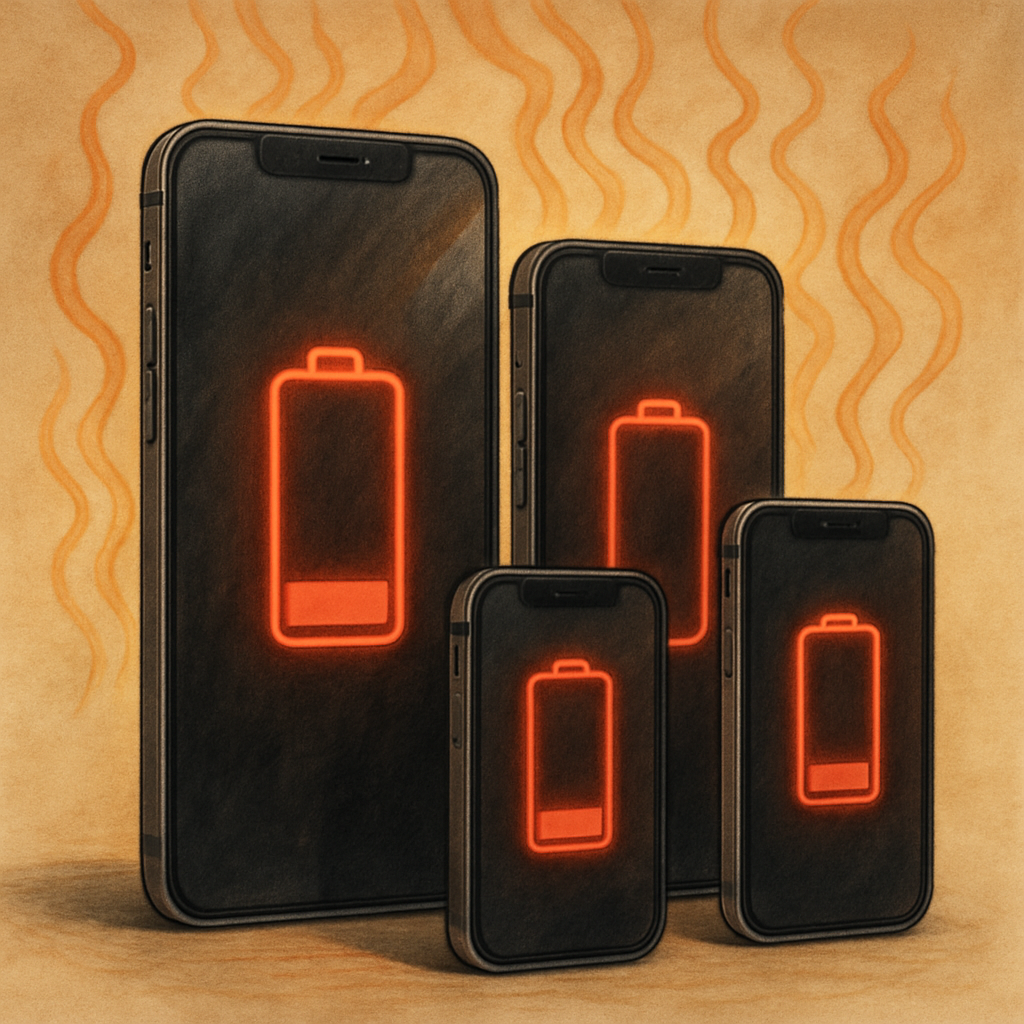
After upgrading to iOS 27, many iPhone users have noticed increased battery drain and warmth during otherwise routine use. Those symptoms are common and expected shortly after installing a major OS update—and they usually improve on their own.
What’s going on under the hood
When a device jumps to a major software version like iOS 27, it triggers a range of intensive background tasks. Indexing files, updating various assets, reconfiguring apps, and pulling down new system components all demand extra CPU cycles—leading to temporary higher energy use and elevated temperatures.
This update is especially taxing because iOS 27 revamps how Siri uses AI, which requires a full re-index of the device. That indexing can stretch out over several days, depending on how much data you have. It’s during this phase that battery life and thermal performance tend to take the biggest hit.
When it gets better
Once these post-install tasks wrap up—after the device has indexed data, updated apps and files, and completed any AI-related setup—you should see battery consumption taper off, and temperatures under regular load drop back to what you’re used to. Many users may even notice improved efficiency compared to earlier versions of iOS.
This scenario isn’t unique to iOS 27. Apple has explicitly noted that it’s normal for updates—especially those involving significant changes—to temporarily affect battery life and heat. What users are experiencing right now matches what happens behind the scenes after most major iOS upgrades.
However, if your device continues running hot or burning through battery long after the system has had time to settle (typically several days), it could be worth identifying specific apps or settings that might be causing trouble. For example, reinstalling apps, checking for updates, or rebooting the device sometimes helps.
Bottom line: the extra heat and battery drain after updating to iOS 27 aren’t a bug—they’re a temporary phase. Wait a few days once your iPhone has had time to process everything in the background, and things should return to normal.
This moment reminds us of a recurring truth: new software, especially versions that shift major components like AI or indexing, often demands work behind scenes. As long as you’re patient after updating, what feels like worse performance now can lead to better battery life and smoother operation later.


