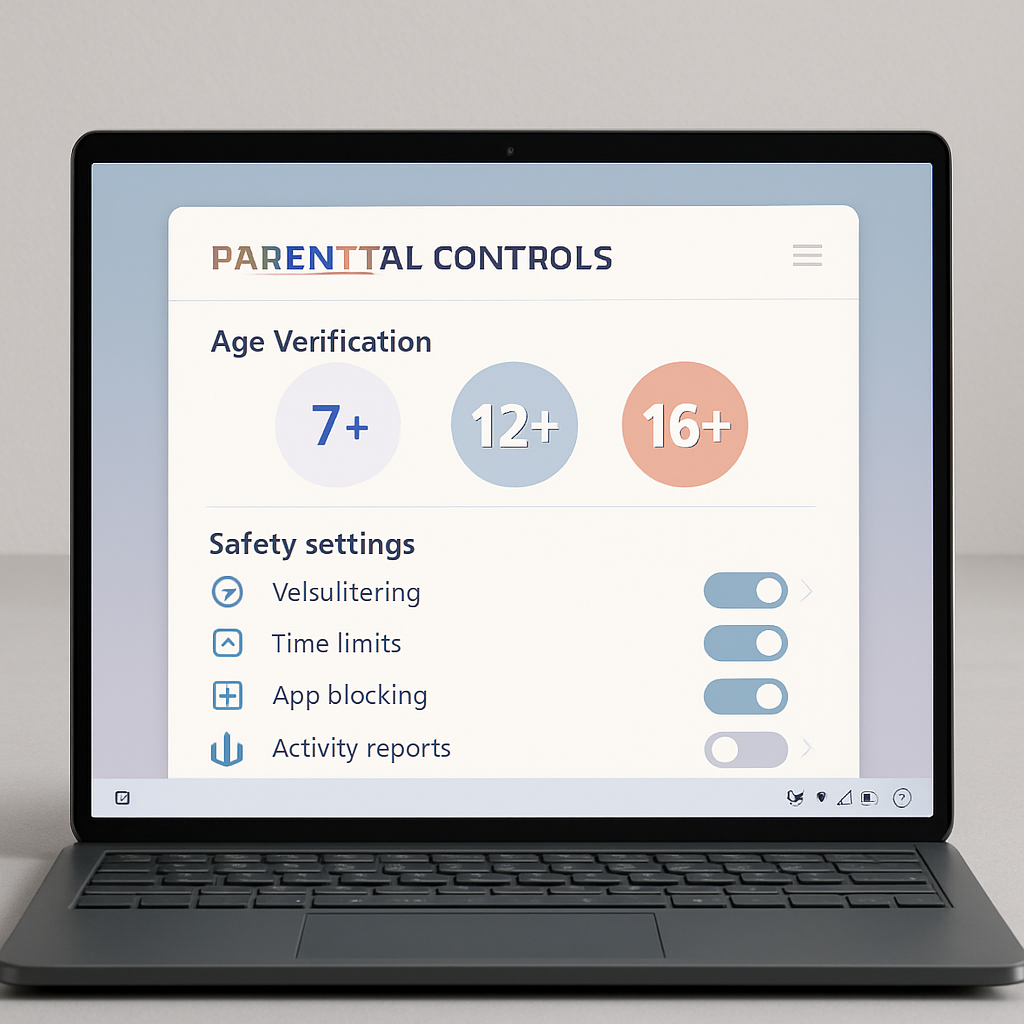
Microsoft is rolling out new features to its Family Safety tools on Windows, bringing tighter age verification, enhanced parental controls, and privacy-focused signals to how apps, games, and services adjust content based on a user’s age. These improvements aim to ensure that protections align with whether a user is a child, teen, or adult—without compromising sensitive data.
Account-Based Age Controls Across Windows
The update introduces a system where the Microsoft account acts as the central identity layer for family safety. Through it, the system can automatically recognize if someone is classified as a child, teen, or adult, decide if parental consent or restrictions apply, and track whether age verification has been completed. These changes mean parents no longer need to configure age-based rules separately across different apps or devices—the protection travels with the user via Windows and compatible applications.
Windows Age APIs & Clearer Setup Flows
A highlight of the update is the new Windows Age API. This gives developers access to age-range signals—like whether someone falls under categories such as under 10, 10–12, 13–15, 16–17, or 18+—without revealing exact birthdates or other sensitive information. Another API, known as GetAgeVerificationStatusAsync, allows applications that require verified identity to confirm whether a user’s age has been officially verified via their Microsoft account. Additionally, a function called CheckAgeStatusAsync lets apps determine if someone is tagged as a child, minor, or adult under varying regional or global policies.
On the parental control front, Microsoft is making major changes to how those controls are surfaced. In France and a few other regions, setup screens will soon show clear parental consent and control options earlier in the device onboarding process, giving parents a chance to apply protections before children begin using the device. Current tools for parents—such as screen time limits, content filters, app access rules, and activity reports—are being upgraded with faster approval workflows, more transparent reporting, and extra management options.
Verified Age & Global Rollout
Microsoft already supports trusted age verification, known as Microsoft Age Verification (MAV), in storefronts in Singapore, Brazil, and Australia. As regulatory requirements push more regions toward stronger verification, MAV will expand. Verified statuses will be accessible to developers via the Windows Age APIs, allowing apps and services to modify their behavior based on whether age verification is complete. These tools are currently available to Windows Insiders, with broader rollout expected soon.
This marks a shift toward making Windows not just a platform with parental controls bolted on—but one where apps, games, services, and even AI-driven features are age-aware by design. Microsoft clearly intends for age-related safety to be built into core platform capabilities rather than left entirely to third-party apps.
What this means: These changes deepen the intersection of data privacy, child safety, and platform responsibility. As age verification becomes embedded at the OS level, Microsoft is reducing reliance on self-declared age or separate app rules. Parents will gain more centralized and consistent power over what younger users see and do. For developers, the new APIs simplify building compliant, age-sensitive experiences without handling exact birthdates. The rollout pace—starting with Windows Insiders and limited regions—means many users will need to wait. But this step is critical in shaping a safer online environment for minors and setting standards others may follow.