Phishing attacks have taken a stealthy turn with hackers now embedding QR codes using HTML markup instead of traditional image files. This shift enables cybercriminals to bypass systems that rely on detecting image attachments, while still delivering a scannable code that redirects victims to malicious sites. The tactic poses new challenges for email protection tools that aren’t designed to inspect rendered visuals.
How the New QR Phishing Works
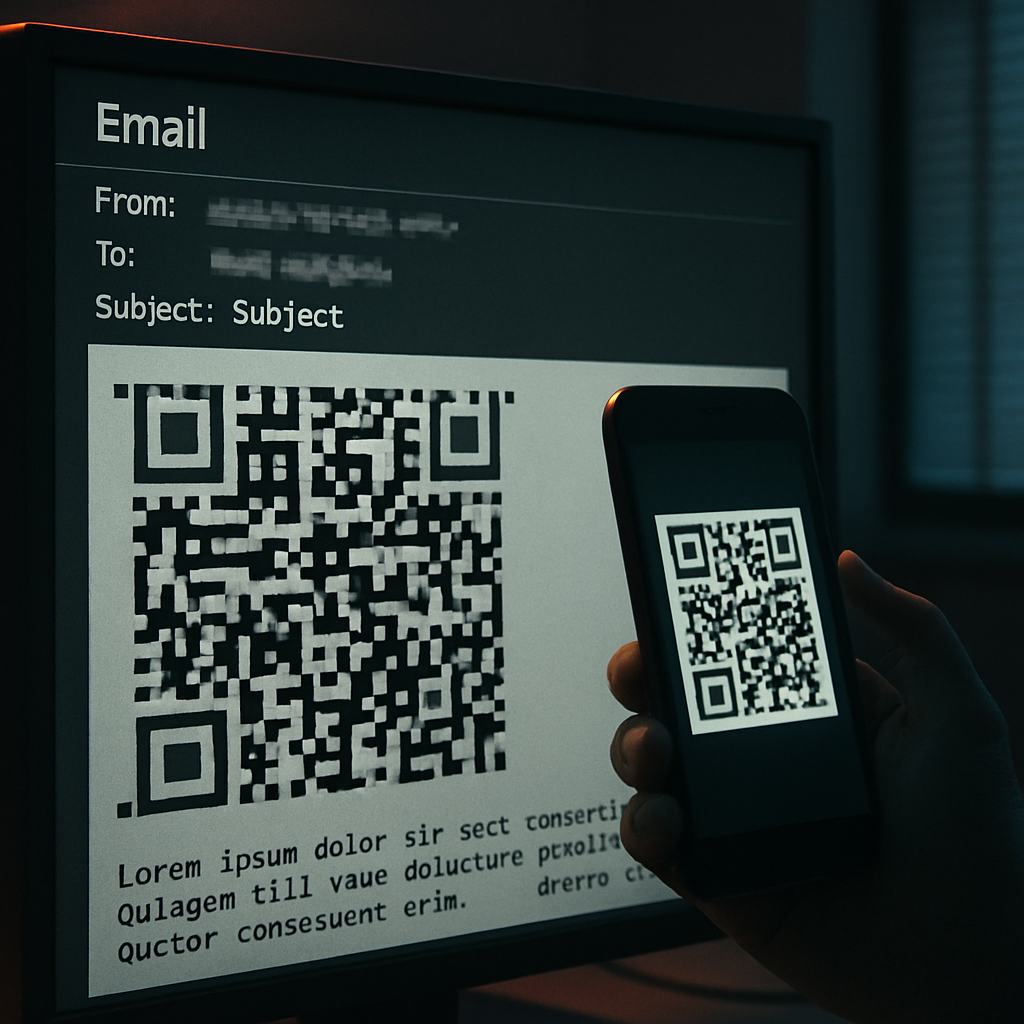
Typically, phishing emails contain QR codes as image attachments or in-body graphics. Security systems identify those by extracting the image data, decoding any embedded link, and flagging suspicious redirects. What hackers are doing now is assembling QR codes using HTML tables or repetitive block characters—no actual image files involved. This “markup QR code” renders visually like an image in many mail clients, but email filters may miss it since there’s no image object to inspect. When scanned from a phone, the visually rendered code behaves just like a traditional QR, directing the user to phishing landing pages meant to steal credentials, session cookies, or payment data.
Why It’s Effective—And How Defenders Can Adapt
This method works especially well when remote images are blocked in the email. Ordinarily, image‐based codes can’t load, which blocks the lure. But markup as layout produces visible code even with image loading disabled. Attackers exploit this by crafting messages that look like invoices, alerts, or document-sharing notices—types of emails users are likely to scan rather than clicking directly on any link.
To counter this, email security needs a new layer: tools should render the email as the recipient would see it, then scan the visual output for QR patterns—even if no image file is involved. Detection heuristics can include spotting dense grids, fixed-width block structures, tight color grids, or clusters of alternating small cells—elements not usually present in standard business emails. Simulated phishing exercises should also include test cases with markup QR codes to see if existing filters catch them.
User Behavior and Organizational Measures
On the human side, users remain the weakest link. If you receive an unexpected QR code—especially from an email claiming urgency—you should err on the side of caution. Avoid scanning from an unverified source, inspect the decoded link before taking action, and use authentication methods resistant to phishing when possible. Compromised or trusted mailboxes can make an attack look more legitimate, raising the stakes.
This evolution underscores a simple but important truth: evaluating an email’s risk depends not just on what files it contains, but on how it visually presents itself to an end user. Organizations that focus solely on attachments or images may be ignoring the fact that code rendered with HTML can mimic those elements quite convincingly. Behavioral awareness, combined with visual rendering in filters, helps close the gap.