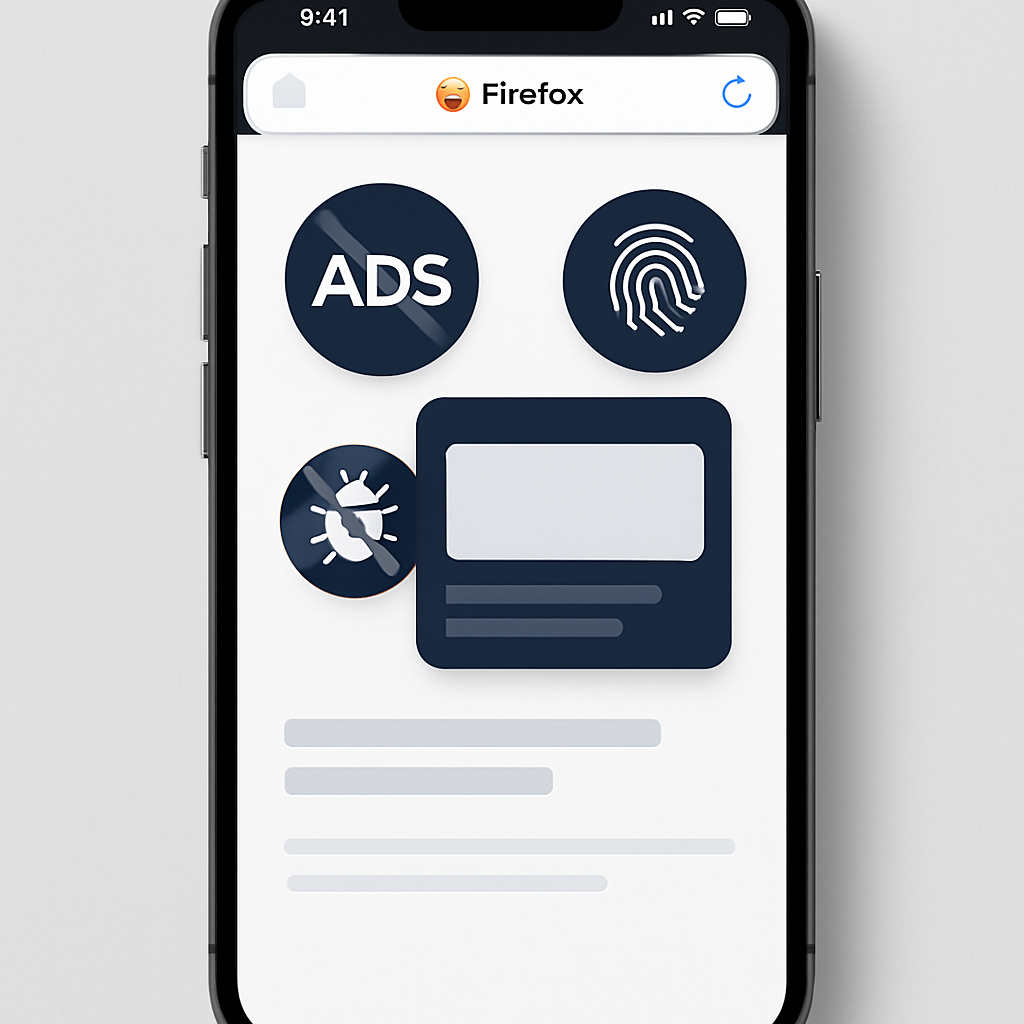
Mozilla has rolled out a new built-in ad-blocking feature for Firefox on iOS that allows iPhone users to block most third-party advertisements and trackers without installing any extensions. The tool, which is turned off by default, is meant to reduce visual distractions — pop-ups, overlays, and ad scripts that slow down browsing or disrupt reading. To enable it, users can navigate to Settings → Browsing → Ad Blocker within Firefox.
How It Works
The ad blocker works by tapping into Apple’s WebKit Content Blocker framework, using rule-sets to prevent certain page elements from loading. Behind the scenes, it uses EasyList — a widely used community-maintained filter list — to identify advertising domains, ad scripts, tracking elements, and unwanted page components. Because blocked resources never load, the browsing experience is cleaner and requests to third-party ad and tracking networks are reduced.
What It Does — And What It Doesn’t
The tool doesn’t block everything. Ads embedded by websites themselves or those showing up in search results may still appear, as do sponsored shortcuts or content Firefox displays in its New Tab page — those are handled separately from ads on third-party web pages. The ad blocker is designed to complement, not replace, Firefox’s existing Enhanced Tracking Protection, which already restricts known trackers and cross-site tracking.
Mozilla emphasized that advertising remains essential to fund creators and publishers across the open web. Making this ad blocking optional is part of balancing user privacy and control with sustaining the ecosystem. Users who encounter missed ads, site compatibility issues, or unexpected behavior can report them via Mozilla Connect.
This update reflects a broader shift toward embedding privacy tools directly into browsers, especially on iOS where extension support is limited.
What this means: For iPhone users, this built-in blocker offers a more seamless way to reduce annoyance and improve privacy without fiddling with add-ons. Still, it won’t kill all ads, and those who want finer control over what content gets blocked may look elsewhere. Keep an eye on how this develops: the strength of filtering rules like EasyList will determine how clean your browsing gets, and Mozilla’s responsiveness to missed ads will matter for user trust.