Windows users are presently being targeted in a novel cyberattack that hinges not on exploiting ChatGPT itself, but on misusing its shared conversation feature to trick victims into installing malware. The threat actors embed deceptive prompts into legitimate shared conversation links that lure users into executing malicious commands.
How the Attack Works
The attackers begin with a genuine ChatGPT conversation’s share URL—an address that appears trustworthy when seen in emails, messages, ads, or search results. The shared page deceptively claims high traffic volume and misdirects users to a “backup” site, which mimics familiar verification notices and branding. Critical details are that no automatic redirect occurs, meaning the user must actively click through.
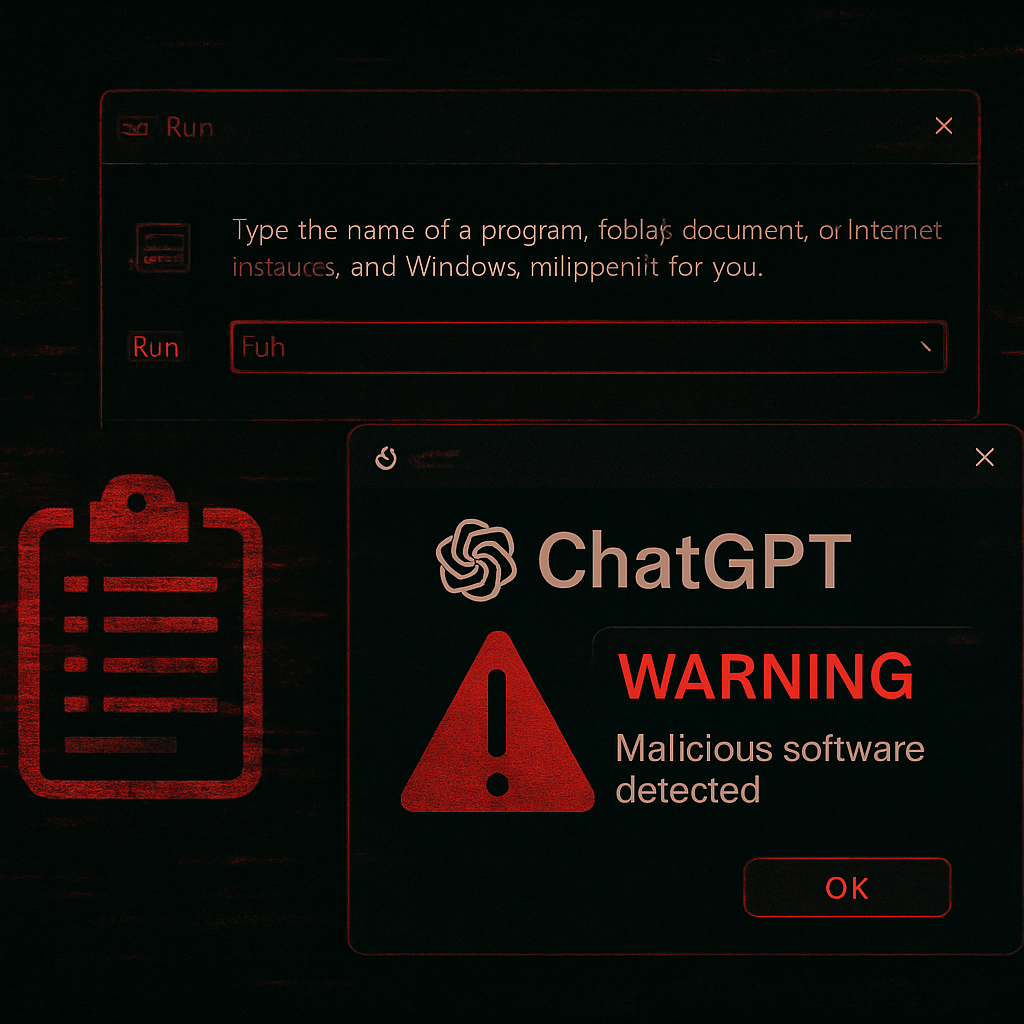
After arriving at the fake backup domain, the victim encounters an OpenAI-themed layout, branding references, and a “verification” screen featuring human check instructions. The page then instructs the user to open the Windows Run dialog (Win+R), paste a command copied by the page into the clipboard, and press Enter—activating a PowerShell-based download routine without the browser directly downloading any suspicious files.
Payload and Data Collection
The malicious command retrieves a remote script, which hides its console window and begins sophisticated system profiling. It gathers the device’s public IP address, location, Internet service provider, time zone, Windows version, and whether the user has administrator rights. Afterwards, it downloads what appears to be an MP4 video—but embedded within that multimedia file is an encrypted PowerShell bundle.
Once extracted, this bundle includes a signed copy of the NetSupport remote-control tool and other supporting executables. Such remote admin software is legal in many contexts, but in this case it’s been delivered via clipboard command execution, disguised payload carriers, and anti-trace measures like clearing the Windows Run history.
Threat Landscape and Indicators
Security analysts identify this operation as part of the ClickFix or “Run dialog” attack class. Attackers are abusing the implicit trust of the ChatGPT brand without breaching OpenAI’s infrastructure. Despite the URL’s legitimacy, the content under user control is weaponized.
Detailed indicators of compromise include the initial ChatGPT lure URL and shared content path, a fake backup domain openai-backup.one, the payload delivery domain brmconfig.com (used for both loaders and carriers), and specific file hashes for downloaded binaries. Also noted is a hard-coded Telegram bot token for telemetry communication and artifacts like the clearing of the Run dialog history to hide footprints.
What Users and Organizations Should Do
Any website that requests opening Run, Terminal, or PowerShell dialogs under the guise of human verification should be treated as hostile. Users should refuse to run pasted commands, scrutinize clipboard content before executing, and immediately report any unintentional command execution to their security team.
Administrators are advised to block identified malicious domains and monitor for the listed command hashes. Inspecting traffic to Telegram endpoints tied to noted tokens may help reveal exfiltration attempts or system profiling behavior.
Though this attack doesn’t leverage a vulnerability in OpenAI’s systems, it exposes an inherent risk in trusting domain names alone. Attackers are increasingly relying on recognizable brands—and ChatGPT associations in particular—to lower defenses. As clipboard poisoning and command-execution attacks become more common, what we watch next is whether platforms like OpenAI will take steps to limit how shared content can be used for social engineering, and whether OS vendors will reduce the attack surface exposed by built-in tools like Run and PowerShell. Vigilance—and not blind trust in a domain—is now more critical than ever.