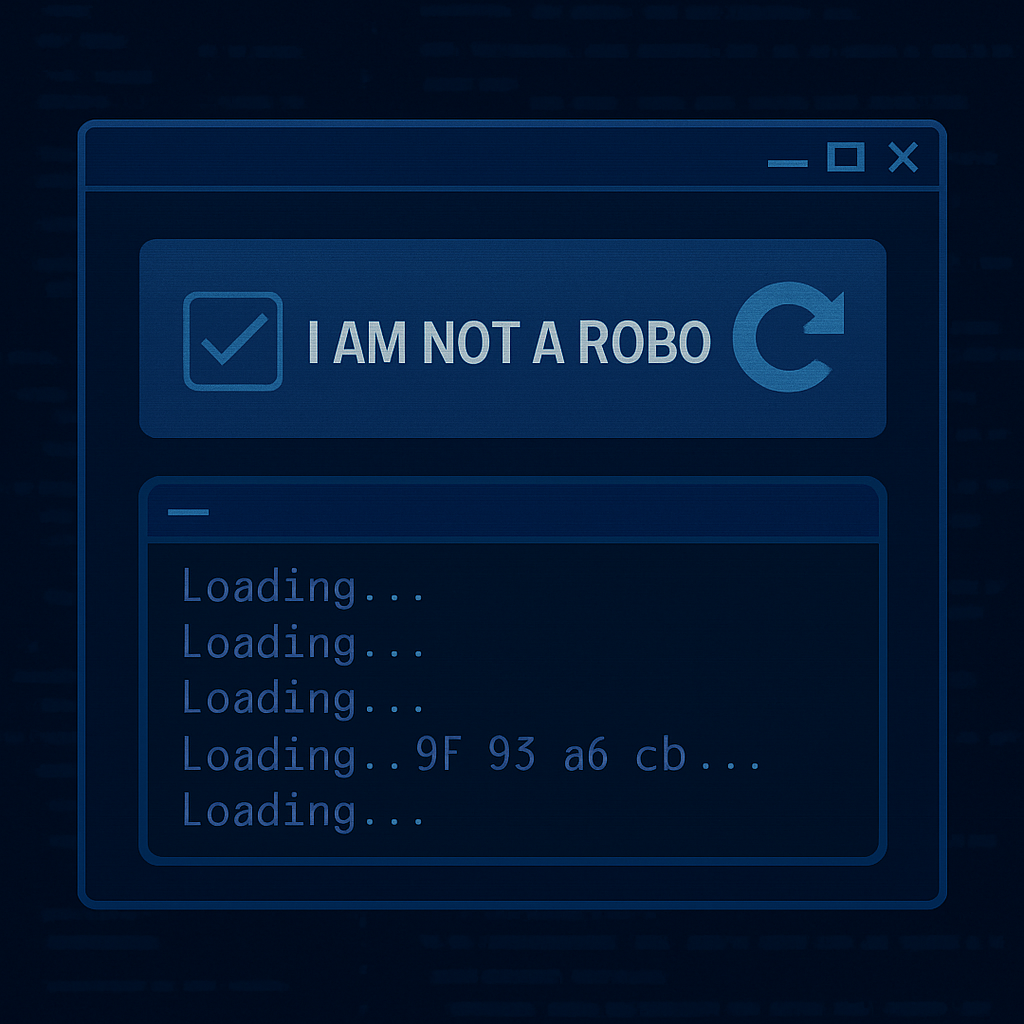
Microsoft has identified a new evolution of the ClickFix malware campaign, dubbed TerminalFix, that tricks victims with counterfeit Cloudflare CAPTCHA prompts and coerces them into executing malicious commands via Windows Terminal or PowerShell. This method enhances threat actor capabilities by ensuring multi-line scripts—often blocked in simpler environments—run unchecked, dramatically increasing an attack’s reach.
The campaign, affecting companies across various sectors, begins with compromised websites showing fake CAPTCHA challenges to visitors. Once a user completes the prompt, they are asked to copy-paste a PowerShell command that downloads a ZIP file containing a legitimate Windows binary, LockScreenContentServer.exe, and a rogue DLL file named dui70.dll. The DLL is loaded through DLL sideloading, a technique that abuses legitimate applications to execute malicious code.
Attack stages and payload delivery
After sideloading, the malware retrieves further payloads hidden inside PNG images hosted on external domains such as bestsocialmedianewspapper[.]comand offlineupdater[.]com. These payloads establish persistence with Registry Run keys and scheduled tasks. They also include extensive reconnaissance: gathering system metadata, discovering domain trust relationships, enumerating Active Directory users and computers, pinging internal servers, and mapping internal network layouts. Meanwhile, a persistent PowerShell file watcher monitors text files for new commands, executes them, and captures output.
The most dangerous component is a custom reverse-tunnel implant named client.py. It opens an encrypted WebSocket connection to the command-and-control (C2) server at gitnow[.]dev:443, which allows attackers to send arbitrary TCP traffic back into the compromised network. This mechanism permits lateral movement and access to hosts visible from the victim’s system. Microsoft warns that this opens the door to privilege escalation, disabling security controls, sensitive data exfiltration, or even deployment of ransomware.
Defenses and mitigation strategies
Microsoft recommends organizations impose strict restrictions on PowerShell and Run dialog use, particularly for non-administrative users. Application control tools like AppLocker or Group Policy are advised to enforce these constraints. Additionally, Windows enterprises should monitor for signs of DLL sideloading and enable detailed PowerShell script block logging to detect obfuscated commands. Training staff to recognize phishing and ClickFix-style social engineering is critical, especially in spotting fake CAPTCHAs.
The emergence of TerminalFix marks a significant shift in attacker tactics, especially with fake CAPTCHA interfaces now being weaponized. The emphasis on reverse tunnels reveals that initial access is no longer sufficient—persistent, stealthy control is the goal. For IT security teams, the urgency is clear: audit PowerShell policies, enforce application controls, and train users to question unexpected prompts. This threat underlines how blending social engineering with legitimate-looking UI elements has become a dangerous standard in malware delivery.