Apple charges a steep $3,800 to upgrade the base model M5 Max Mac Studio from 512GB to 8TB storage. For many users—especially those handling large video, audio, or photo files—the fixed internal SSD makes that cost hard to swallow. But there are now a host of external 8TB drives and DIY builds that deliver similar capacity and performance for far less. These offer flexibility without waiting until purchase to make a decision.
Top External Alternatives Under Apple’s Price Tag
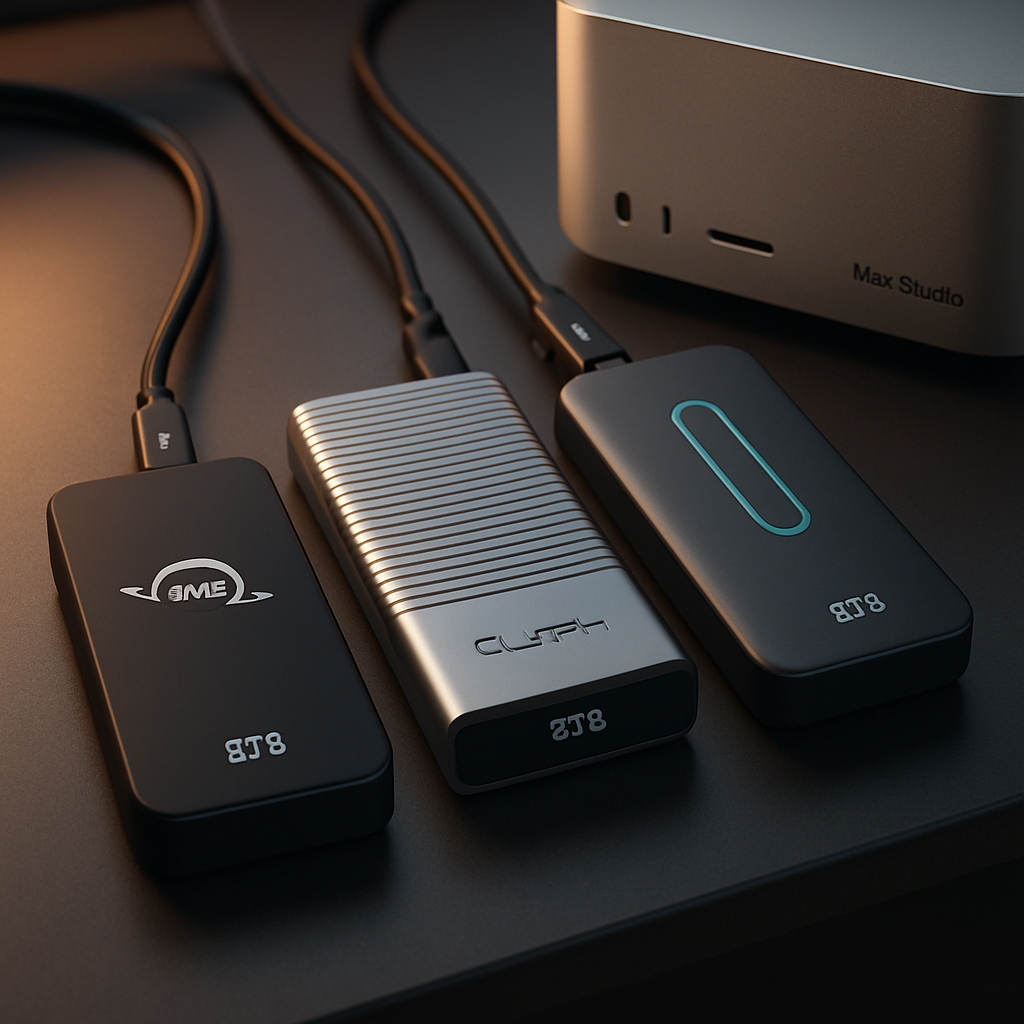
Several finishing options for external 8TB SSDs are selling for significantly less than Apple’s internal upgrade price. Here’s a look at six current models, all priced well below $3,800 (as of August 27, 2026):
- OWC Express 1M2 80G: Priced at $2,199.99. Delivers over 6,000MB/s using its USB4 80Gbps interface. Its bus-powered, fanless aluminum enclosure also supports user-upgradable NVMe drives. This saves about $1,600 versus Apple.
- OWC Envoy Ultra: Ruggeder option at $2,299.99. Thunderbolt 5 certified with similar peak performance (~6,000MB/s). Higher capacity models slow down during long writes, but it’s ideal for mobile use. Saves about $1,500.
- Glyph Atom EX80: $2,399.99 gets you one of the fastest external drives in this roundup. Rated at up to 7,000MB/s over USB4 80Gbps, with a rugged, MagSafe-compatible enclosure—and built-in tracking. Approximately $1,400 in savings.
- OWC StudioStack: Also $2,399.99. Goes beyond a portable SSD: it adds hub functionality (Thunderbolt 5, USB-A ports) plus an empty SATA bay. Best suited for stationary setups, with same approx. $1,400 savings.
- OWC Express 4M2 Ultra: Just under Apple’s upgrade cost at $3,799.99. This RAID-0 setup uses four NVMe blades, delivering high throughput (~6,600MB/s peak). Best as scratch storage; redundancy is minimal. Savings are only one cent—but this gives a different form factor and use case.
- iodyne Pro Mini: Offers more consistent performance at $2,195. Operates over 40Gbps Thunderbolt 4 or USB4; provides around 3,000MB/s sustained throughput even under full encryption and RAID protection. Includes cooling, tracking, and additional pro features. Delivers the highest cost savings (~$1,600).
Build Your Own to Maximize Savings
For users willing to tinker, building a custom 8TB external SSD can cut costs even further. It’s a matter of pairing a suitable enclosure (80Gbps-capable and physically compatible with your NVMe blade) with an 8TB PCIe 4.0 or 5.0 NVMe drive. Cooling, power delivery, and thermal management matter more than chasing raw peak numbers, since Thunderbolt still limits ultimate transfer speeds. For example:
- Pairing the Express 1M2 enclosure with an 8TB Lexar NM790 blade: totals about $1,600—saving over $2,200.
- Using WD_Black SN8100: ~$2,050—yields savings around $1,750.
- Even premium PCIe 5.0 drives like the Samsung 9100 Pro bring total cost under Apple’s $3,800 mark.
What Apple’s Internal SSD Still Wins At
An internal upgrade remains the simpler, cleaner choice. It eliminates cables, external power adapters, and desk clutter. There’s no risk of accidental disconnection during active work, and external latency or protocol overhead are removed. For some users, these perks might be worth the premium.
Still, unless every workflow requires absolute minimal latency and maximum ruggedness, the math now favors external storage. With external options saving up to $1,605 (and DIY builds offering even more), users can get nearly the same performance without locking themselves into Apple’s upgrades. Waiting to decide at purchase is no longer inevitable—just more flexible.
Let cost-conscious creatives and media pros take note: the storage landscape is shifting. If Apple’s internal SSD premium seems excessive, consumers now have believable alternatives that don’t force trade-offs between performance, capacity, and flexibility. The bigger question is whether Apple feels pressure to adjust its upgrade pricing—and if future M-series Macs lean more into modularity with Thunderbolt 5 or beyond. Keep an eye on how external storage develops; it might just force a rethink.