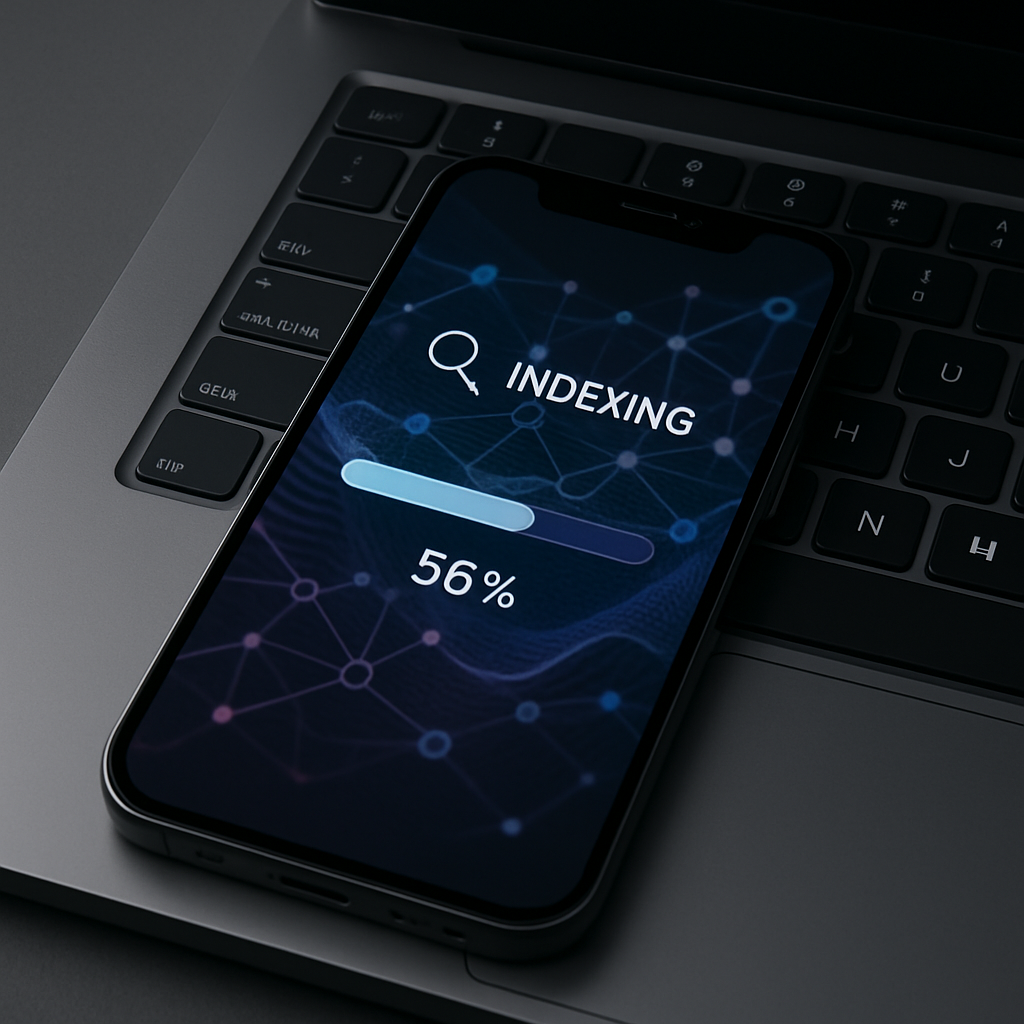
After installing beta versions of iOS 27, macOS 27 Golden Gate, iPadOS 27, or visionOS 27, many users have wondered why Spotlight’s indexing process sometimes stretches over multiple days. Apple has now clarified exactly what’s happening behind the scenes and when things speed up.
What’s Going On During Indexing
Apple explains that Spotlight must rebuild an index of all relevant documents, photos, emails, and other content stored on the device after an update. Depending on how much data is present, this rebuilding process can take anywhere from several hours to a few days. The company adds that certain conditions—like the device being idle, plugged in, and connected to the internet—help the process complete more quickly.
Crucially, Apple notes that the index is stored only on the device where the update took place. It remains private, never shared with Apple or synced to other devices.
Conditions That Impact the Speed
The amount of data a device holds is a big factor. More files, media, applications—all of this means more work for Spotlight to reconcile and catalog.
Also important are usage patterns. When you’re actively using your device, Spotlight indexing takes a back seat. On the other hand, when the device is inactive—overnight or during downtime—and has power plugged in plus internet access, Spotlight can work more aggressively to finish indexing.
Users who’ve been in Apple’s beta testing programs are already seeing this behavior. Spotlight and Search features exhibit these delays in updates, especially as Apple upgrades the OS foundation and works in new Search tools under iOS 27 and its counterparts. The support document clarifies these points directly to address confusion among testers observing slowdowns post-update.
For those getting ready for public releases: this isn’t just a beta quirk. The indexing behavior is baked in as part of the architecture of Spotlight and Search under Apple’s next-generation operating systems.
Bottom line: If you’ve just updated and Spotlight seems sluggish or incomplete, be patient. Let your device rest overnight, stay plugged in, and connected—especially to Wi-Fi. The index is working; it just needs time.
Why This Matters
Search and indexing features like Spotlight are central to finding what you need on Apple devices. As Apple rolls out more AI and intelligent search tools, the integrity and responsiveness of Spotlight become more critical.
Longer indexing times may feel inconvenient, but preserving user privacy (by keeping the search index local) while enabling richer search tools is a balancing act. Slower initial indexing may be a trade-off for better performance and expertise in future search interactions.
What Users Should Watch
- After an update, give your device rest: idle periods are when indexing speeds up.
- Keep your device plugged in and connected to Wi-Fi or other internet sources.
- Ensure sufficient storage space—high data volumes slow things down.
- Don’t expect instant Spotlight boosts immediately after updating.
Ultimately, the spotlight indexing delays in iOS 27 and its related OS versions are understandable by-products of deeper changes under the hood. It’s a temporary annoyance as the system resets itself for improved performance.
Analysis: Apple’s disclosure highlights the tension inherent in modern device updates: balancing user expectations around instant performance with the technical work needed behind the scenes. As Spotlight becomes more intelligent and integrated into Apple’s AI-enhanced ambitions, users may need to recalibrate patience during major OS transitions. Watch for future tweaks that could help make indexing more transparent—or faster—without compromising privacy or device performance.