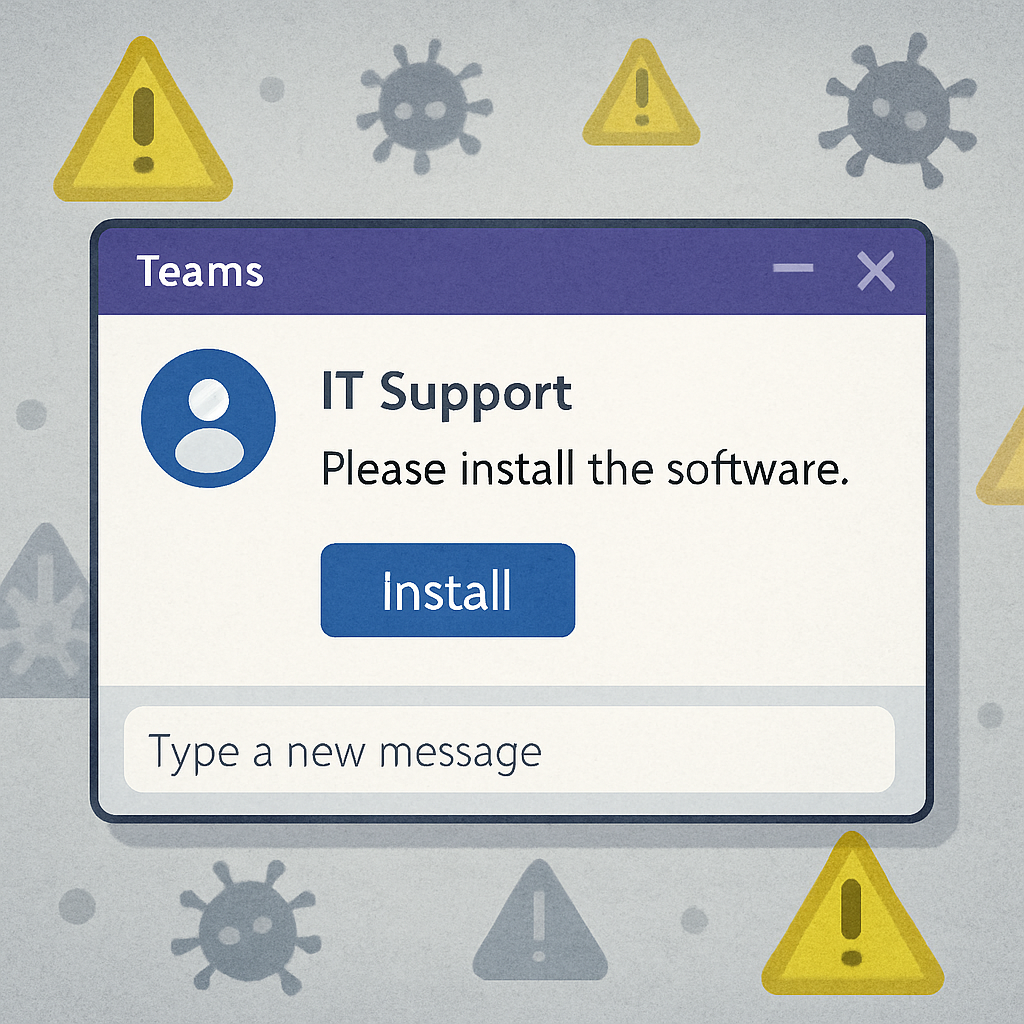
A new cyber campaign dubbed SynkLoaderis exploiting Microsoft Teams to impersonate IT support and trick users into installing malware. Attackers use social engineering—not technical flaws—to pressure employees into installing a bogus “PowerShell Cleaner” MSI installer, posing as routine help requests. This ploy allows the malware to gain a foothold without raising usual suspicions tied to email-based attacks.
How the Attack Unfolds
SynkLoader begins with messages or voice calls that appear to come from internal tech support. The attacker offers help—often framing the fake installer as a maintenance or cleaning tool—to build trust. Whether through Teams chat or vishing (voice phishing), victims are directed to download an MSI file hosted on Azure Blob Storage. Using cloud storage in this setting helps disguise the installer as legitimate.
Upon running the MSI file, the installer activates a loader that decrypts its payload in memory and verifies its cryptographic hash before execution. If the file has been tampered with or incorrectly extracted, nothing happens—masking the risk in many static inspections or automated sandboxes. Then a Python backdoor is downloaded and run, sourcing operational instructions from remote control servers. This modular design keeps the initial stages lightweight and hard to analyze.
Why It’s Dangerous
This threat bypasses many traditional safeguards. Since most security training and tools focus on email attachments or suspicious websites, a Teams chat may seem safe. By using cloud-hosted MSI files and performing critical steps entirely in memory, SynkLoader reduces visible evidence of a breach. Static detection is especially challenged when the malicious flow only activates under specific conditions, such as passing hash checks.
Incident response teams are left with sparse clues. The payload may lie dormant when its control servers are offline, leaving defenders with little to examine. Analysts recommend preserving installers, reviewing logs, and considering related system or network behaviors rather than dismissing an alert simply because the initial execution failed.
Mitigation and Indicators of Compromise
To reduce risk, organizations should limit external Teams communications, verify unexpected support requests through official channels, and raise awareness that communication platforms are not automatically safe zones. Monitoring for MSI files originating from cloud storage links and tracking anomalous PowerShell or Python activity is also essential. Machines exposed to SynkLoader installers should be isolated and investigated thoroughly.
Known indicators include the SHA-256 hash d150c70d2732df17aa77991b9ebf4c896f044445e900978581d9598dfa5dc98, the Python backdoor filename ss[.]py, and domains like neversoftmain[.]net, rootfarmapp[.]net, and tripinupdate[.]net.
The core takeaway: even trusted platforms and familiar support scenarios are not guarantees of safety. Vigilance, verification, and layered defenses remain key to stopping threats like SynkLoader before damage is done.
What this means, why it matters, what to watch:SynkLoader highlights a dangerous shift toward exploiting trusted collaboration tools. As organizations grow more secure on the email front, attackers are focusing instead on internal chatter and voice channels. Security teams should re-evaluate training, detection, and verification strategies to extend coverage beyond email—and take threats within tools like Teams just as seriously as cloud or endpoint attacks.