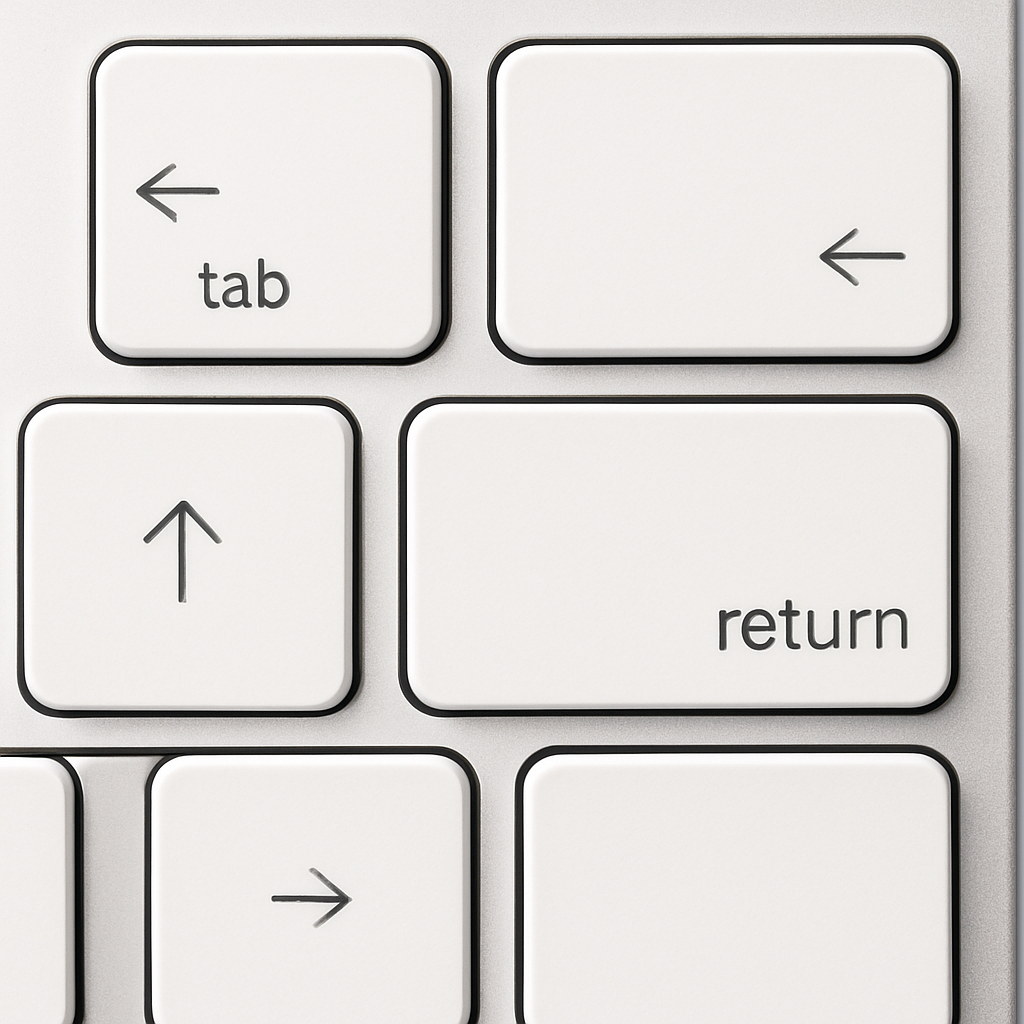
Apple has quietly updated every model in its Magic Keyboard lineup to feature the MacBook-style icon-only symbols on certain keys—without raising prices. The change puts the standard, Touch ID, and numeric keypad versions in sync with what’s already on the most recent MacBook Air and MacBook Pro keyboards.
What exactly changed?
Apple’s refreshed Magic Keyboards now replace the text labels on five keys—Tab, Caps Lock, Shift, Return, and Delete—with symbols, just like the keyboards shipped with the latest MacBook laptops. This applies across all Magic Keyboard styles: the compact model, the one with Touch ID, and the full numeric keypad version in both white and black finishes.
Pricing, compatibility, and roll-out details
The retail prices of Magic Keyboards remain unchanged. The standard edition still sells for $99, the Touch ID variant at $149, while the extended keyboard with the numeric pad is available in white for $179 and in black for $199. Compatibility, names, and specs are all exactly the same—but the new units carry fresh part numbers and are marked “new” in Apple’s listings.
These symbols mirror those used in macOS menus and keyboard shortcuts, meaning long-time users are already familiar with them. The update brings Apple’s U.S. standalone keyboards in line with their MacBook keyboard counterparts and certain international layouts.
No official announcement yet
Apple has not officially confirmed the change, nor disclosed when the updated versions began shipping. It’s likely that older stock remains available through third-party sellers until inventory is sold off.
What this means: For users upgrading or replacing standalone Apple keyboards, the new symbol-only keycaps offer a more seamless experience with today’s MacBooks. The uniformity in design helps reduce confusion and visual clutter. It also suggests Apple is putting more emphasis on cohesion across its peripheral lineup. Keep an eye out for your keyboard’s part number when buying—it’ll tell you whether you’ve got the older or newer version.