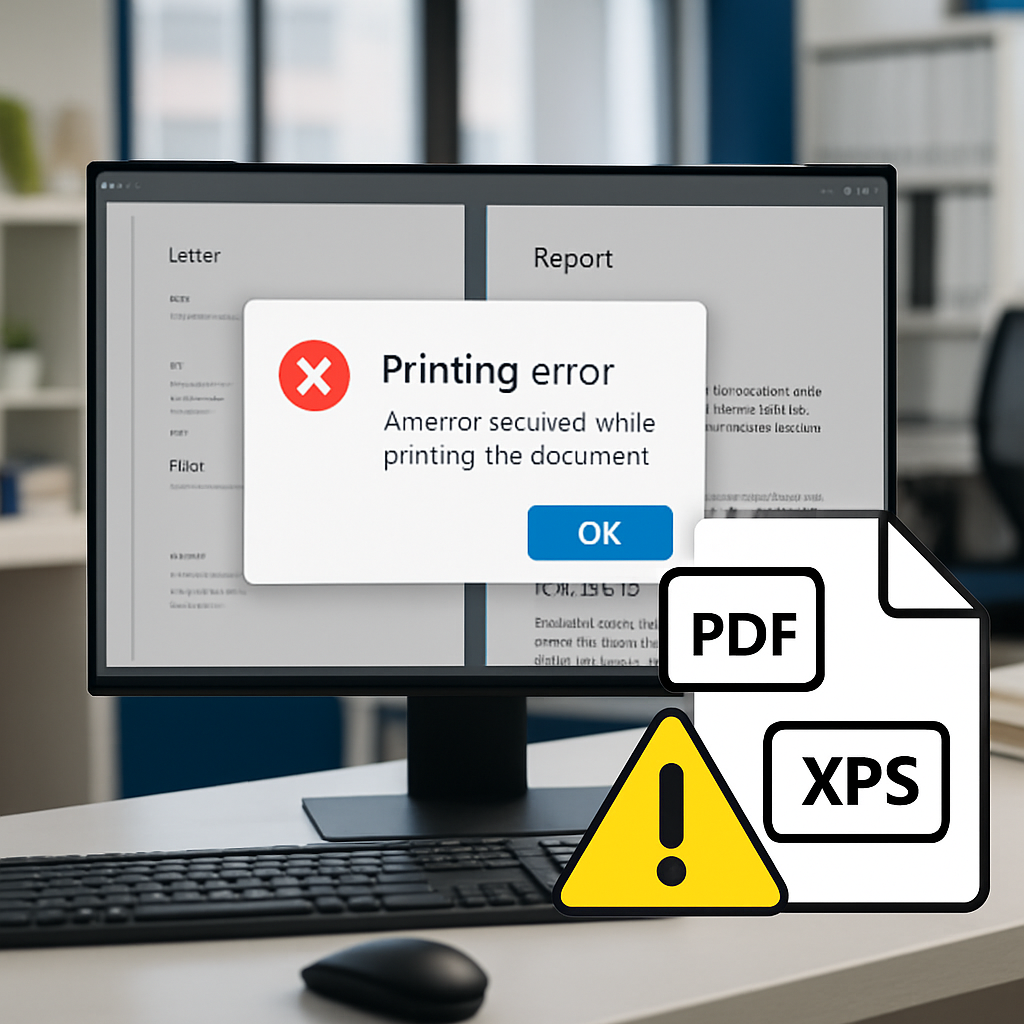
Microsoft’s August 2026 .NET Framework cumulative updates are causing serious issues for enterprises: generating PDFs/XPS or printing from Windows Presentation Foundation (WPF) apps now causes failures. The hotfixes—released on August 11, 2026—are triggering System.IO.FileFormatException errors when using certain fonts, especially from Microsoft’s ClearType family. KB5120710 (Windows 11 24H2), KB5120708 (Windows 11 25H2 / Server 24H2), and KB5120705 (Windows Server 2022) are impacted. (August 2026 .NET rollups installed August 11, 2026)
Failure with Fonts & Thwarting Subsetting
WPF apps that use TrueType font subsetting during printing or document export are the ones failing—when the font belongs to the ClearType set. Calibri, Cambria, Constantia, and Corbel all crash due to stricter validation applied to font glyph tables by the function ComputeSubset in MS.Internal.TrueTypeSubsetter. Fonts like Arial, Segoe UI, Times New Roman, Verdana, Tahoma, Consolas, and even Calibri Light are unaffected. In other words: it’s not TrueType fonts in general, but this specific group under certain conditions. (TrueType font subsetting used by WPF causes System.IO.FileFormatException for certain fonts.)
Security Trade-offs & Workarounds
The reason for the updated font checks? To address six serious vulnerabilities: remote code execution bugs (CVE-2026-62886, CVE-2026-62897, CVE-2026-70354), elevation-of-privilege flaws like CVE-2026-65810 and CVE-2026-62872, and an information disclosure issue, CVE-2026-62902. These were all patched in the August rollups. But tightening validation in ComputeSubset now causes previously valid ClearType glyphs to be rejected. (Security hardening triggered the fail cases.)
Microsoft offers two fixes while a full patch is still in development. For developers, there’s an AppContext switch named Switch.MS.Internal.TtfDelta.DisableCmapAndSbitOverflowProtection that can be added to the runtime section of an app’s config file. It disables the new font-validation checks, restoring PDF/XPS and printing functionality—at the cost of undoing some of the security protections. Alternatively, organizations can replace affected fonts in templates (e.g., swap out Calibri for Arial or Times New Roman) to work around the bug without weakening defenses. (AppContext switch or font substitution until permanent patch arrives.)
This bug is far-reaching: it hits Windows 10, Windows 11, and Windows Server versions going back to Server 2012 up through Server 2025. So line-of-business tools, internal document systems, reporting pipelines—anything using WPF and generating PDFs or print jobs—could be disrupted. Fonts embedded in enterprise templates are a major part of that exposure. (Wide systems coverage amplifies business impact.)
Microsoft is currently listing the issue as “Investigating” in all three relevant KB article pages. There’s no firm date on when a permanent fix will be released. IT teams should test any workaround in staging, monitor Microsoft’s release health dashboard, and treat the AppContext switch only as a temporary measure—especially where document security is essential. (Bug under investigation, timeline unknown.)
What this means is that enterprises are caught between security needs and operational continuity. If printing or PDF output is mission-critical—finance, reporting, legal—you’re going to feel the pain. The font subsetting logic is part of .NET’s internal engine; this isn’t a simple UI tweak. Until Microsoft delivers the corrected build, fallback strategies are essential. Keep eyes on the release health dashboard, carefully approve rollouts, and prepare document templates that avoid ClearType subsetting. What to watch for: when Microsoft rolls out the repair, make sure that both functionality and security are restored fully.