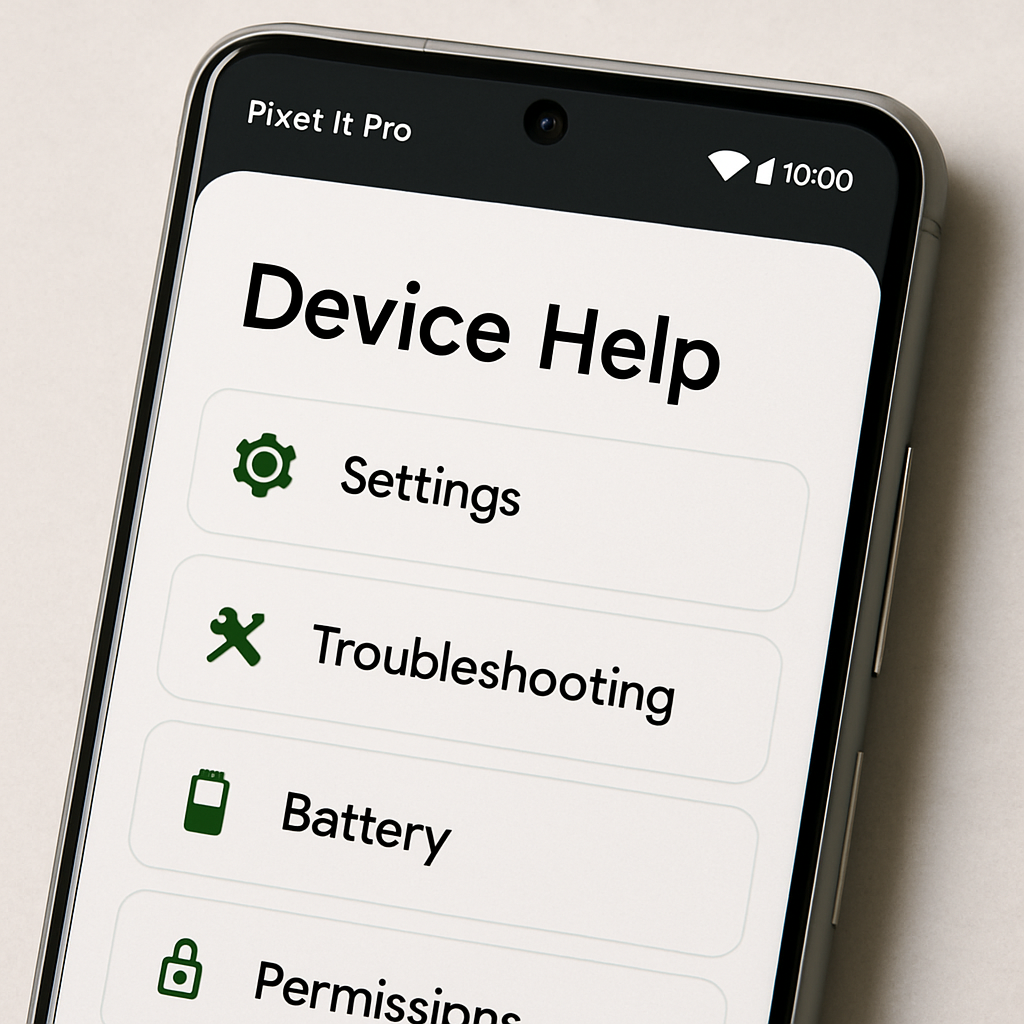
Google’s latest rollout for the Pixel 11 Pro introduces a new “Device Help” feature tucked into the Gemini app, aimed at offering users conversational support for device settings and troubleshooting. This tool—currently tagged under “Labs”—lets you access guided help for everything from display tweaks to resolving battery issues.`
What “Device Help” Offers
Accessible through the Gemini app’s “plus” (➕) menu or an overlay interface, “Device Help” appears just above “Personal Intelligence” and is labeled as a Lab experiment. Its capabilities include:
- Adjusting display settings (brightness, dark theme, screen timeout), sound profiles, vibration, Do Not Disturb, and Digital Wellbeing controls. ([9to5google.com](https://9to5google.com/2026/08/24/pixel-11-pro-gemini-device-help/))
- Troubleshooting connectivity and performance issues—Wi-Fi, Bluetooth, mobile data, battery drain, audio, app behavior, etc. ([9to5google.com](https://9to5google.com/2026/08/24/pixel-11-pro-gemini-device-help/))
- Managing battery and storage: from reviewing battery usage to freeing up storage space. ([9to5google.com](https://9to5google.com/2026/08/24/pixel-11-pro-gemini-device-help/))
- Reviewing apps and permissions: overseeing permissions like location, camera, and microphone, along with notification settings and usage timers. ([9to5google.com](https://9to5google.com/2026/08/24/pixel-11-pro-gemini-device-help/))
- Learning about device features—gestures, camera tools, privacy options—via step-by-step guidance. ([9to5google.com](https://9to5google.com/2026/08/24/pixel-11-pro-gemini-device-help/))
Eligibility & Status
The “Device Help Agent” appears to be a rebranding of Google’s existing “Device Assistance” connected app (previously known as “Utilities”). On August 24, 2026, this new tool is visible only on Pixel 11 Pro handsets that have been updated to Google app beta version 17.52. Tests confirmed its absence on the standard Pixel 11 and older models. ([9to5google.com](https://9to5google.com/2026/08/24/pixel-11-pro-gemini-device-help/))
Its appearance under the “Labs” banner signals that it’s experimental—features may still be tweaked—and it may not reach all users just yet. Documented functionality includes adjustment controls, diagnostics, app audits, and guided tutorials. ([9to5google.com](https://9to5google.com/2026/08/24/pixel-11-pro-gemini-device-help/))
Why This Matters
As smartphones grow more complex, managing settings and fixing errors can feel opaque for many users. This “Device Help” tool aims to centralize and demystify those tasks. For Pixel owners, especially those using newer models, having direct access to troubleshooting, permissions management, storage cleanup and more—without needing to scour settings menus—can improve usability significantly.
On a broader scale, it reflects a trend toward AI-augmented assistants that don’t just respond to prompts but proactively guide users through device functions—a bridge between hands-on support and automation. As this feature starts rolling out, watch whether Google expands it beyond beta and whether it brings deep diagnostics or third-party app support.