iOS 27 delivers relief for three persistent annoyances in the Messages app, prioritizing smoother experiences rather than flashy new features. These fixes—automatic retries for failed messages, independent sending of media, and much better sync between devices—aim to eliminate frustrations that have plagued users for years. This update rolls out to all users in just a few weeks.
Automatic Retries for Failed Sends
Under iOS 26 and earlier, any message that failed to send required you to open the Messages app and hit a “retry” button manually. If you left the app too soon, that unsent message might go unnoticed. In iOS 27, this process happens on its own. Failed texts, photos, or any media will now retry in the background—no dialing back into the conversation or constantly checking your outbox.
Independent Sending for Photos, Text, and Videos
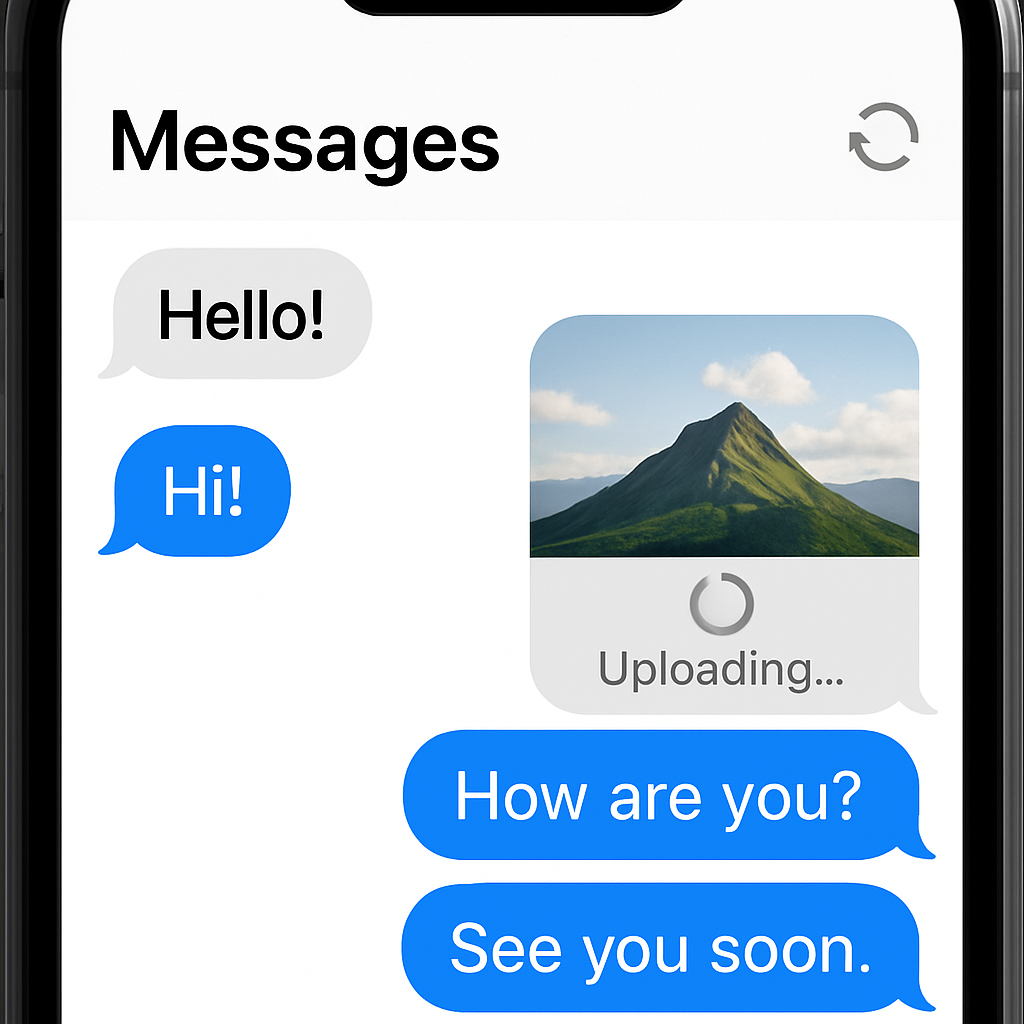
Another longstanding issue: sending a large photo or video could stall the whole message queue. While that media hung in limbo, even your subsequent texts would wait behind it. In iOS 27, each message gets its own progress indicator and proceeds independently. That means a glitchy image won’t block anything else from going out—including your casual memes or follow-up texts.
Smoother Sync Across Devices
Switching from iPhone to Mac—or any other Apple device—and finding Messages out of sync has been a chronic annoyance. Conversations might lag behind, media might not appear, or some texts simply go missing until devices force themselves back into alignment. iOS 27 makes syncing more reliable, so your messages stay consistent across all your Apple hardware.
These changes focus on polish, reliability, and user frustration points—areas Apple has reportedly heard about loud and clear. While big features get attention, sometimes it’s these seemingly small fixes that make a day-to-day difference.
Why it matters: Messages is one of the most used apps in Apple’s ecosystem. Little frustrations—failed sends, slow media, sync issues—pile up into a less smooth experience. These fixes don’t reinvent the wheel, but they remove key friction. What to watch moving forward: whether these new behaviors introduce unintended side effects (battery, data use, delayed notifications) or how well cross-device sync holds up in real-world use. If Apple nails those, iOS 27 could feel like a long-overdue quality update.