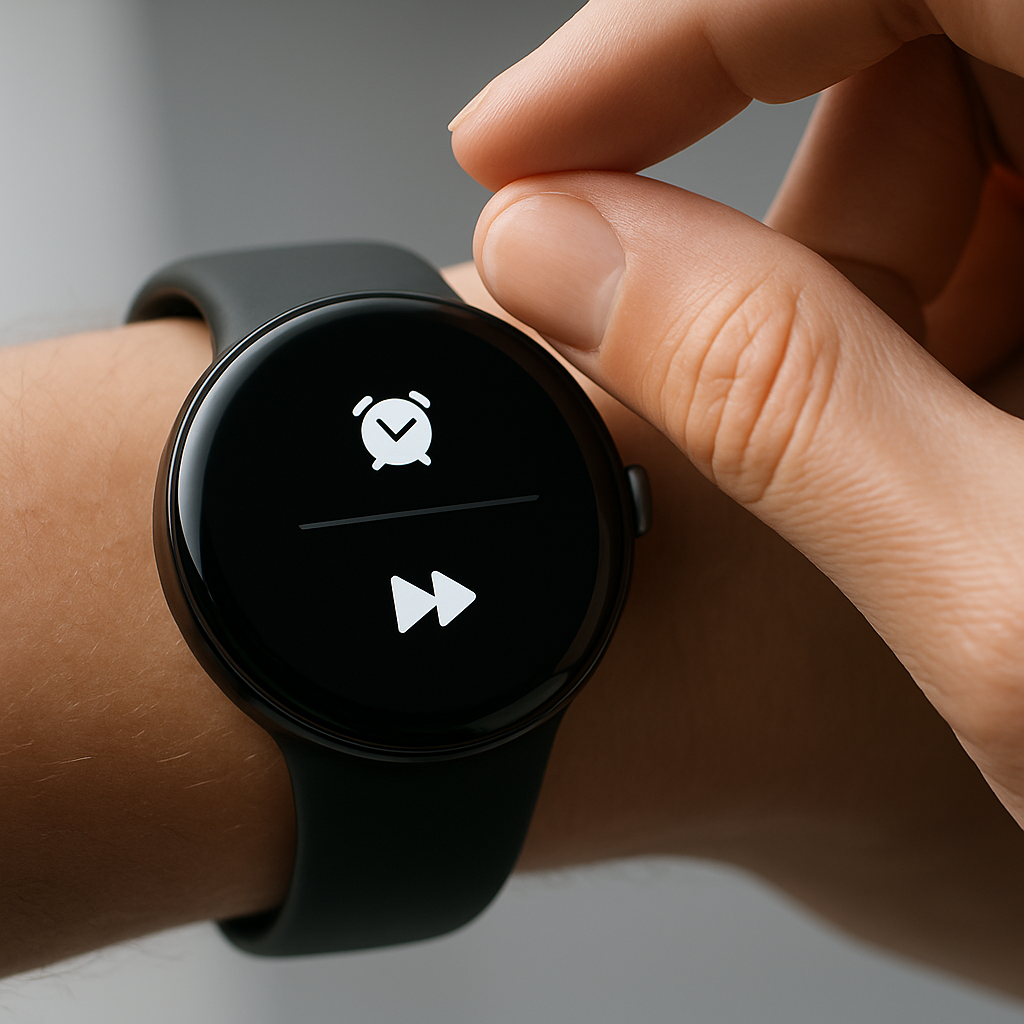
Google’s Pixel Watch 5 introduces new flexibility for its double-pinch gesture, letting users go beyond snoozing alarms to customize what it does. Under gesture settings, the watch now allows control over alarms, media, and the watch face—expanding its responsiveness in everyday interactions.
What’s New with Double-Pinch
On previous models, double-pinch was limited: it could only snooze alarms. Pixel Watch 5 breaks this mold by offering alternative actions. Through the path Settings → Gestures → Hand gestures → Customize actions, users can now choose how and when double-pinch responds in three contexts:
- Media Controls: Activate play/pause or skip.
- Alarms: Decide between snoozing or dismissing instead of just snoozing.
- Watch Face: Either bring up an ongoing notification or always show the notification tray.
So reading a notification, changing tracks, or silencing an alarm without keeping your finger on the screen is easier than before. Skipping music or pulling up a notification tray are now one gesture—two quick pinches—away.
Other Improvements & Interface Tweaks
Alongside gesture updates, the watch also gets a tweak in its “At a Glance” media display. Owners can long-press the media control widget to switch between showing just an icon or displaying both the song artwork and title with text. The version with text shows more detail but may crowd simpler watch faces with its larger font size.
It’s worth noting that while some settings hint that other gestures (like wrist turns) could become customizable in future updates, right now, the double-pinch is the only gesture with custom action settings.
These updates go live on the Pixel Watch 5 as of August 21, 2026. If you already have the watch, head to the gestures menu to experiment with what feels most natural for you.
Why It Matters
Smartwatches increasingly use gesture control for hands-free convenience—running from dismissing an alarm in an early morning stretch or flipping through tracks during a commute. On a device like Pixel Watch 5, which already emphasized health tracking and integration with Google’s services, expanding the gesture toolkit makes the watch feel more personal and responsive.
Given how many wearables still confine users to fixed behaviors, the ability to tailor one’s responses—especially in disruptive moments like alarms—adds real value. It also opens doors to future gesture-based shortcuts. We’ll want to see if Google builds on this, adding more gestures or letting apps tie into the customization. For now, users gain subtle but meaningful control—effortless tweaks that might let the watch truly fade into the background when it needs to.