Apple’s upcoming watchOS 27 ushers in three standout features during its beta phase, changing how users interact with the Apple Watch home screen, Smart Stack, and Siri. These updates reflect Apple’s push to simplify wrist-based workflows and extend its newly revamped Siri AI across all devices. Here’s a closer look at what’s shifting.
Dynamic App Grid: Smarter App Access on Your Watch
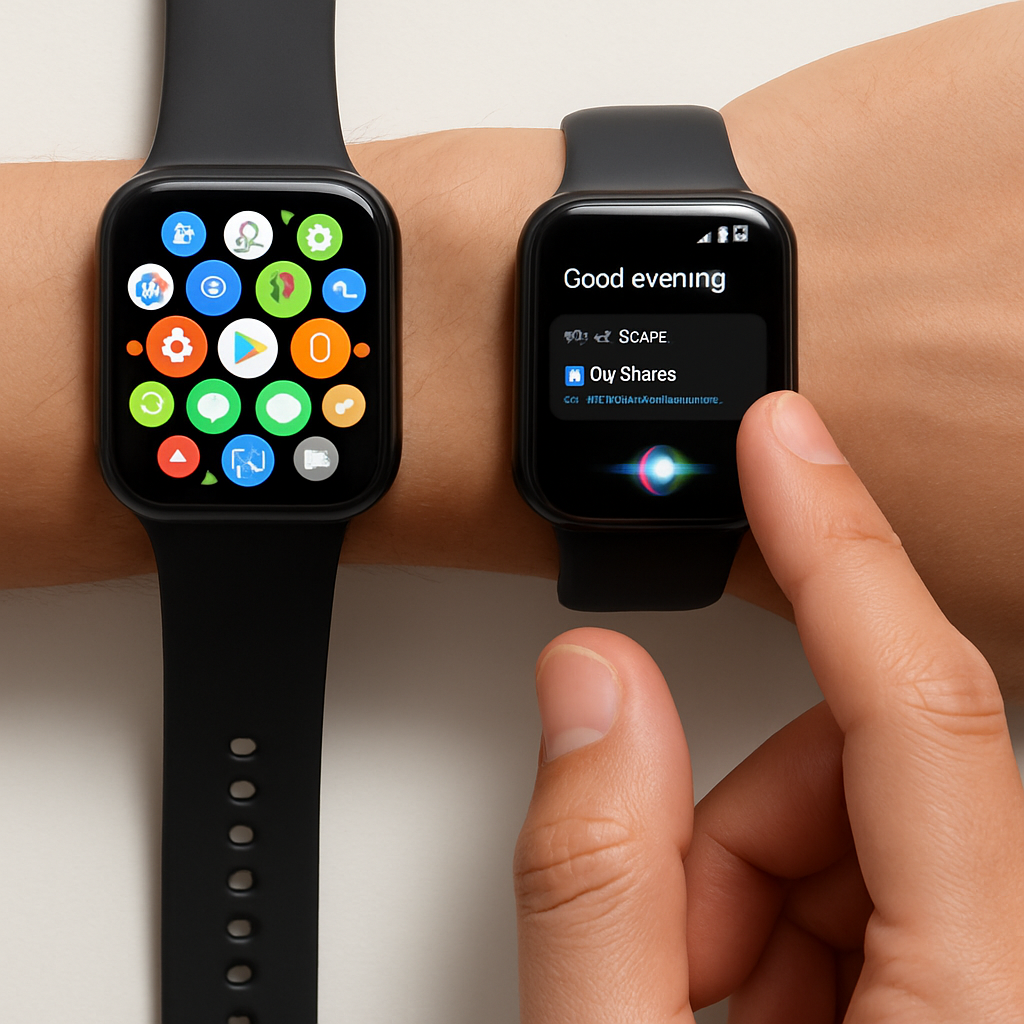
The traditional Home Screen layout—whether the honeycomb grid or list view—has long drawn mixed reactions. Users often find themselves scrolling through cluttered pages just to reach what they want. watchOS 27 addresses this by introducing a dynamic app grid as the default Home Screen view. Instead of showing every installed app, this mode displays only a user’s five most-used apps plus Siri. For moments when a less-frequently used app is needed, a full app view remains available. Early impressions suggest that the dynamic grid reliably surfaces the tools people reach for most, making app access faster and cleaner.
Tap Gesture Joins the Control Toolbox
Gestures have slowly become a core part of navigating watchOS. After Double Tap and Wrist Flick, watchOS 27 adds a single-tap gesture specifically within the Smart Stack. Users can browse the Smart Stack using the Double Tap, then select a widget by tapping the index finger and thumb together once. It’s a streamlined way to launch apps tied to widgets without extra scrolling or swipes. It doesn’t replace existing navigation methods but adds a precision tool for those who use Smart Stack heavily.
Siri AI Finally Feels Independent on the Wrist
The biggest shift in watchOS 27 may be the overhaul of Siri. Rather than a limited wrist-only version, this update brings the same AI-powered assistant found on iPhone, iPad, and Mac to the Apple Watch. A dedicated Siri app now lets users scroll through all their Siri conversations across devices. The intention is to unify the assistant experience: whether asking something from your wrist or your phone, Siri now functions with full feature parity and shared context.
These three additions—dynamic grid, tap gesture, full Siri AI—signal a move toward making watchOS feel more purposeful in short interactions. They streamline tasks, reduce friction, and lean into personalization. As watchOS 27 rolls out, users who rely on quick access and seamless voice interactions may find these updates especially transformative.
watchOS 27 is shaping up to set a higher bar for wearable OS design. By prioritizing utility (frequently used apps, precise gestures) and bringing Siri’s full power to the wrist, it shows Apple is doubling down on what makes the Watch indispensable. What to watch for next: watchOS 27’s release date, how battery life handles more active use of AI, and whether developers adapt widgets and apps to better integrate with the dynamic grid and new gestures.