With iOS 27, Apple is reworking a long-familiar gesture on iPhones and iPads — one that’s been part of the experience since iOS 5 in 2011. The change comes as the company leans even harder into its revamped Siri AI, shifting how Notification Center is accessed when the AI is enabled.
A changed gesture: center now summons Siri AI, not notifications
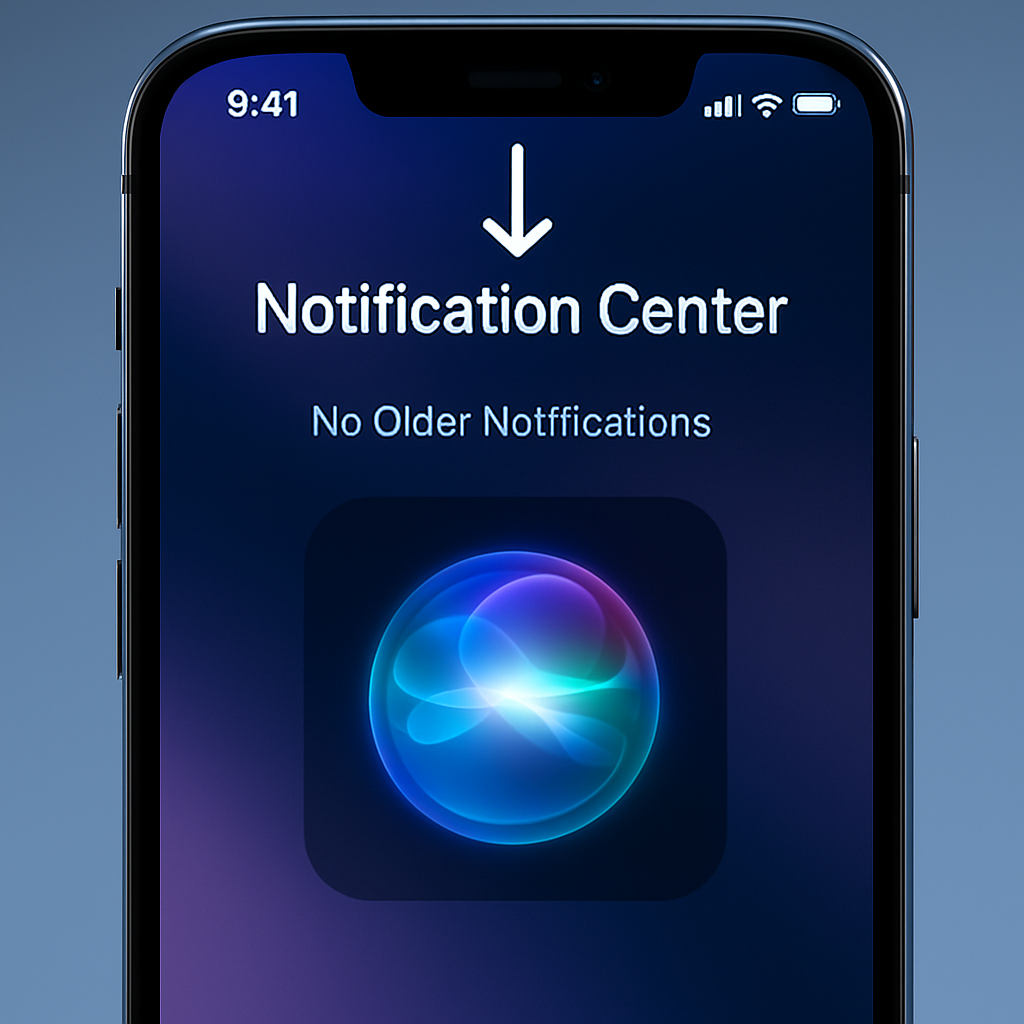
On earlier versions of iOS, pulling down from the top-middle of the screen always summoned the Notification Center, showing app alerts chronologically. But under iOS 27 — currently in beta — that gesture now launches Siri AI when the feature is turned on. To reach Notification Center in this mode, you’ll need to swipe down from the top-left corner instead. Notifications will now animate in from that corner, emphasizing a much smaller touch target area than users have become used to.
This swipe reassigns what’s arguably a core piece of iOS muscle memory. The top center edge of the screen becomes primarily for summoning Siri AI, not for checking notifications as it has for more than a decade.
Visual tweaks and region changes across beta updates
In the first beta of iPadOS 27, the area above the Home screen icons is dominated by the Siri AI gesture region. Tweaks in later betas clarified functionality and rebalanced onscreen spaces: some indicators like AM/PM or the date shrinking reduce the size of the control area for notifications. Beta 2 improves clarity by giving more defined zones — roughly two columns of the Home screen — on each side of the status bar: Notification Center on the left, Control Center on the right, and Siri in the middle.
These changes are already in dev and public betas, with the full release expected this fall.
The impact: unfamiliar territory after years of habit
After using the same swipe gesture for over 15 years, many users will need to retrain. There’s no current option to revert to the old behavior of pulling down from the top center to access notifications once Siri AI is enabled. Early impressions are largely positive toward Siri’s improvements, but the gesture change is leading to some frustration — the middle-top pull is now something users say they’ll either remember to avoid or simply must unlearn.
This tweak follows Apple’s earlier shift when iPhone X moved Control Center access from a bottom swipe up to a top-right swipe down. That change also reoriented user habits and resurfaced through later updates. The Notification Center shift with iOS 27 continues that pattern of adjusting deeply ingrained interfaces to prioritize new features — in this case, Siri AI.
Showcasing a consistent theme in recent Apple updates: as AI becomes more central to its software strategy, gestures and UI are being redirected to put it front and center. If the changes stick, users will need to build fresh muscle memory around UI behaviors that once felt automatic.