Microsoft Defender users have encountered significant issues following recent Security Intelligence updates released on August 18, 2026. These updates have led to failures in Quick, Full, and Offline virus scans, leaving both individual users and enterprise administrators without reliable malware detection capabilities.
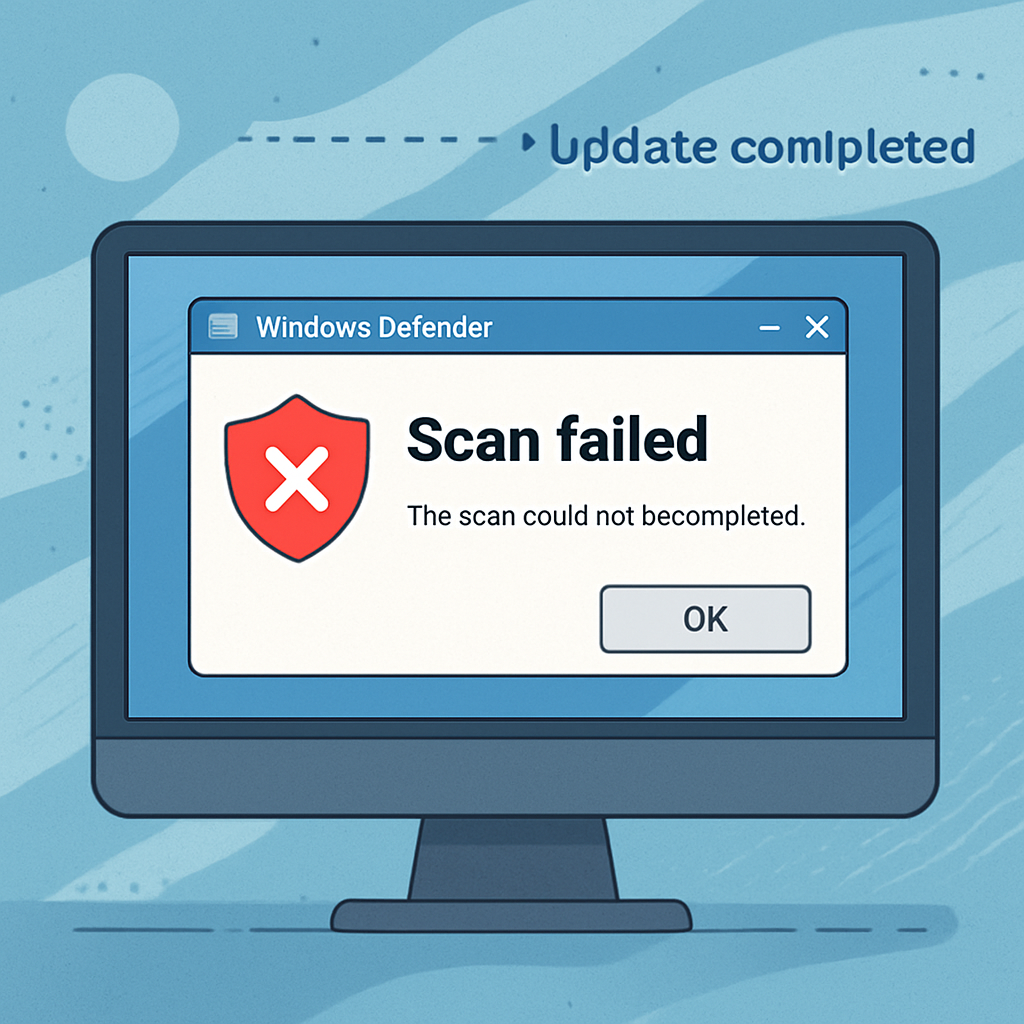
Reports from various platforms, including Reddit and Microsoft Q&A, describe a consistent pattern: initiating a Quick or Full scan results in the Windows Security interface indicating that the threat service has stopped, prompting users to restart it. However, subsequent scan attempts yield the same outcome. Offline scans tend to stall between 90% and 93% completion. Notably, the Microsoft Safety Scanner, often used as an alternative when Defender encounters issues, is also affected, suggesting a broader problem within the scanning mechanisms.
Event logs shared by affected users reveal that the antimalware process, MsMpEng.exe, crashes within the mpengine.dll module, throwing an access violation exception (0xC0000005). Analysis points to the Microsoft Malware Protection Engine versions 1.1.26070.7 and 1.1.26080.2, particularly when paired with Security Intelligence Update versions ranging from 1.457.222.0 to 1.457.235.0, as the common denominator in these failures.
The timing of these issues has led to speculation about a connection to the recent disclosure of the ‘ShieldBreak’ zero-day vulnerability by the researcher known as Nightmare Eclipse. ‘ShieldBreak’ is a local privilege escalation exploit targeting Microsoft Defender, purportedly bypassing the earlier ‘RoguePlanet’ vulnerability (CVE-2026-50656). Some community members suggest that the scan failures may be unintended side effects of a rushed attempt to mitigate this new threat. However, Microsoft has not confirmed any direct link between the scan issues and the ‘ShieldBreak’ vulnerability.
In response to the scan failures, Microsoft has acknowledged the problem and is actively investigating. Users have reported that updating to Security Intelligence Update version 1.457.236.0 or later has resolved the scanning issues on many systems. For those still experiencing problems, it is recommended to use alternative, trusted antivirus solutions until Microsoft releases a definitive fix. Additionally, any suspicious files that prompted the initial scans should be treated with caution and investigated separately, rather than assuming the scan failures indicate a clean system.
This incident underscores the delicate balance between rapidly addressing emerging security threats and ensuring the stability of essential security tools. While swift responses to vulnerabilities are crucial, they must be executed with precision to avoid introducing new issues that could leave users vulnerable. Organizations and individual users alike should remain vigilant, keep their systems updated, and have contingency plans in place for such scenarios.