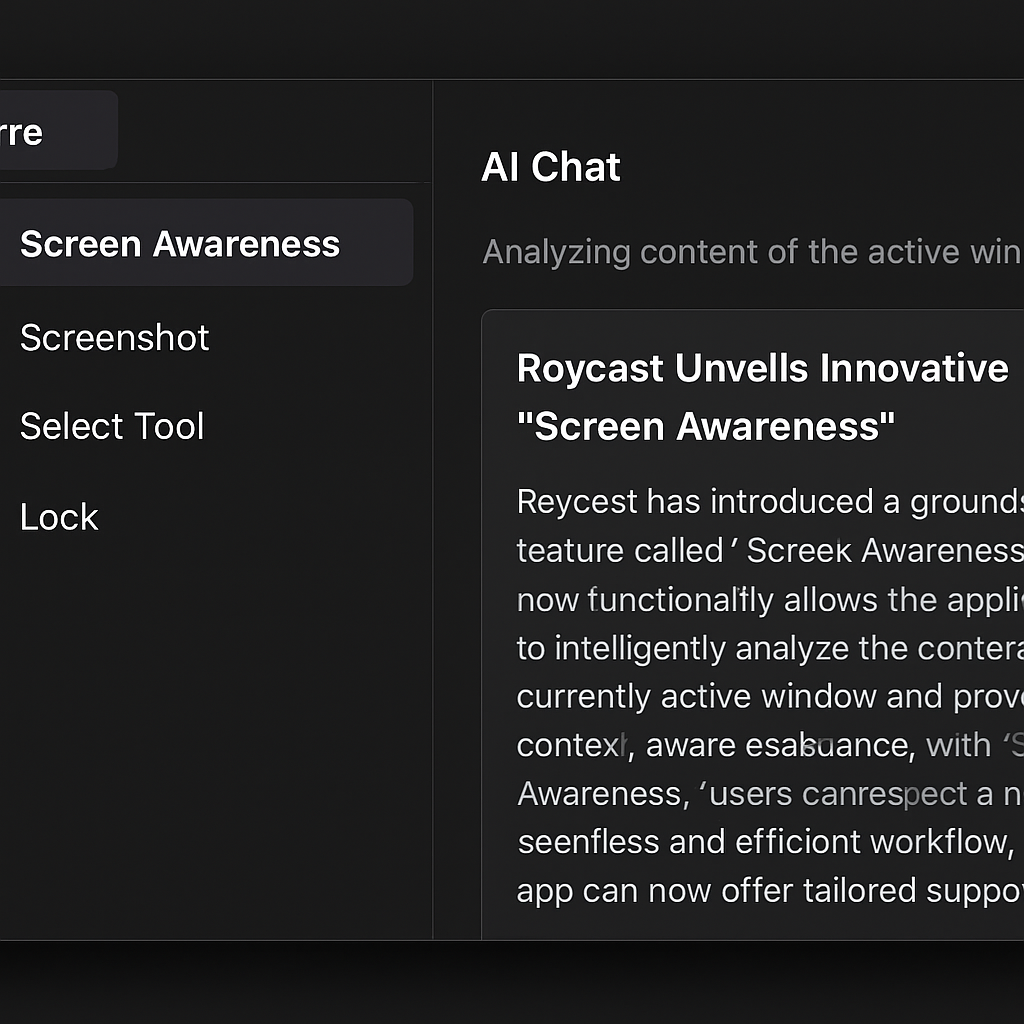
Raycast, a productivity application for macOS and Windows, has unveiled a new feature called Screen Awareness. This enhancement allows users to seamlessly integrate the content of their active application or window into Raycast AI Chat, eliminating the need for manual copying, pasting, or explaining context.
Traditionally, interacting with AI chatbots like ChatGPT or Claude required users to provide context by copying text, uploading screenshots, or detailing their current tasks. With the introduction of Screen Awareness, Raycast streamlines this process by granting its AI direct access to the content of the focused window.
Users can activate this feature through the “Send Focused Window to AI” command, selecting Screen Awareness from the ‘@’ menu, or by issuing commands such as “summarize this” or “reply to this.” When engaged, Screen Awareness captures various elements, including app and window details, selected text, the focused control, and a screenshot of the active window.
On macOS, the feature extends its functionality to the Finder, providing information about selected files or folders. Additionally, Raycast’s Browser Companion enhances this capability by pulling in webpage details and content beyond what is currently visible on the screen.
To facilitate quick access, users can set up a hotkey for Screen Awareness through an onboarding guide that appears upon the first use of the command. The Raycast team suggests double-tapping the right Command key as a convenient shortcut. Users can also configure keyboard shortcuts for related commands, including Send Selected Text to AI, Send Screen Area to AI, and Send Screen to AI.
The latest Raycast update, version 0.71, introduces several new features:
- AI: Enhanced “Send Focused Window to AI” command with richer app and window context.
- AI: New “Ask Screen Awareness” AI Extension for quickly providing context to Raycast.
- AI: Added compaction and context management support.
- Quick AI: “Send Message” AI setting now respected by Quick AI, allowing query submission on Command Return.
- Dictation: Added functionality to import vocabulary and hotkeys from other applications.
- Dictation: New “Add Word to Vocabulary” command to add selected words or entered arguments into the vocabulary.
- Feedback: New “Ask Feedback” AI Extension to contact the Raycast team.
- Hotkeys: Support for chords using modifiers held on both sides of the keyboard (e.g., left ⌘ + right ⌘), including recording and display in the hotkey recorder.
Raycast’s Screen Awareness feature represents a significant advancement in integrating AI into daily workflows. By providing AI with direct access to on-screen content, users can expect a more efficient and context-aware interaction, reducing the friction associated with traditional methods of providing context to AI systems.