Apple’s upcoming iPadOS 27 introduces significant enhancements aimed at improving user experience and productivity. Two standout features in this update are the persistent menu bar and the integration of Siri AI into Spotlight search.
Persistent Menu Bar and Status Bar Enhancements
In previous versions of iPadOS, accessing the menu bar required a swipe down from the top of the screen or moving the trackpad cursor to the top, which differed from the Mac’s always-visible menu bar. With iPadOS 27, users now have the option to keep the menu bar visible at all times, providing a more consistent and accessible interface. This can be enabled by navigating to Settings > Multitasking & Gestures and toggling off ‘Automatically Show and Hide Menu Bar.’
Additionally, the active app’s name is now consistently displayed in the top-left corner of the status bar. This feature mirrors the Mac’s interface and is particularly beneficial for users who frequently utilize keyboard shortcuts, as it provides clear context about the active application.
Enhanced Spotlight Search with Siri AI Integration
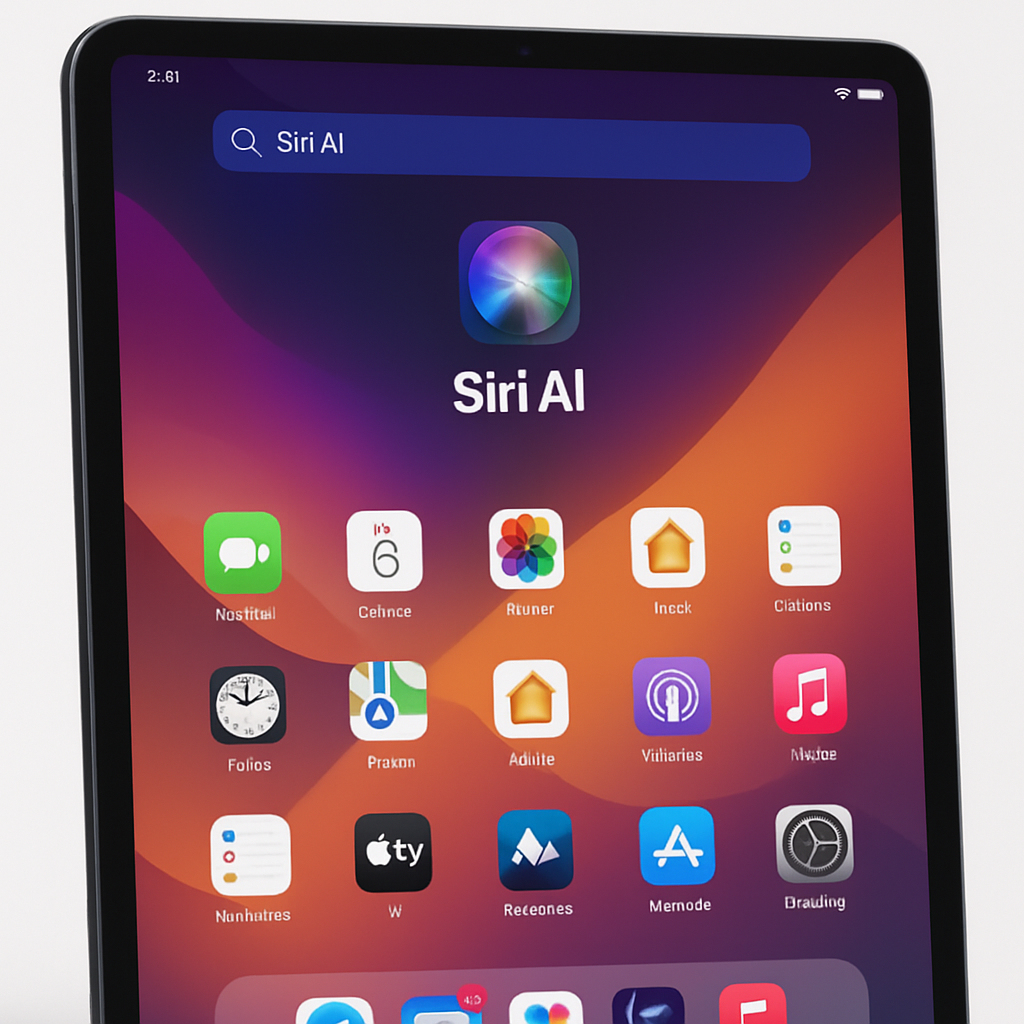
iPadOS 27 significantly upgrades the functionality of the CMD + Space keyboard shortcut. Previously used to invoke Spotlight search, this shortcut now also integrates Siri AI capabilities. This means users can quickly access both search results and AI-driven assistance through the same interface.
For users who keep their iPads paired with a Magic Keyboard, this enhancement streamlines workflows by providing immediate access to Siri’s advanced features without disrupting the typing experience. The system intelligently determines whether a user’s query is best handled by Spotlight or Siri, ensuring a seamless interaction without requiring the user to make that distinction.
These updates in iPadOS 27 reflect Apple’s commitment to enhancing the iPad’s functionality and user experience. By aligning the iPad’s interface more closely with the Mac and integrating advanced AI capabilities, Apple continues to position the iPad as a versatile tool for both casual users and professionals. As the release approaches, it will be interesting to see how these features are adopted and how they influence productivity and user satisfaction.