Recent findings have highlighted a security concern in the popular file archiving software 7-Zip, where its default configuration may inadvertently allow malicious files to bypass Windows’ SmartScreen protections. This issue arises from 7-Zip’s handling of the Mark-of-the-Web (MotW) attribute, a security feature in Windows that flags files downloaded from the internet.
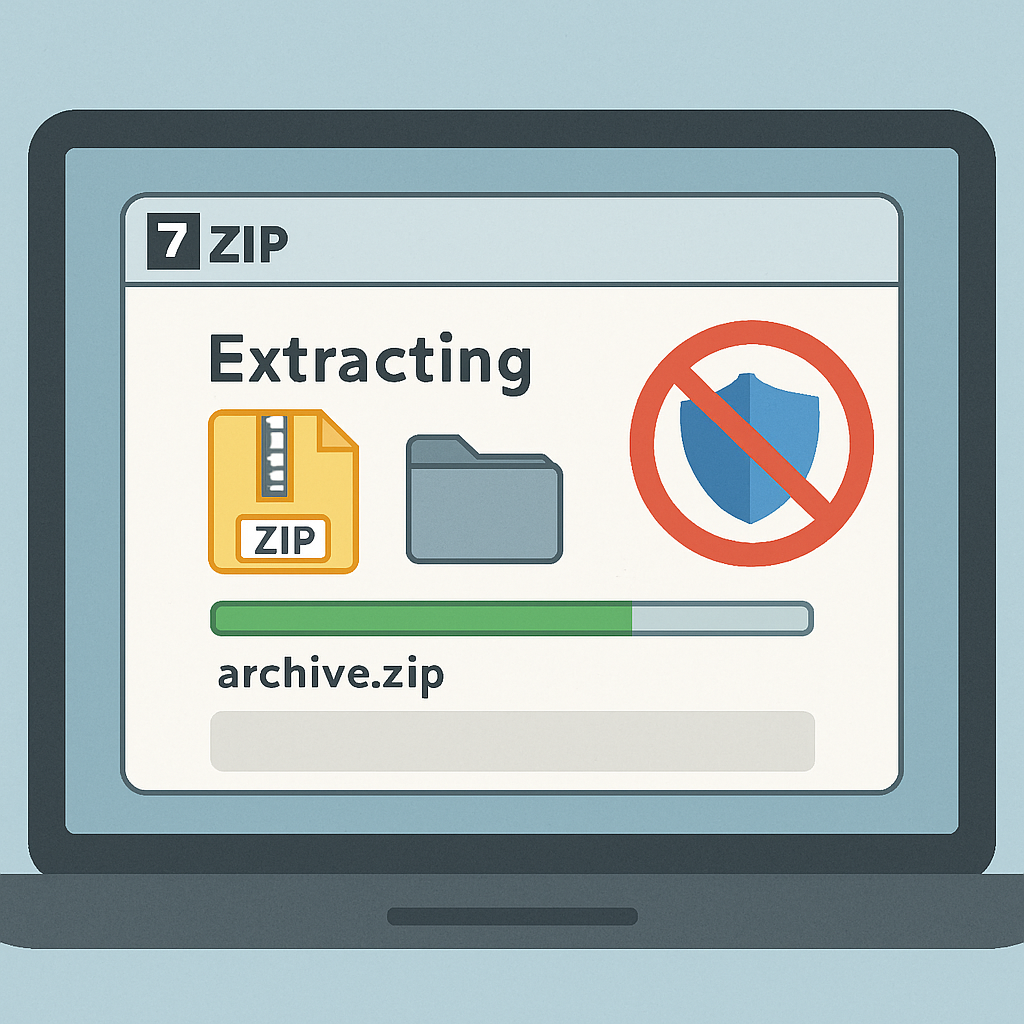
MotW is a metadata tag that Windows assigns to files obtained from untrusted sources, indicating their origin from the Internet zone. This tag prompts Windows to apply additional security checks, such as triggering SmartScreen warnings when users attempt to open potentially unsafe files. However, tests have shown that when users extract files from a ZIP archive using 7-Zip’s default settings, the extracted files do not retain the MotW attribute. Consequently, these files can be executed without invoking SmartScreen warnings, potentially exposing users to malicious code execution.
This behavior is particularly concerning in the context of phishing attacks, where attackers often distribute malicious payloads via compressed archives. By exploiting this gap, an attacker can send a ZIP file containing a malicious executable. When the recipient extracts the archive using 7-Zip, the executable lacks the MotW tag, allowing it to run without triggering SmartScreen alerts.
It’s important to note that this issue is not due to a newly discovered vulnerability in 7-Zip’s code but rather stems from the program’s default handling of download-origin metadata. The default setting in 7-Zip for “Propagate Zone.Id stream” is set to “No,” meaning it does not carry over the MotW tag to extracted files. Users can mitigate this risk by changing this setting to “Yes,” which ensures that the MotW attribute is preserved during extraction.
Security researchers emphasize the importance of understanding how different tools interact within the security ecosystem. For instance, while Windows 11’s built-in File Explorer extraction now propagates MotW from password-protected ZIP files, 7-Zip requires manual configuration to achieve the same level of security. This discrepancy underscores the need for organizations to review and adjust their software settings to align with security best practices.
In light of these findings, users and organizations are advised to:
- Review and modify 7-Zip’s settings to enable the propagation of the Zone.Id stream.
- Exercise caution when handling files from untrusted sources, especially compressed archives.
- Keep all software, including 7-Zip, updated to the latest versions to benefit from security patches and improvements.
While 7-Zip remains a widely used and trusted tool for file compression and extraction, this incident highlights the critical importance of configuring software settings to maintain robust security postures. Users should remain vigilant and proactive in adjusting their tools to ensure comprehensive protection against potential threats.