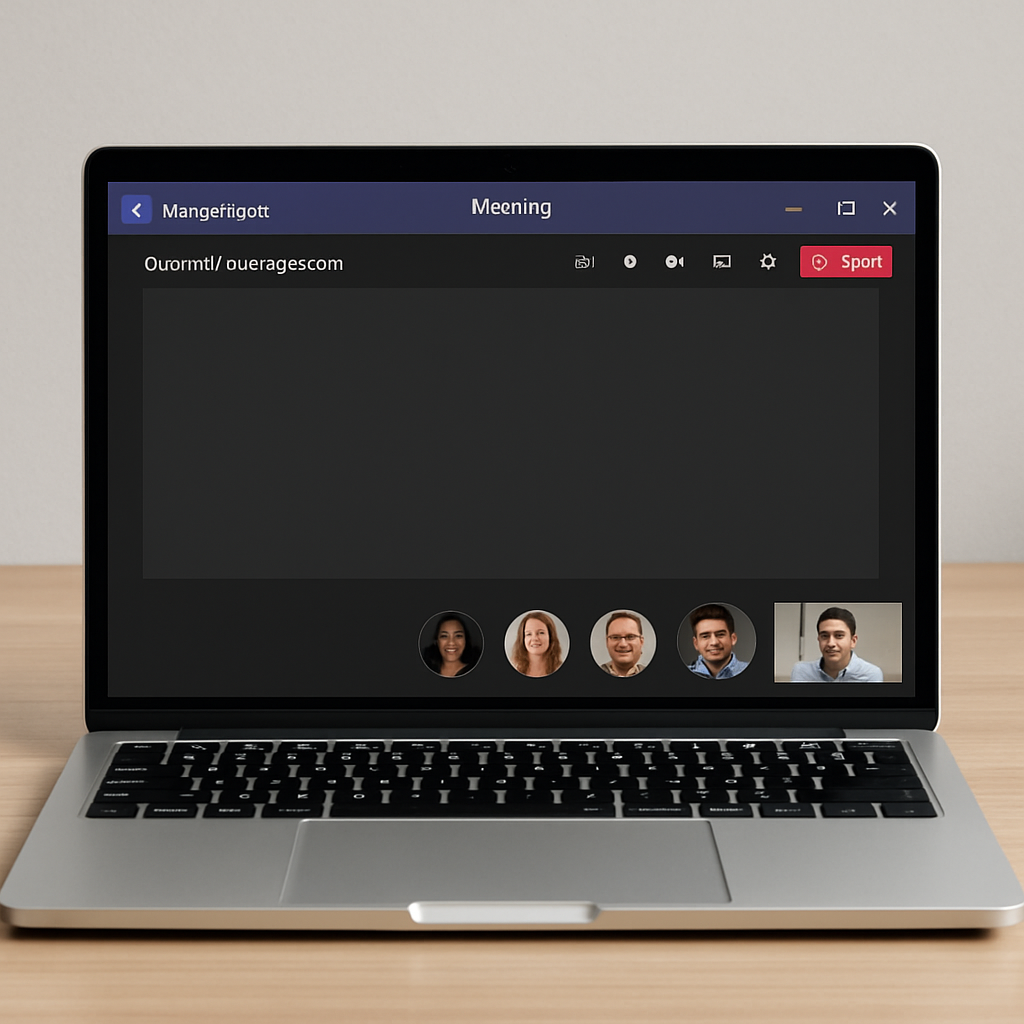
Microsoft has acknowledged a persistent issue affecting Teams users on macOS, where screen sharing during meetings may fail, freeze, or display a blank screen. This problem predominantly impacts devices running macOS versions earlier than Tahoe 26.4.
Users encountering this issue might notice their shared screens appearing blank to other participants, experience unexpected interruptions in sharing sessions, or find that sharing fails to initiate. The problem is more prevalent on systems with limited resources, such as low memory or high disk usage, and those operating on outdated macOS versions.
Impacted Users and Environments
The issue mainly affects organizations utilizing Microsoft 365 Government cloud environments, including GCC, GCC High, and DoD tenants, with Teams running on macOS. Any user on a Mac with a macOS version earlier than Tahoe 26.4 is susceptible to this problem. IT administrators and support teams should anticipate related support requests from affected users.
Microsoft’s Response and Recommendations
Initially, Microsoft planned to implement in-product guidance by late June 2026. However, this timeline has been adjusted, with the rollout now expected to commence in late July 2026 and complete by mid-August 2026. Once deployed, Teams will automatically detect sharing failures and prompt users to retry sharing, suggesting a macOS update if deemed necessary. This feature will be enabled by default, requiring no additional configuration from administrators.
To address the issue proactively, Microsoft advises users to update their macOS to version Tahoe 26.4 or later, which fully resolves the problem. Alternatively, enabling the “Use Mac OS native sharing” option in Teams under Settings > General > Screen sharing serves as a temporary workaround without necessitating a system restart.
Organizations should identify users operating on macOS versions earlier than Tahoe 26.4 and inform them about the issue and its symptoms. Administrators are encouraged to push macOS updates where device management policies permit and update helpdesk documentation to include information on the symptoms, the macOS update solution, and the native sharing workaround. Support staff should also be prepared to assist users who require elevated privileges to update their systems.
While Microsoft has not identified any compliance concerns related to this issue, organizations should review it against their internal policies as needed.
Given the increasing reliance on virtual meetings, especially in government and enterprise settings, ensuring seamless functionality in collaboration tools like Microsoft Teams is crucial. Addressing these screen sharing issues promptly will help maintain productivity and user satisfaction. Organizations should prioritize updating their systems and educating users on available workarounds to mitigate disruptions.