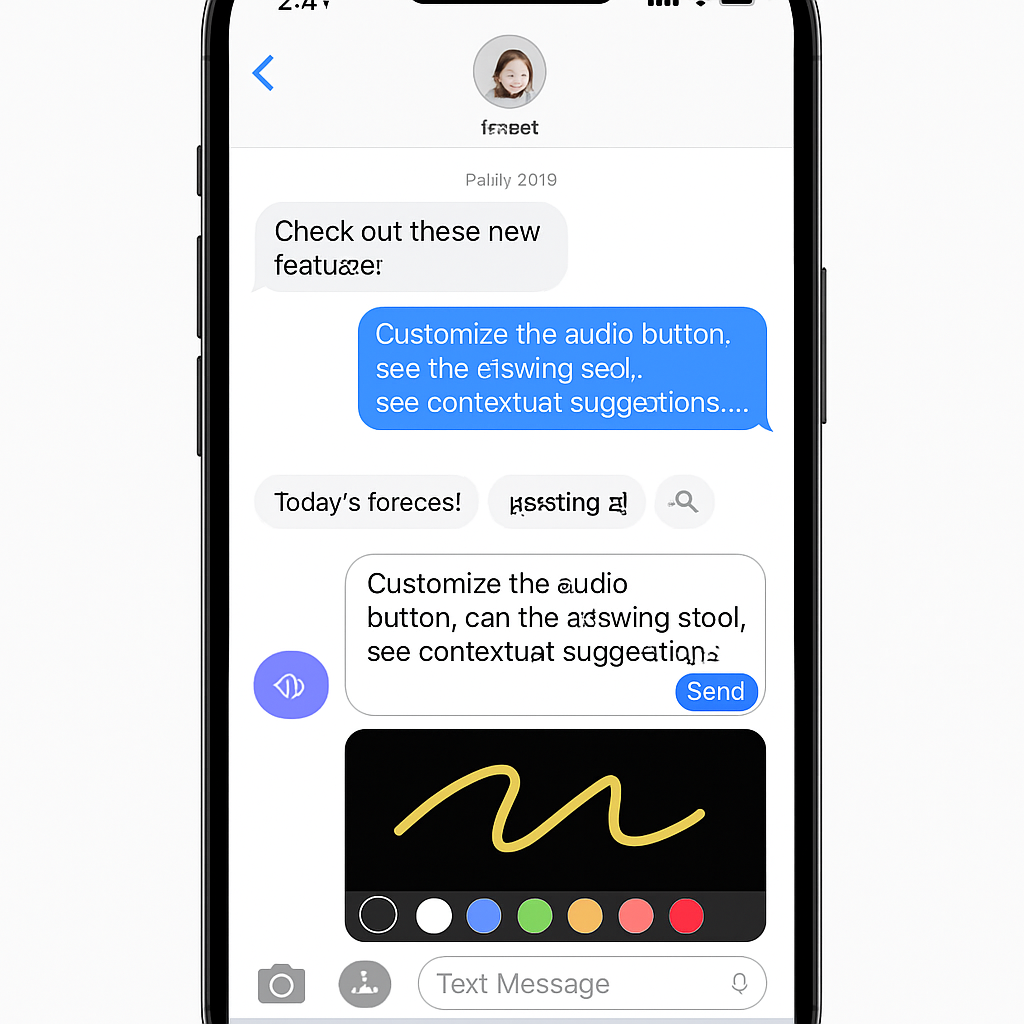
Apple’s iOS 27 introduces significant enhancements to the Messages app, focusing on user experience and functionality. These updates aim to streamline communication and integrate more intelligent features into daily interactions.
Customizable Audio Button
One notable improvement addresses the longstanding issue of accidental voice recordings. Users can now customize or remove the audio button within the text input field. This adjustment allows for a more personalized messaging experience, reducing unintended activations.
Integrated Drawing Tool
The addition of a drawing feature enables users to create and share sketches directly within conversations. Accessible via the ‘+’ button next to the text field, this tool offers various markup options, enhancing creative expression in messaging.
Contextual Suggestions
Leveraging Apple Intelligence, the Messages app now provides contextual suggestions based on conversation content. For instance, if a contact requests a specific photo, the app can suggest relevant images from the user’s library, streamlining the sharing process. Similarly, when an event is mentioned, Messages can prompt users to add it to their calendar, facilitating efficient planning.
These enhancements reflect Apple’s commitment to refining user interactions and integrating intelligent features into its ecosystem. As iOS 27 becomes widely available, users can anticipate a more intuitive and responsive messaging experience.