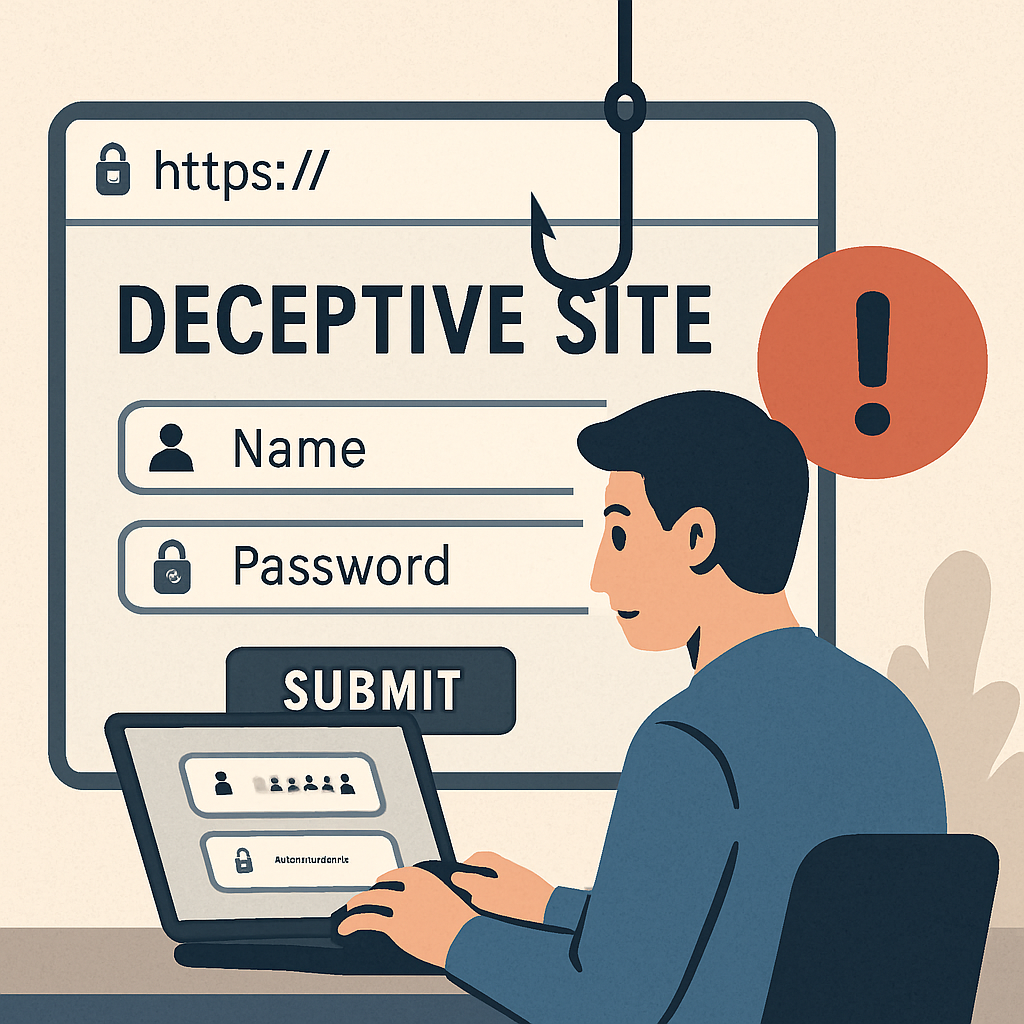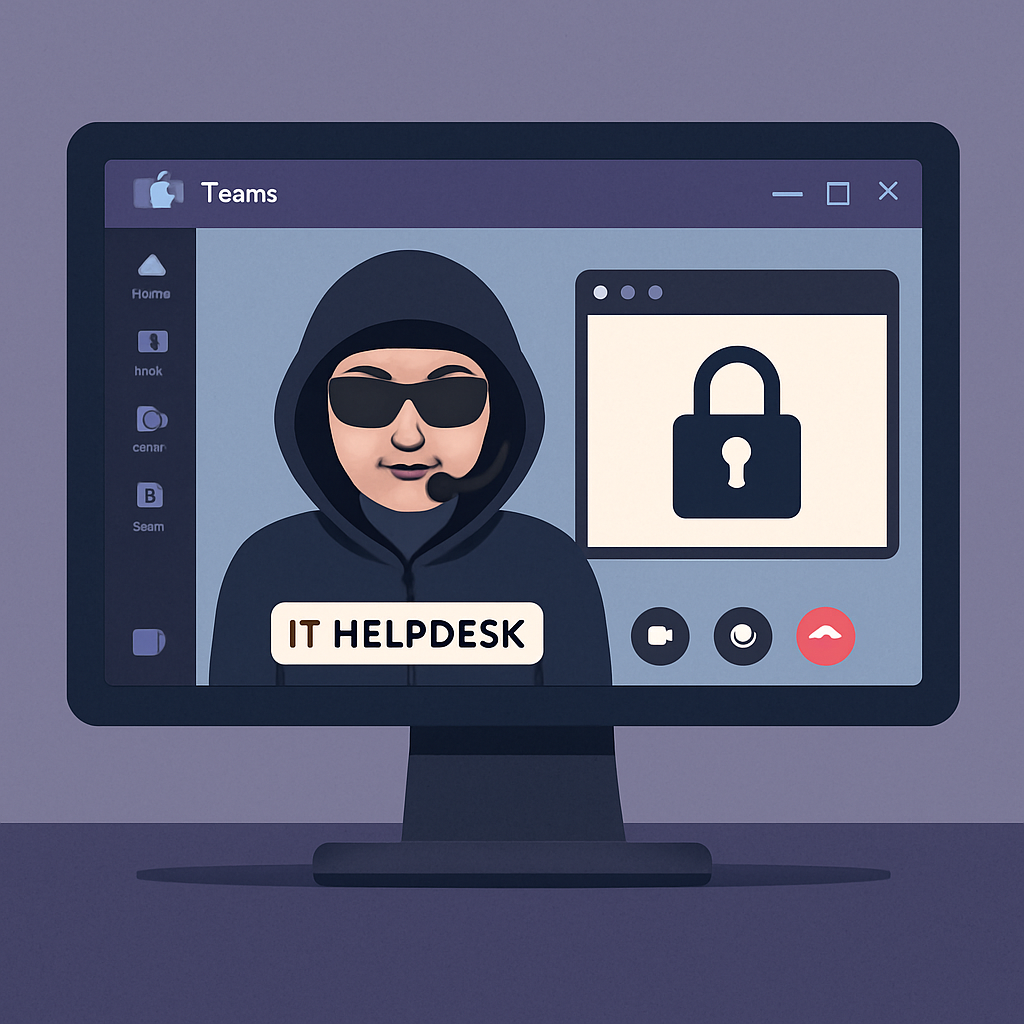
Cybersecurity researchers have uncovered a sophisticated phishing campaign where attackers impersonate IT helpdesk personnel via Microsoft Teams. This tactic exploits the platform’s default settings to bypass traditional email security measures, enabling unauthorized screen-sharing and remote control capabilities.
Microsoft Teams, a widely used collaboration tool, allows external communication by default in Microsoft 365 tenants. This feature permits external users to initiate contact with organizational members without prior authentication, creating a potential vulnerability.
In this campaign, attackers employ several methods to deceive users. One approach involves one-on-one chat phishing, where they use compromised Teams accounts or create malicious Entra ID tenants with .onmicrosoft.com domains. These domains are Microsoft’s default for business accounts lacking custom configurations.
The attackers begin by using Teams’ user search functionality to verify target email addresses and confirm message delivery capabilities. While Microsoft has implemented security warnings, such as “external communication warning” pop-ups and “potential phishing warning messages,” attackers have found ways to circumvent these measures.
One such method is voice call phishing, or vishing. Unlike text-based communications, voice calls from external Teams users do not generate warning pop-ups, providing a seamless attack vector. Once trust is established through voice communication, attackers request screen-sharing permissions, allowing them to observe victim activities and potentially guide them through malicious actions.
Of particular concern is the potential for remote control capabilities. Although Microsoft has disabled the “Give Control” and “Request Control” options by default for external participants, organizations that have modified these settings are at significant risk.
To mitigate these threats, organizations should monitor ChatCreated and MessageSent logs for external .onmicrosoft.com domains. Additionally, reviewing and adjusting Teams’ external collaboration settings can help reduce exposure to such attacks.
This campaign underscores the evolving tactics of cybercriminals who exploit trusted platforms like Microsoft Teams. As collaboration tools become integral to business operations, it’s crucial for organizations to stay vigilant and implement robust security measures to protect against these sophisticated social engineering attacks.