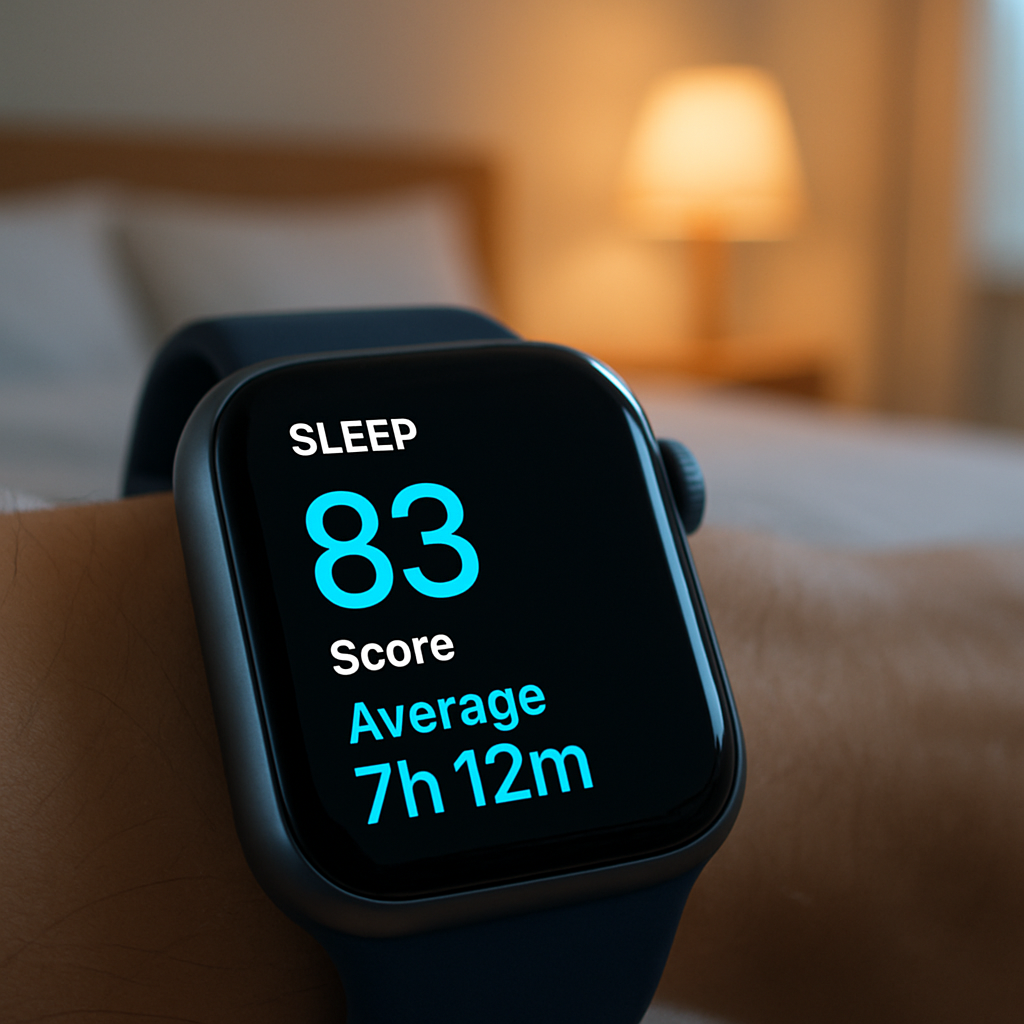
Apple Watch’s sleep tracking feature has evolved significantly with the introduction of the sleep score in watchOS 26. This feature provides users with a quantifiable measure of their sleep quality, offering insights into their nightly rest patterns.
One of the standout enhancements in this update is the ability to customize sleep score notifications based on specific ranges. The sleep score is categorized into five classifications:
- Very Low: 0-40
- Low: 41-60
- OK: 61-80
- High: 81-95
- Very High: 96+
Users can now choose to receive notifications for particular categories, allowing them to focus on areas that need attention. For instance, if a user consistently achieves ‘High’ or ‘Very High’ scores, they might opt to receive alerts only when their score falls into the ‘OK,’ ‘Low,’ or ‘Very Low’ categories. This selective notification system helps users identify and address potential sleep issues promptly.
To adjust these settings:
- On iPhone: Open the Watch app, navigate to the Sleep section, and tap on Sleep Score Notifications to select desired alert ranges.
- On Apple Watch: Access the Settings app, scroll to the Sleep section, and tap on Sleep Score Notifications to make your selections.
The sleep score is calculated based on three primary factors: sleep duration (50 points), bedtime consistency (30 points), and interruptions (20 points). This comprehensive approach ensures a holistic assessment of sleep quality.
It’s important to note that the sleep score feature is available on devices running watchOS 26, including Apple Watch Series 6 and later, Apple Watch Ultra and later, and Apple Watch SE 2 and later.
By leveraging these customizable notifications, users can gain more meaningful insights into their sleep patterns, enabling them to make informed decisions to enhance their overall well-being.