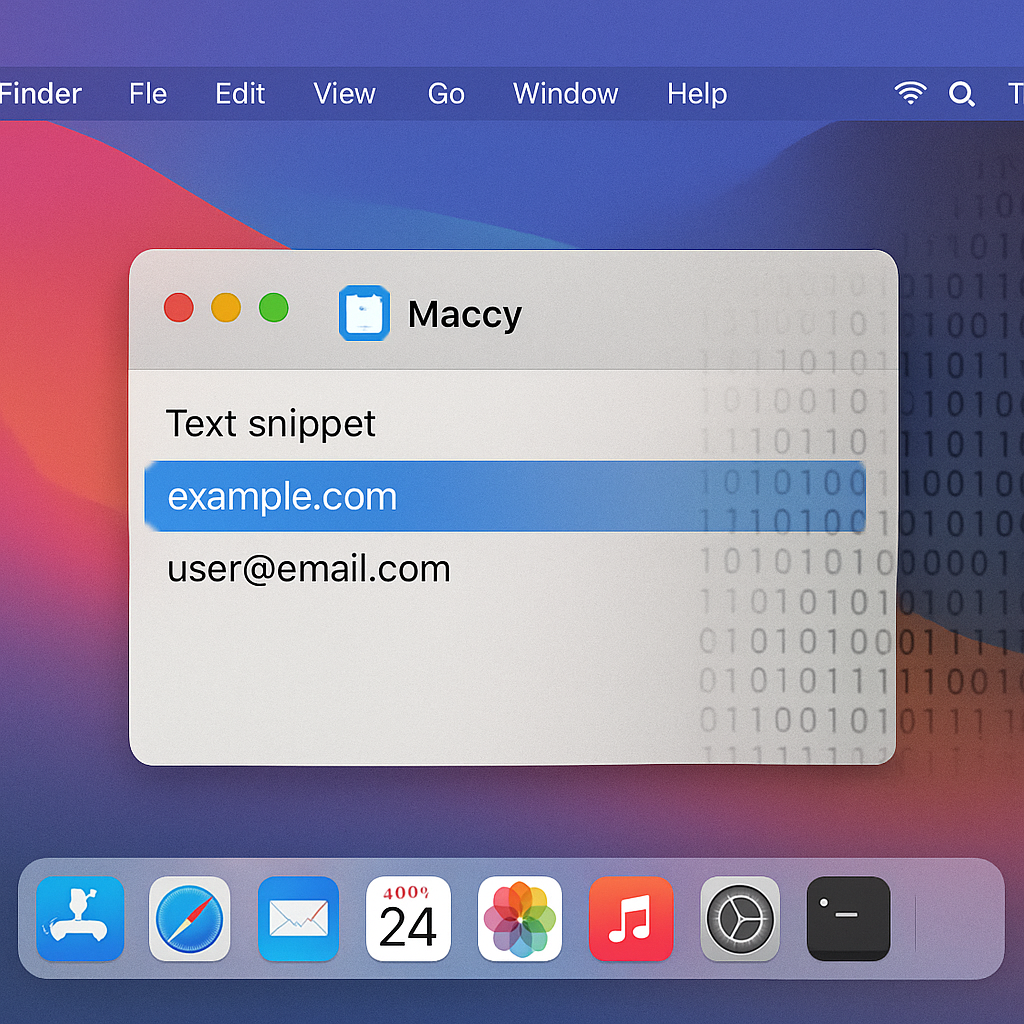
A newly identified macOS malware, dubbed PamStealer, has been discovered impersonating the legitimate open-source clipboard manager “Maccy” to covertly harvest sensitive user data. This sophisticated infostealer employs a two-stage infection process designed to evade detection and blend seamlessly into macOS environments.
Infection Mechanism and Evasion Tactics
The attack initiates with a malicious disk image file named “Maccy.dmg,” containing a compiled AppleScript file (.scpt). Upon opening, users are presented with innocuous instructions prompting them to press “Run,” a social engineering tactic that triggers the hidden malicious code embedded within the script.
In its first stage, the AppleScript functions as a lightweight dropper. Utilizing native macOS APIs like NSURLSession, it executes a JavaScript for Automation (JXA) payload to download and install a second-stage payload, often masquerading as legitimate macOS components such as Finder or Software Update. This approach minimizes visible system activity, reducing the likelihood of raising suspicion.
PamStealer incorporates environment-aware checks before execution. It generates a unique key based on system attributes like CPU architecture, locale, and time zone. If the device doesn’t match the expected profile, the malware silently exits. Additionally, it avoids systems in specific regions, including Russia and neighboring countries, by checking language settings and keyboard layouts.
Data Harvesting Capabilities
The second stage involves a Rust-based Mach-O binary, a relatively uncommon choice in macOS malware. This infostealer performs various malicious activities, including credential theft, clipboard monitoring, and data exfiltration. It accesses browser databases using SQLite to extract stored passwords, cookies, and wallet data. Moreover, it dynamically loads macOS Security frameworks to access Keychain data without exposing its capabilities during static analysis.
Notably, PamStealer employs a deceptive password harvesting technique. It displays a fake system prompt requesting the user’s password and validates the input locally using macOS Pluggable Authentication Modules (PAM). This method ensures only correct credentials are captured, avoiding suspicious system calls and reducing detection opportunities.
Additionally, the malware continuously monitors clipboard data using the built-in pbpaste utility, collecting contents at irregular intervals. This allows it to capture sensitive information such as passwords, tokens, or cryptocurrency addresses.
Persistence Mechanisms
To maintain persistence, PamStealer registers itself as a login item using both modern and legacy macOS APIs. It also drops a helper binary disguised as “System Settings” to reinforce its foothold within the system.
The emergence of PamStealer underscores the evolving threat landscape targeting macOS users. As attackers develop more sophisticated methods to infiltrate systems, it’s crucial for users to exercise caution when downloading and installing software, even from seemingly legitimate sources. Regularly updating security software and staying informed about emerging threats can help mitigate the risk of such infections.