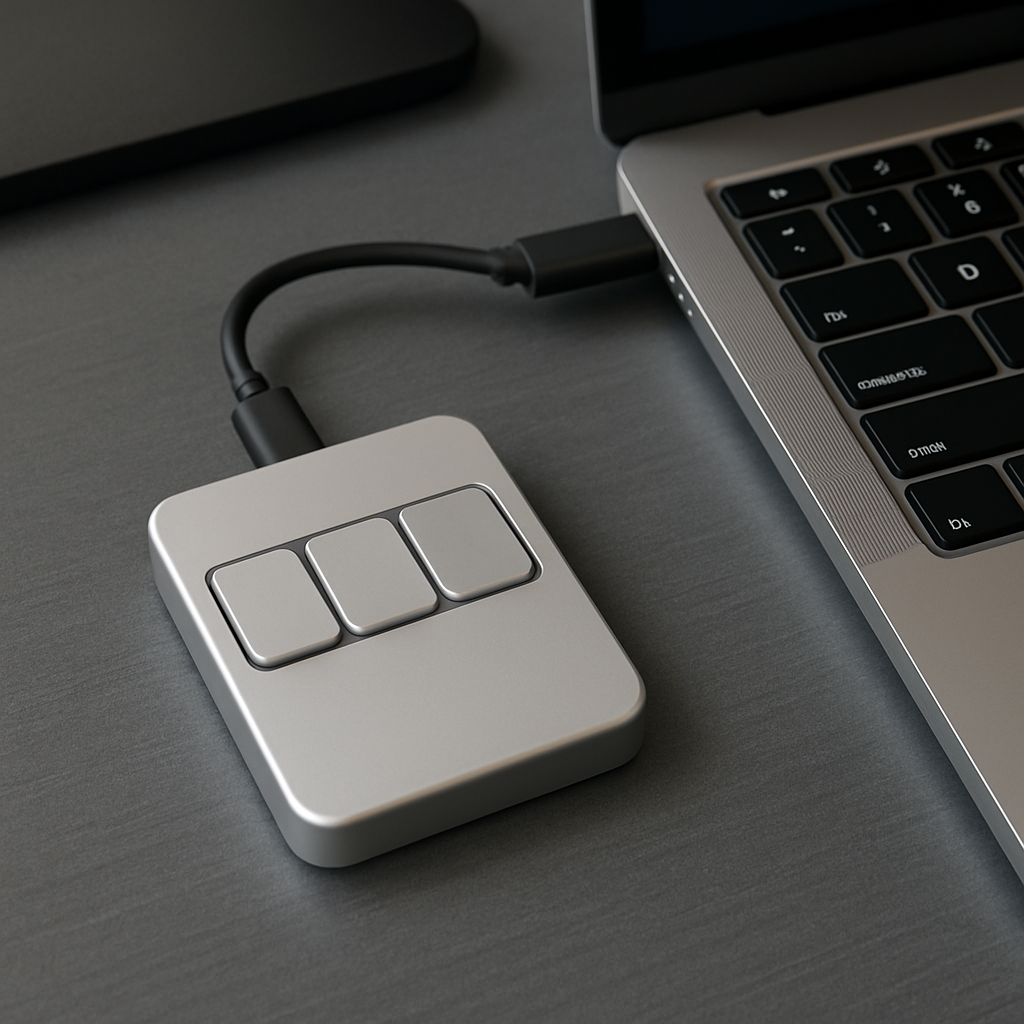
Managing various applications during meetings can be cumbersome, especially when each platform has its own set of shortcuts for muting microphones or turning off cameras. Enter the Dune keypad by Project Mirage, a compact three-key device designed to simplify these interactions for MacBook users.
Priced at $119, the Dune keypad is crafted from aluminum and is roughly the size of a stick of gum. It connects directly to a MacBook’s USB-C port, drawing power without the need for an external battery or charger. Each unit is tailored to fit specific MacBook models, ensuring a seamless integration with no gaps. For users with occupied ports, the device can also be connected via a dongle.
The Dune’s three buttons are context-sensitive, adapting their functions based on the active application. For instance, during virtual meetings, the keys can be set to toggle the microphone, control the camera, or bring the meeting window to the forefront. In spreadsheet applications like Excel or Google Sheets, they can handle commands such as copy, paste, and undo. Web browsing can be enhanced with shortcuts for refreshing pages, navigating to the URL bar, or pasting content. Developers can utilize the device in coding environments like VS Code or GitHub to manage tasks such as merging, approving, or closing pull requests.
Accompanying the hardware is a companion application that allows users to configure shortcuts either system-wide or specific to individual applications. Within this app, users can assign Dune keys to keyboard shortcuts, commands, or links that open specific apps or URLs. Additionally, the app integrates with the user’s calendar, providing timely reminders for upcoming meetings and offering quick actions like joining the meeting, dismissing the reminder, or sending a notification about running late.
For those seeking deeper customization, the Dune app supports the creation and execution of Python scripts. Users without coding experience can leverage the integration with Claude Desktop, where they can describe desired shortcuts in plain language, and Claude will generate and assign the appropriate script to a key.
While the Dune keypad offers a sleek design and intuitive functionality, some users have noted that the keys may have less resistance than expected, leading to accidental presses. This sensitivity can result in unintended actions, such as unmuting during a meeting or turning off the camera when reaching for nearby items.
Currently, the Dune keypad is compatible with MacBook models featuring the M2 Air or later and M1 Pro or later processors, running macOS 15 Sequoia or newer versions.
The introduction of the Dune keypad highlights a growing trend towards hardware solutions that enhance productivity by simplifying user interactions across various applications. As remote work and virtual meetings remain prevalent, devices like Dune can play a pivotal role in streamlining workflows and reducing the cognitive load associated with managing multiple platforms. However, potential users should consider the device’s sensitivity and ensure it aligns with their personal preferences and work habits.