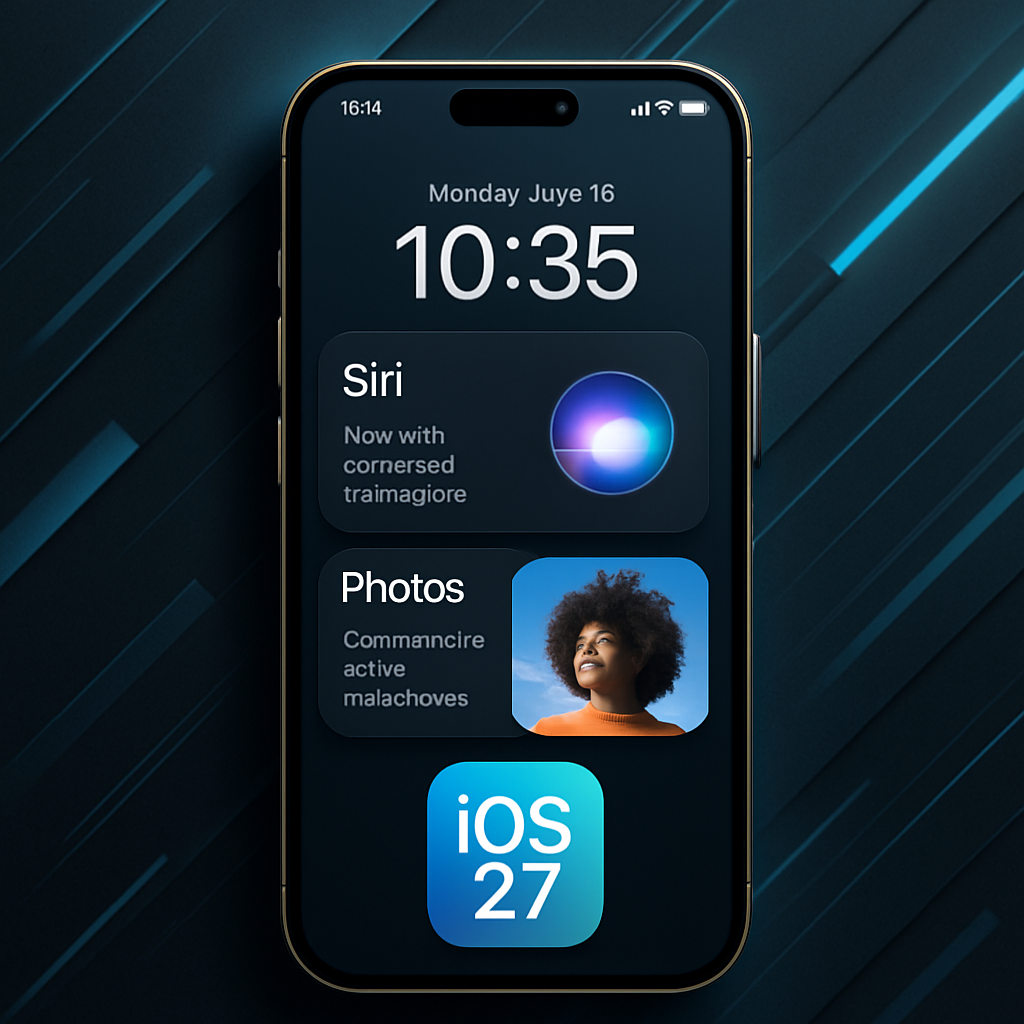
Apple’s upcoming iOS 27 update, slated for release in September, brings a host of new features designed to enhance the iPhone experience. While the spotlight is on the revamped, context-aware Siri, the update offers several other noteworthy additions.
Enhanced Photo and Lock Screen Customization
The new wallpaper extension feature utilizes Apple Intelligence to seamlessly expand photos beyond their original boundaries, ensuring they fit the Lock Screen perfectly. This eliminates the need for aggressive cropping, as the system generates matching background details to fill any empty spaces. This functionality is also available within the Photos app.
Improved Safari Tab Management
Safari now automatically organizes open tabs into related topics using Apple Intelligence. For instance, if you’re researching a new refrigerator while planning a vacation, Safari groups tabs for each activity into separate collections, simplifying navigation and management. To enable this feature, open Tab View, tap the three-line icon in the top-right corner, and activate “Automatically Create Topics.”
Natural Language Input for Reminders and Calendar
The Reminders app now supports natural language input, allowing users to create reminders by typing phrases like “Pick up Dad at 6 p.m. tonight.” The app intelligently extracts relevant details such as date, time, and location. Similarly, the Calendar app identifies people, dates, and locations as you type, offering quick suggestions to streamline event creation.
Inline Replies to Android Messages
In the Messages app, users can now long-press on a specific message from an Android user (green chat bubble) to send an inline reply. This feature enhances conversation organization and clarity, bridging the gap between iOS and Android messaging experiences.
Upgraded Wallet Passes
The Wallet app introduces a redesigned pass experience, extending the enhanced design previously available for airline boarding passes to membership, gift, loyalty, and rewards cards. The new layout includes a background image, logo, customizable fields, main information, and an optional barcode. Passes can also feature quick actions like getting directions or checking reward balances.
Natural Language Shortcuts Creation
Apple Intelligence simplifies the creation of shortcuts by allowing users to build them using natural language. This makes automation more accessible, enabling users to describe tasks they want to automate without delving into complex configurations.
AI-Enhanced Flyover in Apple Maps
Apple Maps’ Flyover feature receives a significant upgrade with AI-powered enhancements, offering more realistic aerial imagery in select cities. Trees, buildings, and landmarks appear with improved geometry and lighting effects, providing a more lifelike viewing experience.
Siri-Powered Camera Mode
The Camera app introduces a new “Siri” mode that leverages Visual Intelligence to identify objects in the frame and provide information about them. This mode can recognize plants, animals, food, and more, offering details such as calorie counts for food items. It can also assist with tasks like adding event dates from flyers to the Calendar app and translating text.
Compact Lock Screen Clock
A new compact clock mode is available as a Lock Screen layout option, moving the time from its traditional large, centered position to a smaller format alongside the date and widgets at the top of the screen. This option provides a cleaner Lock Screen look, showcasing wallpapers more fully.
Image Playground Enhancements
Apple’s Image Playground app receives a major update, powered by a new generative model running on Private Cloud Compute. It can now produce high-quality images in various styles, including photo-realistic outputs. All generated images carry a hidden SynthID watermark to identify them as AI-generated. The app also supports photo-based editing in addition to creation.
Adjustable Liquid Glass Opacity
Users can now adjust the translucency of Liquid Glass elements through a new slider under Settings ➝ Appearance ➝ Liquid Glass. This allows for customization of the UI’s transparency, catering to individual preferences for background visibility and text legibility.
Customizable Photo Slideshows
The Photos app now allows users to create slideshows from any album, collection, or selection of photos, rather than being limited to Memories. Slideshows can be customized with different transition styles, slide durations, and background music, and then saved as a video or shared directly to social media.
These enhancements in iOS 27 demonstrate Apple’s commitment to integrating advanced AI capabilities and user-centric design improvements, aiming to provide a more intuitive and personalized iPhone experience.