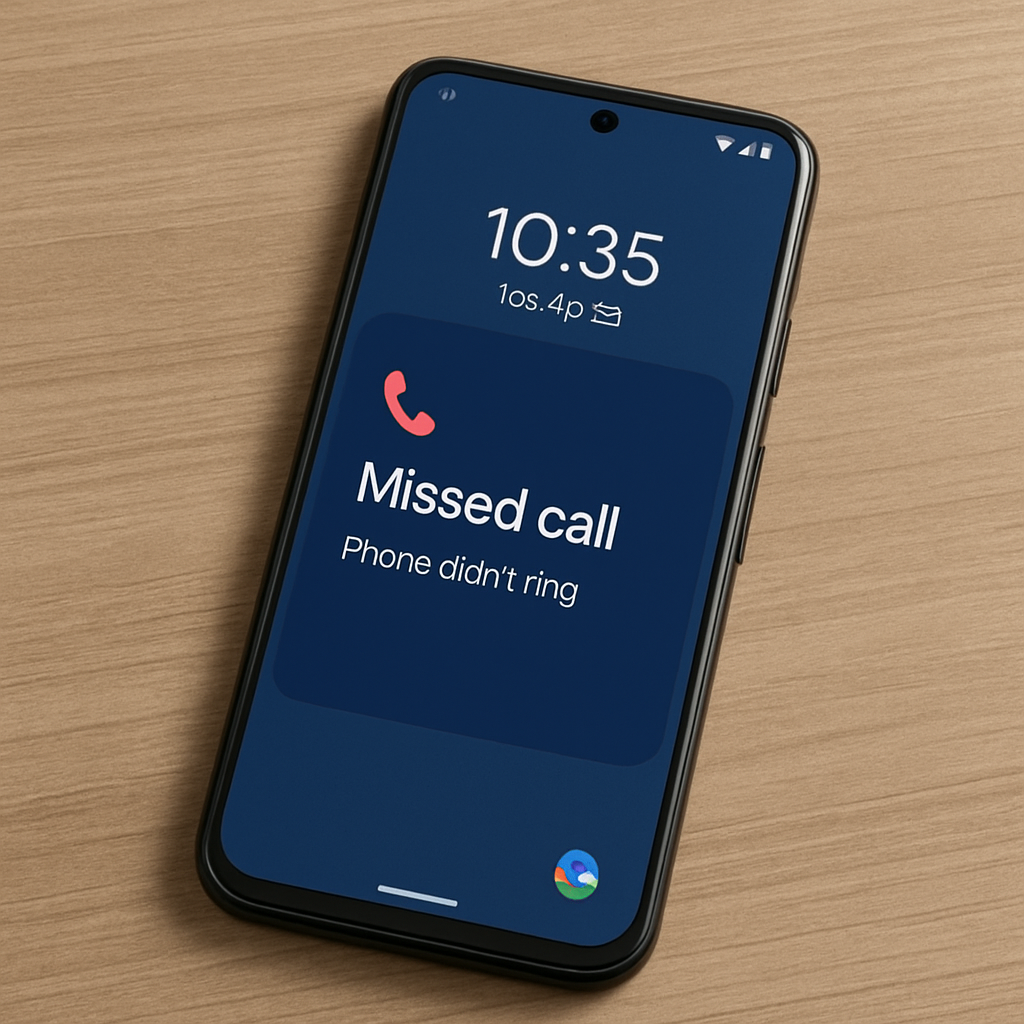
A growing number of Google Pixel owners have reported a troubling issue: their phones are failing to ring for incoming calls, leading to missed communications. Users across various platforms, including Reddit and Google’s issue tracker, have described scenarios where they receive notifications of missed calls without ever hearing the phone ring or feeling a vibration. ([9to5google.com](https://9to5google.com/2026/07/01/some-google-pixel-owners-are-missing-calls-because-their-phone-never-rang/?utm_source=openai))
This problem appears to affect multiple Pixel models and spans different Android versions. While many reports come from devices running Android 17, some users on earlier versions have also experienced the issue. The inconsistency suggests that the problem may not be tied to a specific software update. ([9to5google.com](https://9to5google.com/2026/07/01/some-google-pixel-owners-are-missing-calls-because-their-phone-never-rang/?utm_source=openai))
Several users have attempted various troubleshooting steps with mixed results. Some have found temporary relief by resetting mobile network settings through the device’s system settings, followed by a reboot. Others have adjusted settings within the Google Phone app, such as modifying incoming call notifications and the ring vibration slider, which in some cases has resolved the issue. ([androidauthority.com](https://www.androidauthority.com/google-pixel-phones-not-vibrating-3668247/?utm_source=openai))
This isn’t the first time Pixel devices have faced such challenges. In 2022, Pixel 6 users reported a bug where incoming calls from contacts were automatically declined without any notification. The recurrence of similar issues raises concerns about the reliability of basic phone functionalities on Pixel devices. ([phonearena.com](https://www.phonearena.com/news/pixel-6-bug-declines-calls-from-contacts_id139665?utm_source=openai))
For those currently experiencing this problem, it’s advisable to check the following:
- Ensure that ‘Do Not Disturb’ mode is turned off. ([support.google.com](https://support.google.com/pixelphone/answer/12206413?hl=en&utm_source=openai))
- Verify that the ringer volume is set appropriately.
- Review and adjust notification settings within the Phone app.
- Consider resetting mobile network settings and restarting the device.
As of now, Google has not released an official statement addressing this issue. Users are encouraged to report their experiences through official channels to aid in diagnosing and resolving the problem.
The recurrence of such fundamental issues in Pixel devices underscores the importance of robust quality assurance processes. While Pixel phones are renowned for their integration with Google’s ecosystem and timely software updates, ensuring the reliability of core functionalities like call reception is paramount. Users will be looking to Google for prompt and effective solutions to restore confidence in their devices.