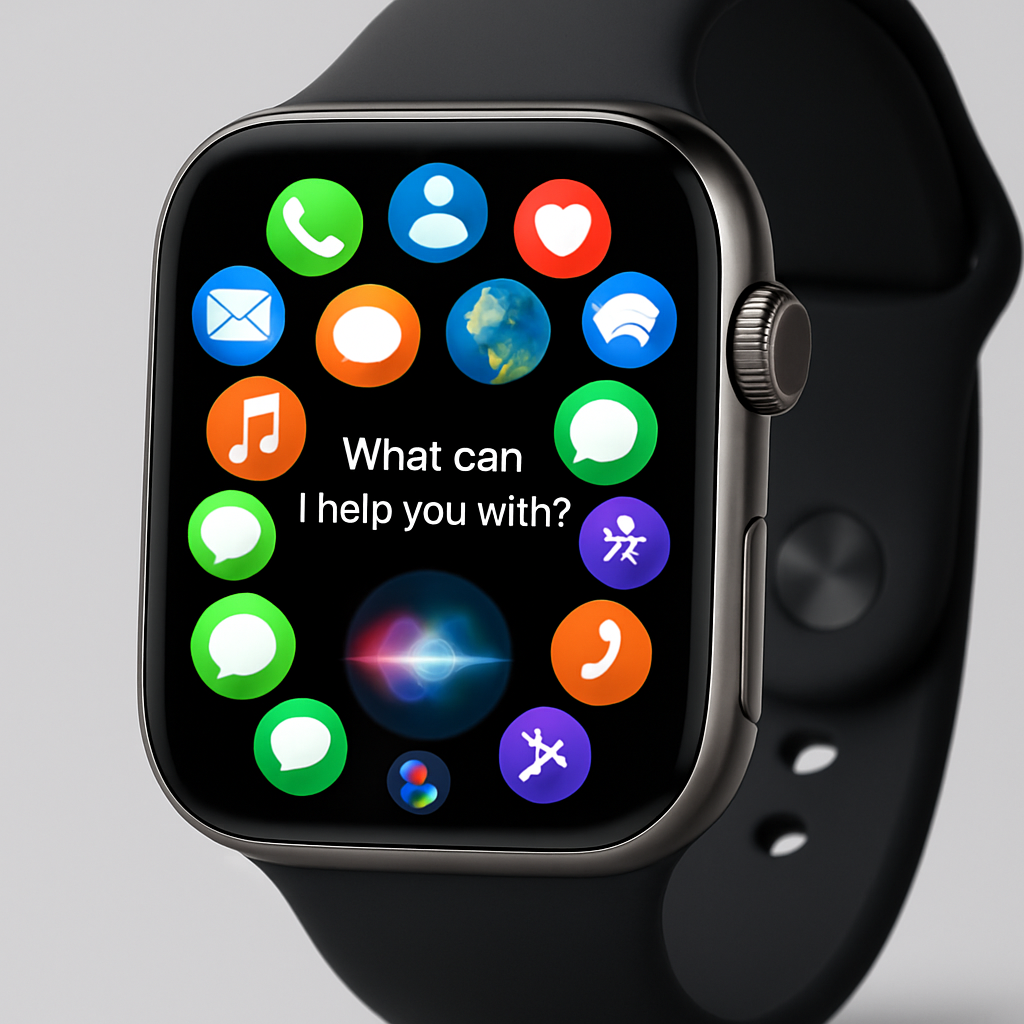
Apple’s upcoming watchOS 27 introduces several enhancements aimed at improving user experience and functionality on the Apple Watch. A notable addition is the integration of Siri AI, bringing advanced voice assistant capabilities directly to the wrist. This feature allows users to engage in more natural conversations with Siri, access personal data, perform web searches, and execute tasks within apps. However, to utilize Siri AI on the Apple Watch, a paired iPhone 15 Pro or later is required, as the processing relies on the connected device.
The app navigation experience has been refined with a new dynamic app grid. By pressing the Digital Crown, users are presented with a selection of Siri-suggested apps, including the most frequently and recently used ones, with Siri itself prominently displayed. This design aims to streamline access to essential applications. Additionally, the Liquid Glass interface has been updated to offer better contrast and more uniform refraction, enhancing readability.
Fitness enthusiasts will appreciate the improvements to Workout Buddy, which now functions independently of the iPhone. The app introduces new metrics that track progressive increases in distance, pace, and duration, providing users with more detailed insights into their workouts. Cycle Tracking has also been enhanced to recognize and notify users about menopause and perimenopause stages, offering more comprehensive health monitoring. Furthermore, treadmill readings have been made more accurate, ensuring reliable indoor workout data.
Interacting with the Apple Watch becomes more intuitive with the introduction of a new tap gesture. Users can now select a widget in the Smart Stack by tapping their index finger and thumb together, facilitating one-handed operation. The Smart Stack itself has been expanded to include suggested widgets for locating a parked car, accessing Siri, viewing pinned messages, managing transit cards, receiving noise notifications, and getting birthday reminders, among others.
Communication features have also seen enhancements. During phone calls, the Apple Watch can display relevant information, such as flight confirmation numbers when speaking with an airline. Custom passes created in the Wallet app on the iPhone now sync seamlessly with the Apple Watch, allowing for easy access to various cards and passes. Additionally, a unified Find My app consolidates the tracking of devices, items, and people into a single interface, supporting Precision Finding for locating an iPhone, AirPods Pro 3, or AirTag 2.
Under-the-hood improvements in watchOS 27 contribute to longer battery life. Apple has optimized the system by disabling less frequently used features like certain gestures, Start Workout reminders, and Raise to Speak, thereby conserving energy without compromising essential functionalities.
In summary, watchOS 27 brings a suite of thoughtful enhancements that refine the Apple Watch experience. From advanced voice interactions with Siri AI to improved fitness tracking and intuitive navigation, these updates cater to a wide range of user needs. As the Apple Watch continues to evolve, such innovations underscore Apple’s commitment to delivering a more personalized and efficient wearable experience.