Microsoft’s June 2026 Patch Tuesday update, KB5094126, intended to enhance Windows 11 versions 24H2 and 25H2, has led to significant issues for users. Released on June 9, 2026, this cumulative update aimed to deliver critical security patches and quality improvements, including support for Bluetooth LE Audio and enhancements to Windows Hello authentication. However, numerous reports have emerged detailing severe problems following its installation.
Users have encountered complete system freezes occurring within minutes of booting up after applying the update. In some instances, the freezes happen so rapidly that standard uninstallation methods via Settings are unfeasible, necessitating recovery through the Windows Recovery Environment (WinRE). Alarmingly, recovery attempts have sometimes resulted in further complications, such as alterations to the Windows edition label and the disappearance of the taskbar clock, ultimately requiring a full operating system reinstallation.
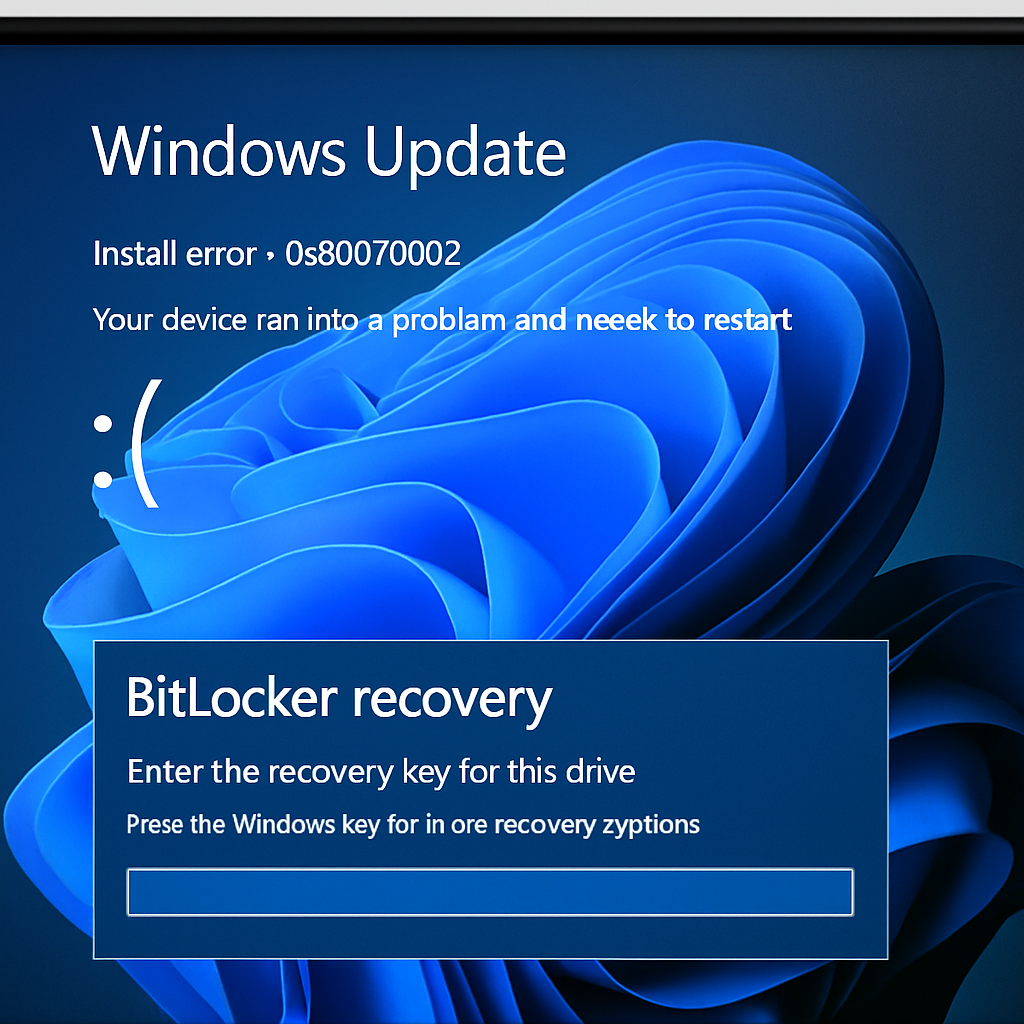
Another critical issue involves devices being forced into BitLocker Recovery mode upon reboot, even on systems where BitLocker and Device Encryption were explicitly disabled. This problem is particularly acute for corporate deployments using standard local accounts without Microsoft Account linking, as there is no automatic recovery key backup in these configurations. Without a saved BitLocker recovery key, affected users are left with no option but to perform a complete OS wipe and reinstall, leading to significant business downtime.
Additionally, the update disrupts OneDrive folder browsing within Windows File Explorer on domain-joined PCs. While the OneDrive shortcut remains visible in the File Explorer sidebar, clicking it yields blank results. Temporary workarounds, such as accessing OneDrive via the system tray icon or moving the device to an Organizational Unit (OU) that blocks Group Policy, are not practical for non-technical users. The root cause appears to be related to disabled User Account Control (UAC) combined with local administrator privileges, which interferes with OneDrive’s Explorer shell integration.
Some users have also reported that the update breaks local area network (LAN) access entirely, though internet connectivity remains unaffected. Attempts to block the update using tools like `wushowhide.diagcab` or by pausing updates in Settings have proven ineffective, with the update reinstalling itself automatically overnight.
HP devices, including models such as the 840 G10, 460 G11, and Engage One Pro 15.6 G2 AiO, are experiencing additional issues. These devices are encountering Blue Screen of Death (BSOD) errors with the code 0xc0430001, linked to EFI system partition (ESP) space constraints. The ESP on these devices is 100MB, whereas the recommended size is 500MB, leading to conflicts with Secure Boot configurations.
Given the severity and breadth of these issues, users are advised to exercise caution before installing KB5094126. Those who have already applied the update and are experiencing problems should consider rolling back to a previous system state or seeking assistance from IT professionals. Microsoft has yet to release an official statement addressing these concerns, but it is anticipated that a corrective update will be issued promptly to resolve these critical issues.
This situation underscores the importance of thorough testing and quality assurance in software updates, especially those affecting core system functionalities. Users and IT administrators should remain vigilant, monitor official channels for updates, and be prepared to implement workarounds or rollbacks as necessary to maintain system stability and security.