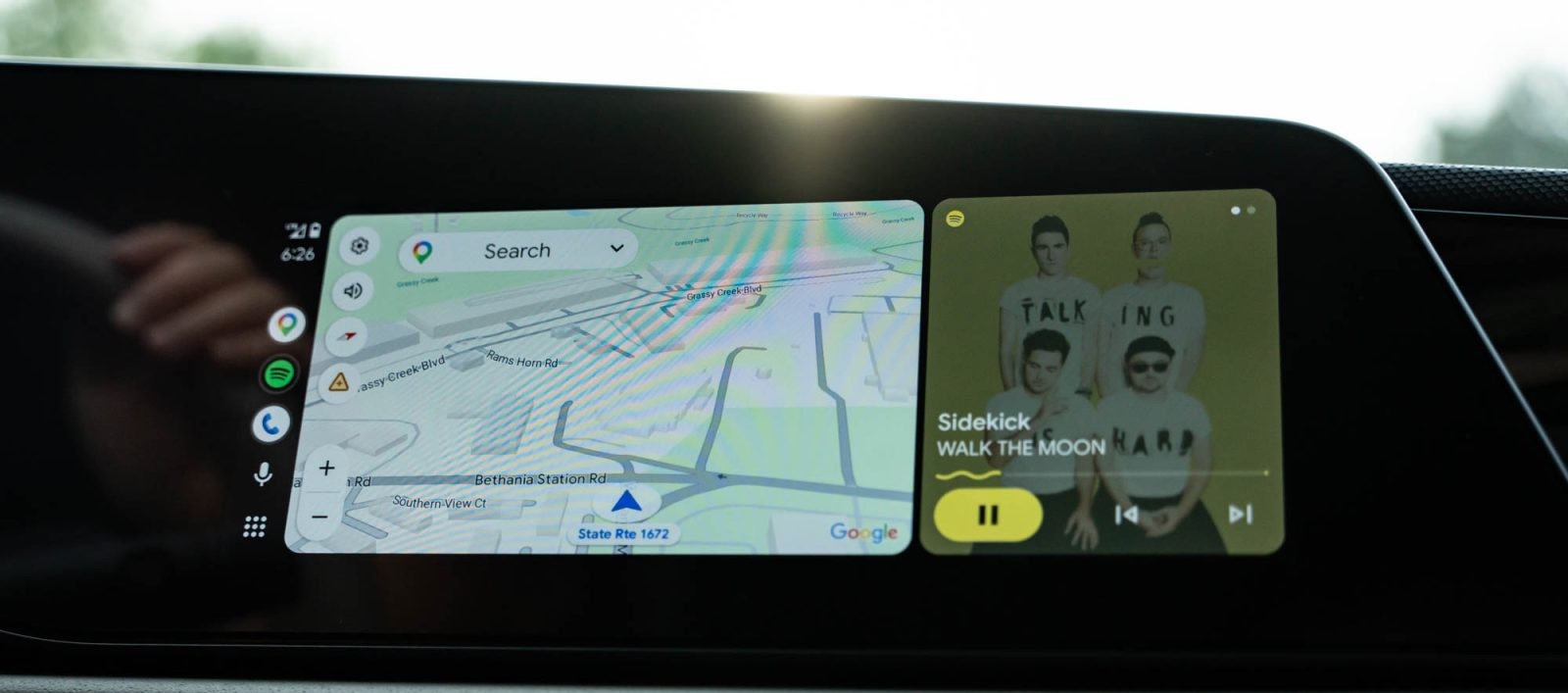
Adobe Acrobat’s ‘Read Aloud’ Feature Now Available on Android Auto
In a significant update, Adobe Acrobat has extended its functionality to Android Auto, introducing the ‘Read Aloud’ feature to drivers. This development, part of the latest app update (version 26.5.0.45958), allows users to listen to PDF content while on the move, enhancing productivity and accessibility during commutes.
Integration of Adobe Acrobat with Android Auto
Adobe Acrobat’s integration into Android Auto marks a notable expansion of in-car app capabilities. Traditionally, Android Auto has focused on navigation and music applications. The inclusion of a PDF reader, especially one equipped with a text-to-speech function, broadens the platform’s utility. This feature enables drivers to convert written documents into audio, facilitating the consumption of various materials such as e-books, work documents, and study materials without diverting attention from the road.
Functionality and User Experience
Upon updating to the latest version, users will notice Adobe Acrobat appearing in the Android Auto app drawer. Activating the ‘Read Aloud’ function is straightforward: select a PDF file, and the app will begin reading the text aloud. This process transforms the document into an audio stream, which is then played through the vehicle’s sound system. The interface is designed to be user-friendly, providing standard media controls for pausing, skipping, or stopping the audio playback.
Compatibility and Limitations
While the ‘Read Aloud’ feature offers substantial benefits, it is important to note that not all PDF files are compatible. The effectiveness of the text-to-speech function depends on the document’s formatting and content structure. Users may encounter instances where the feature does not perform as expected. Adobe is likely to address these limitations in future updates to enhance compatibility and user satisfaction.
Safety and Productivity Considerations
The introduction of this feature aligns with a growing trend to incorporate productivity tools into in-car systems. By enabling drivers to listen to documents, the feature supports multitasking in a manner that prioritizes safety. It allows for the consumption of information without the need for visual engagement, thereby reducing potential distractions. This development is particularly beneficial for professionals who wish to utilize their commute time effectively and for students who can review study materials while driving.
Broader Implications for In-Car Applications
Adobe Acrobat’s expansion into Android Auto reflects a broader movement towards diversifying the applications available in vehicle infotainment systems. This trend includes the addition of various productivity and communication tools, such as Google Meet, which was integrated into Android Auto in recent years. These enhancements aim to transform vehicles into more versatile environments, catering to the evolving needs of users who seek to maximize their time on the road.
Conclusion
The integration of Adobe Acrobat’s ‘Read Aloud’ feature into Android Auto represents a significant advancement in in-car technology. By enabling drivers to listen to PDF content, this feature enhances productivity and accessibility during commutes. While there are some limitations regarding document compatibility, the overall functionality offers a valuable tool for users seeking to make the most of their time behind the wheel. As in-car systems continue to evolve, the inclusion of such features underscores a commitment to providing diverse and practical applications that cater to the modern driver’s needs.